Use FlowStudio through Lares
Lares lets you request image and video generation in a conversation. Router connects the request to an available FlowStudio capability, and FlowStudio runs the generation workflow.
Prerequisites
- Olares OS 1.12.7 or later.
- FlowStudio, Router, and Lares installed from Market. Update existing installations to the latest available versions.
- Qwen3.8-27B (llama.cpp) installed, with the model download complete.
- Required FlowStudio scenes created, with model downloads and initialization complete. For setup instructions, see Generate images and videos in FlowStudio.
Important: Run one task at a time
When running Qwen3.8-27B (llama.cpp) on Olares One, we recommend running only one request at a time to ensure the best experience with the 102K context window and model precision.
Avoid running FlowStudio generation and Qwen3.8-27B chats at the same time
When using Qwen3.8-27B (llama.cpp) in Lares, wait for any image or video generation task started directly in FlowStudio to finish before sending a message. Running both at the same time can cause GPU memory conflicts and make the model unresponsive.
Get started
Open Lares, select Qwen3.8-27B (llama.cpp), and confirm the permission level.
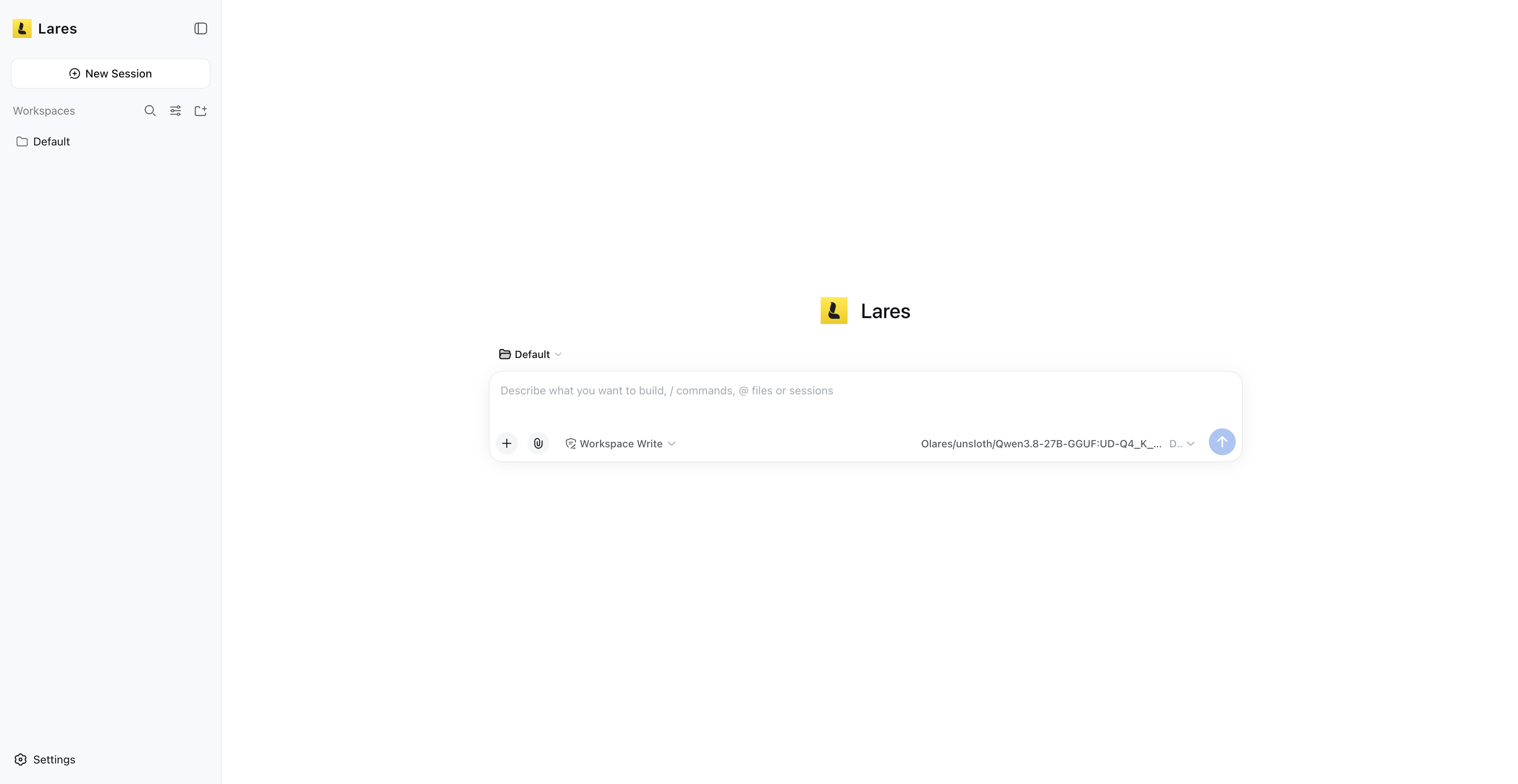
Ask Lares which image and video generation capabilities are available:
textWhat image and video generation capabilities are currently available through FlowStudio?Review the available capabilities, then describe what you want to create. To use a specific generation model, include its name in your prompt. Otherwise, let Lares choose based on your request and the available models.
Generate an image
Describe the image you want. This example specifies the generation model:
textUse Qwen-Image 2.1 NVFP4 · Text to Image to generate a 16:9 automotive poster. Show a red vintage coupe on a coastal road, with a seaside village and turquoise sea in the background. Use warm late-afternoon lighting and add the headline "TIMELESS DRIVE".Wait for generation to finish, then open the image to review the result.
Generate a video
Describe the scene, motion, and sound you want. This example lets Lares select an available generation model:
textGenerate a 5-second video at 480p. A red vintage coupe drives slowly along a coastal road at sunset. The camera tracks alongside it, keeping the whole car visible as its wheels turn. Add a gentle engine sound and soft instrumental music. No dialogue or text.Wait for generation to finish, then play the video to review the result.
Learn more
- FlowStudio: Understand how FlowStudio, Router, and Lares work together.
- Lares: Learn how to use Lares to manage Olares and run research tasks.
- Generate images and videos in FlowStudio: Use the scenes directly and prepare example media.