Create hand-drawn diagrams with Excalidraw
Excalidraw is an open-source virtual whiteboard that produces diagrams with a hand-drawn look. You can use it to sketch wireframes, draw flowcharts, map out system architectures, or create any freeform diagram directly on your Olares device.
The hand-drawn style keeps diagrams approachable. It helps teams focus on ideas instead of pixel-perfect polish. Because Excalidraw runs on Olares, your sketches stay on your own infrastructure.
This guide covers installing Excalidraw, using the canvas, importing libraries, and exporting your work.
Learning objectives
In this guide, you will learn how to:
- Install Excalidraw on Olares.
- Create and style shapes on the canvas.
- Import reusable elements from Excalidraw libraries.
- Save and export diagrams.
Prerequisites
- An Olares device that is set up and running.
Install Excalidraw
Open Market and search for "Excalidraw".
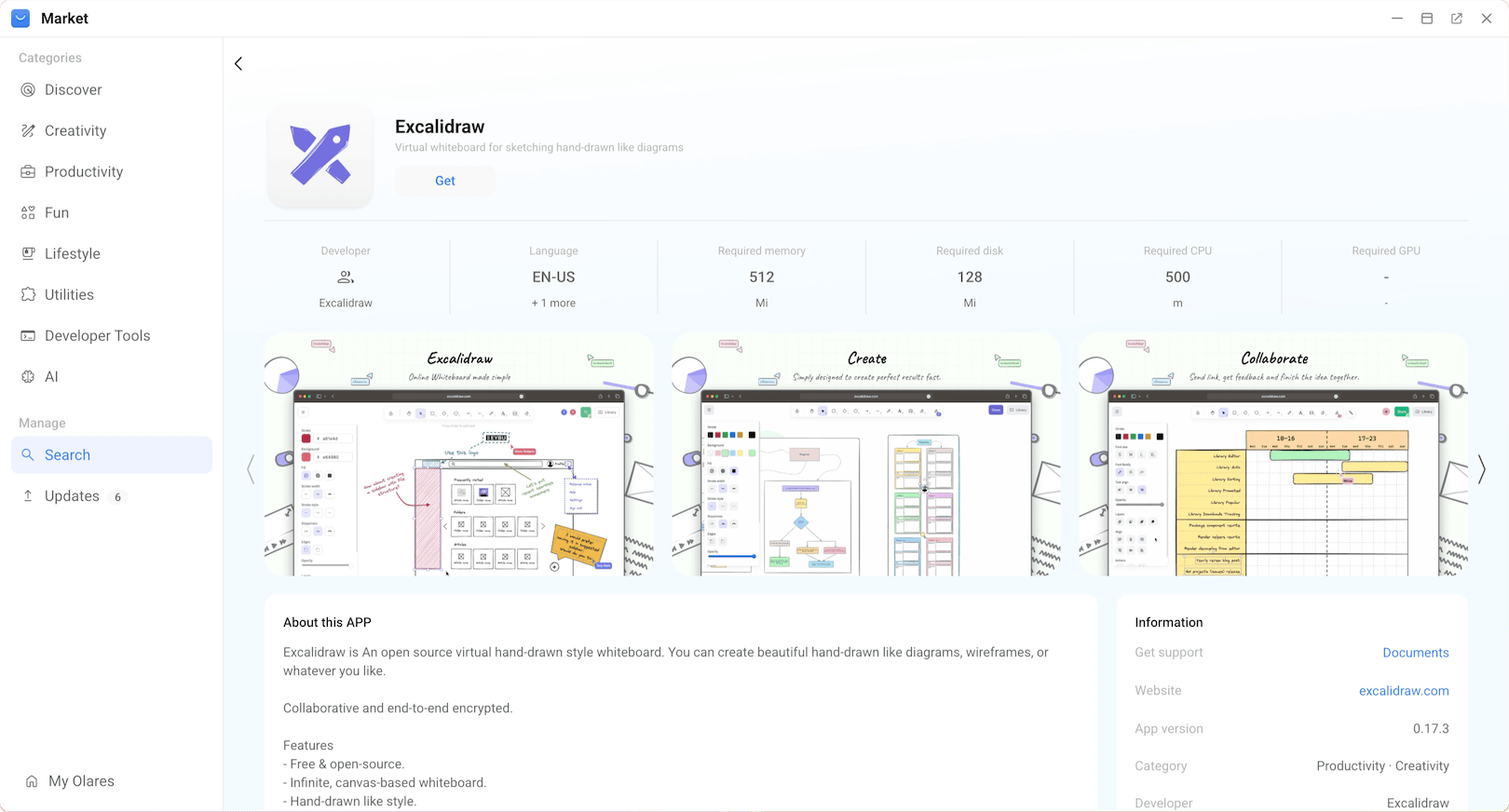
Click Get, then Install, and wait for installation to complete.
Open Excalidraw
Open Excalidraw from Launchpad.
The whiteboard canvas opens in your browser.
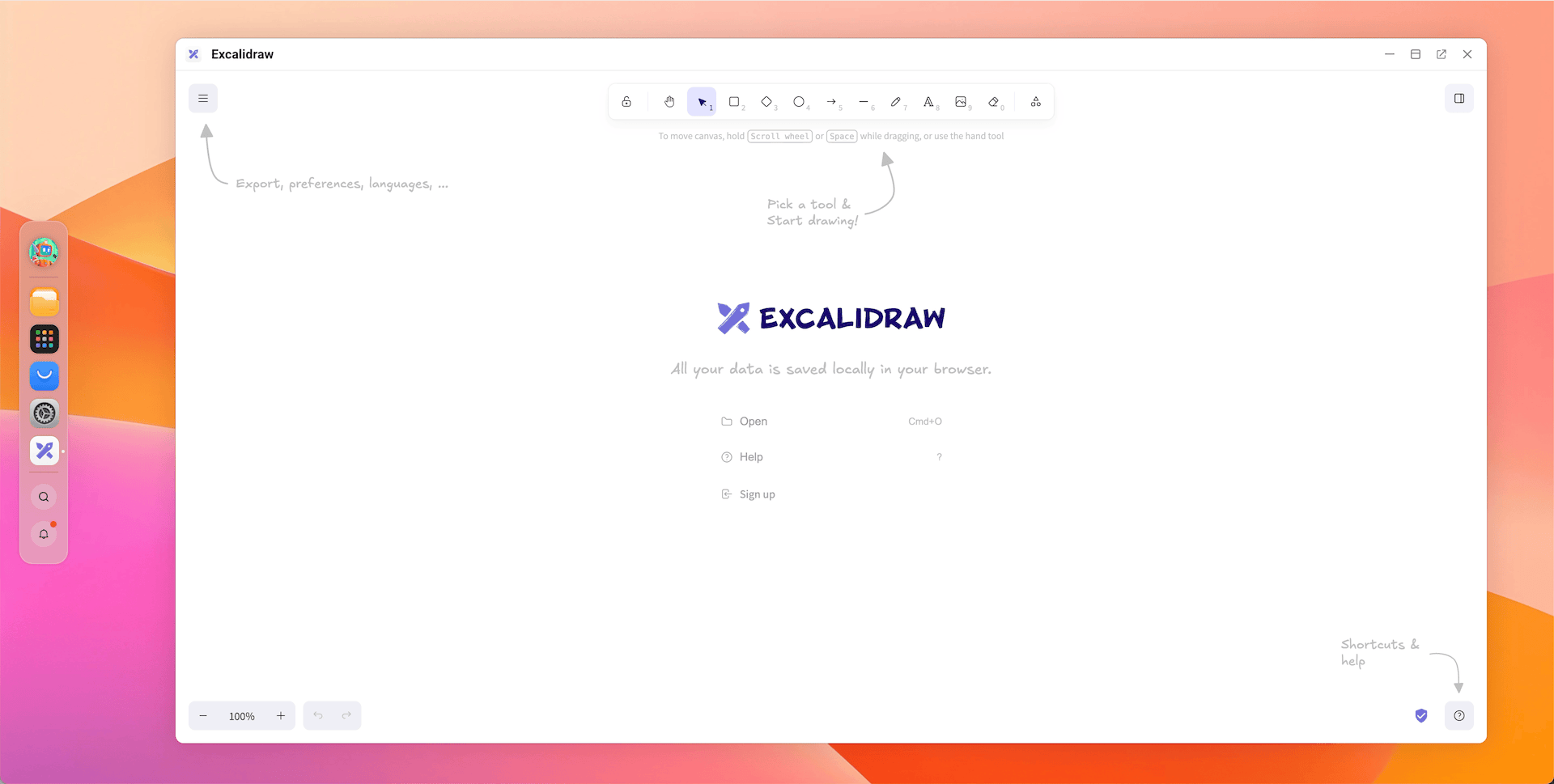
Click open_in_new to open Excalidraw in a new browser tab.
Create diagrams
Excalidraw provides a toolbar on the left side of the canvas. You can select tools, draw shapes, and add text.
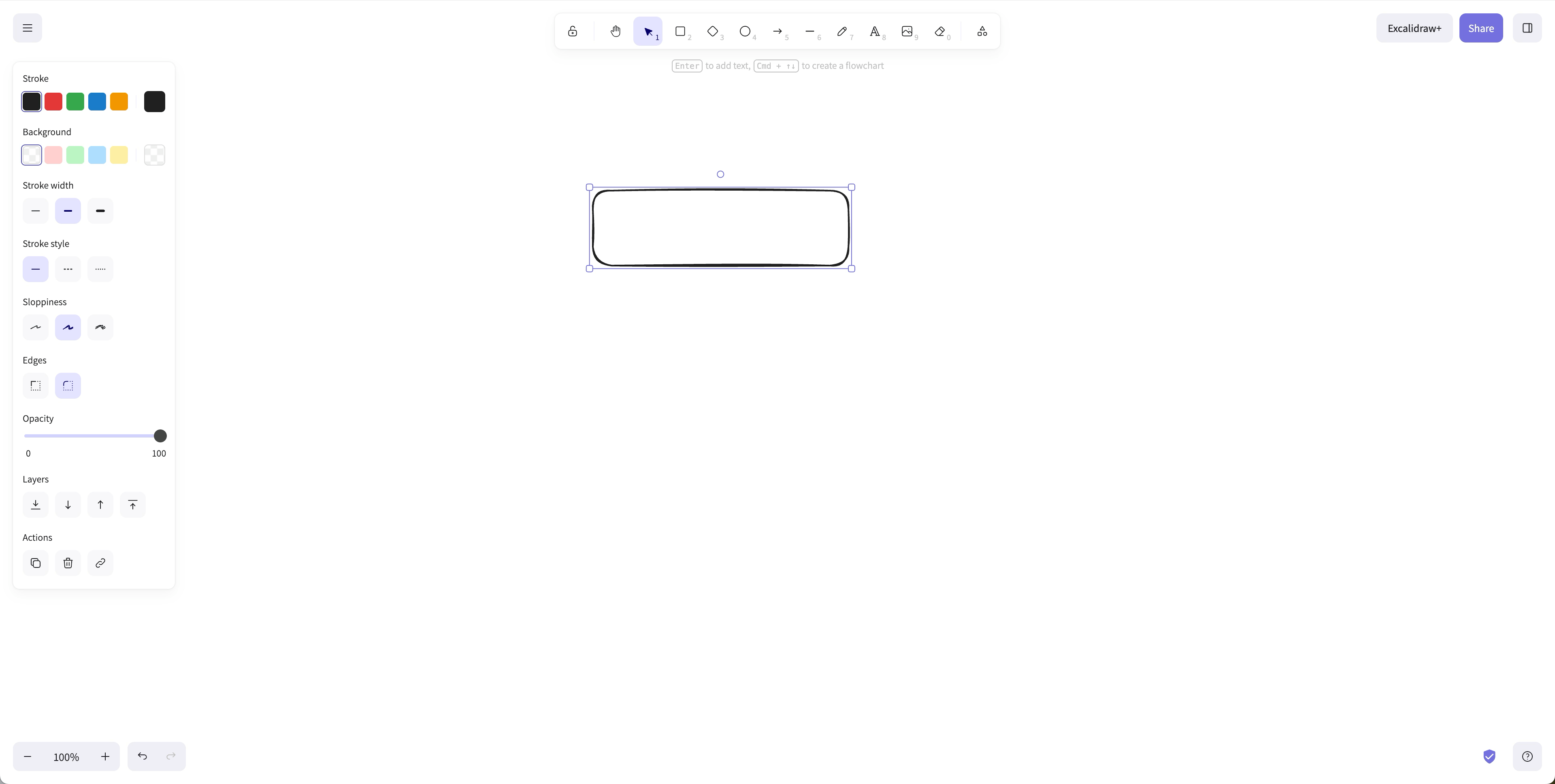
Select a shape tool from the toolbar. Options include rectangle, ellipse, diamond, arrow, line, and freehand draw.
Click and drag on the canvas to draw the shape.
Use the style panel to customize the selected shape:
- Stroke color: Change the outline color.
- Stroke width: Make the outline thicker or thinner.
- Stroke style: Use solid, dashed, or dotted lines.
- Background: Fill the shape with a color or pattern.
- Opacity: Adjust transparency.
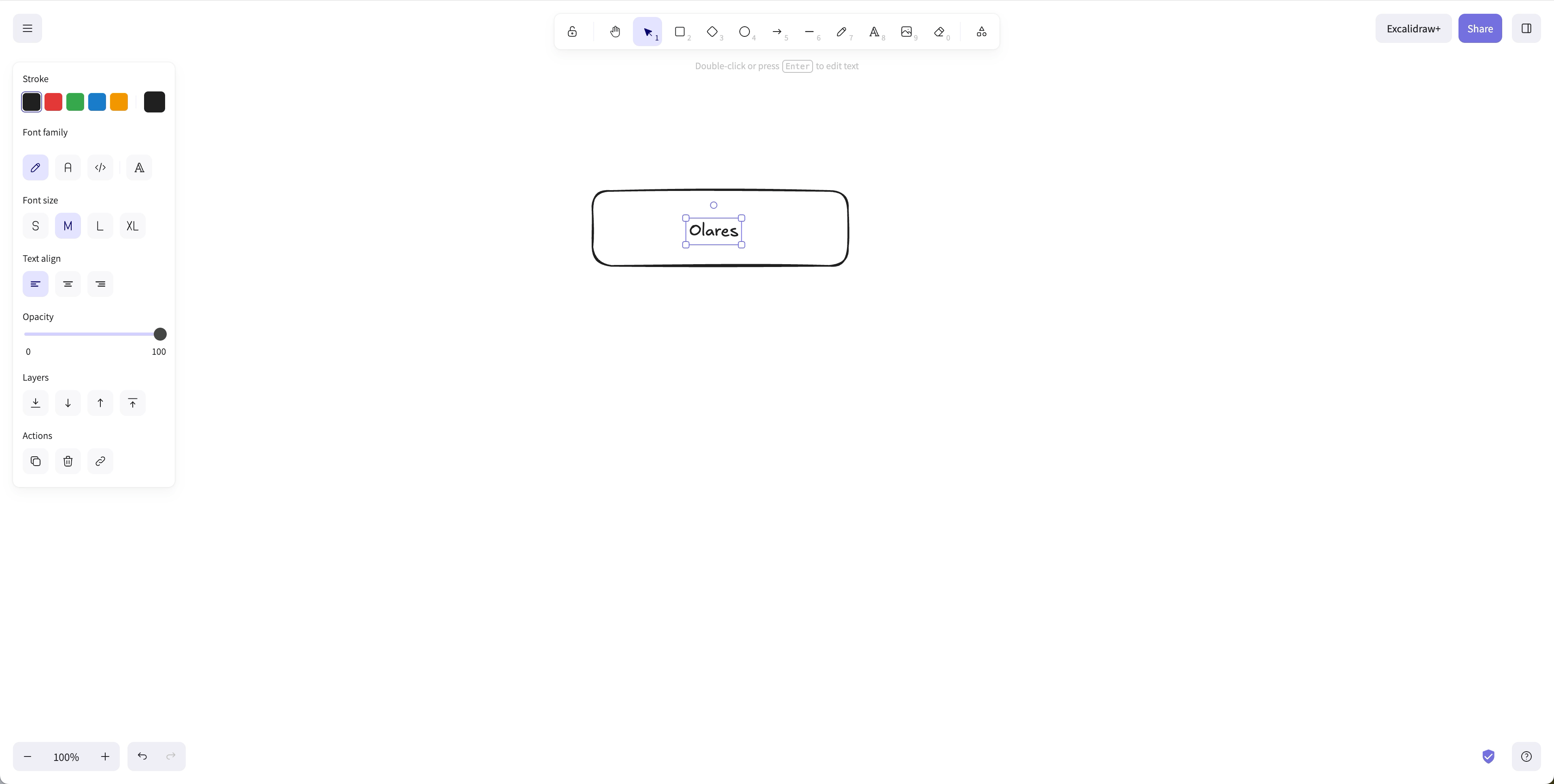
Select the text tool and click on the canvas to add labels.
Drag shapes to reposition them. Use the selection tool to resize or rotate objects.
TIP
Hold Shift while drawing to constrain rectangles to squares or ellipses to circles.
Use Excalidraw libraries
Excalidraw libraries are collections of reusable graphics. Instead of drawing common items like servers, databases, or user icons from scratch, you can import them.
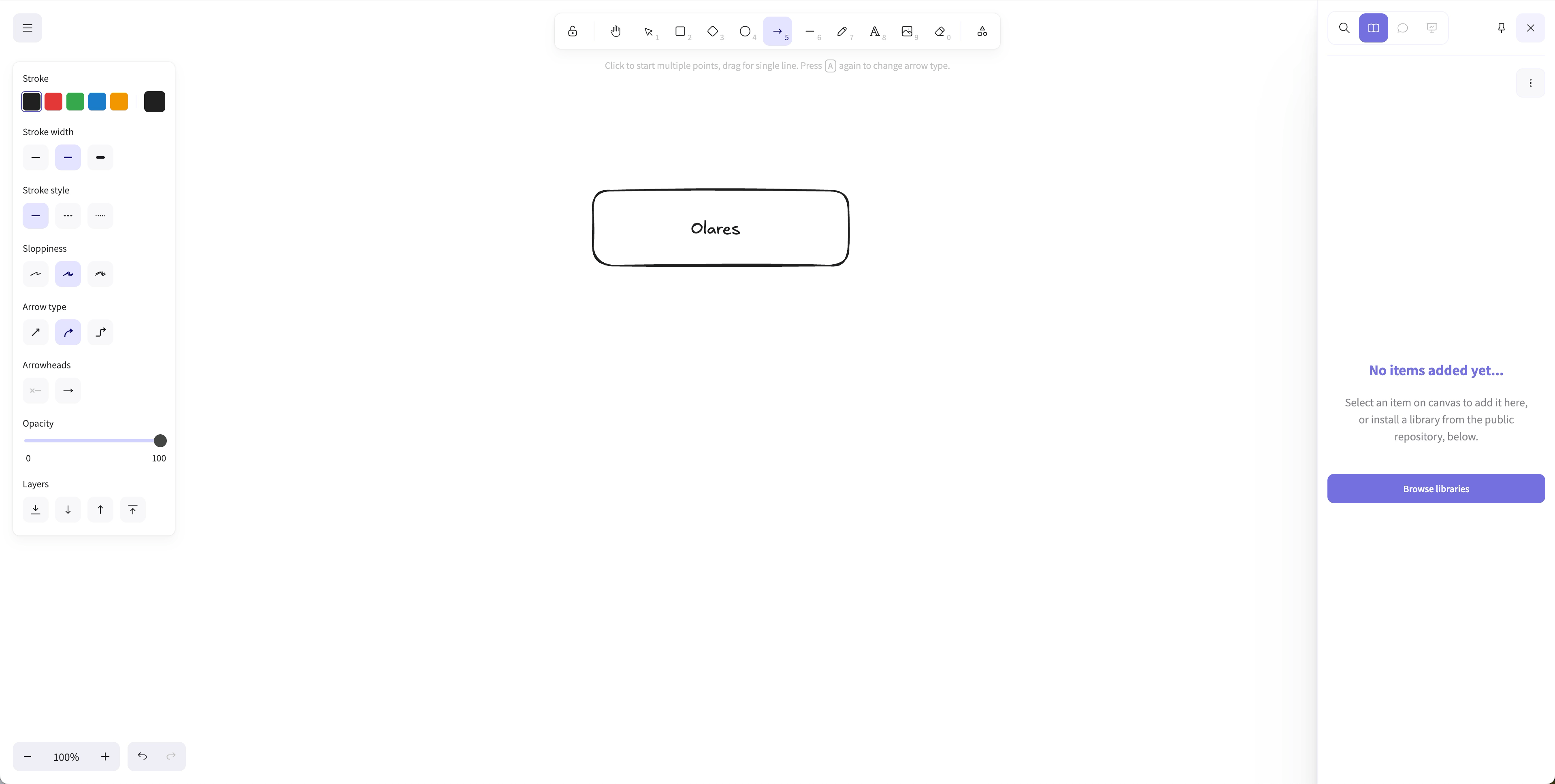
In the Excalidraw editor, click dock_to_left in the top-right corner to open the library sidebar.
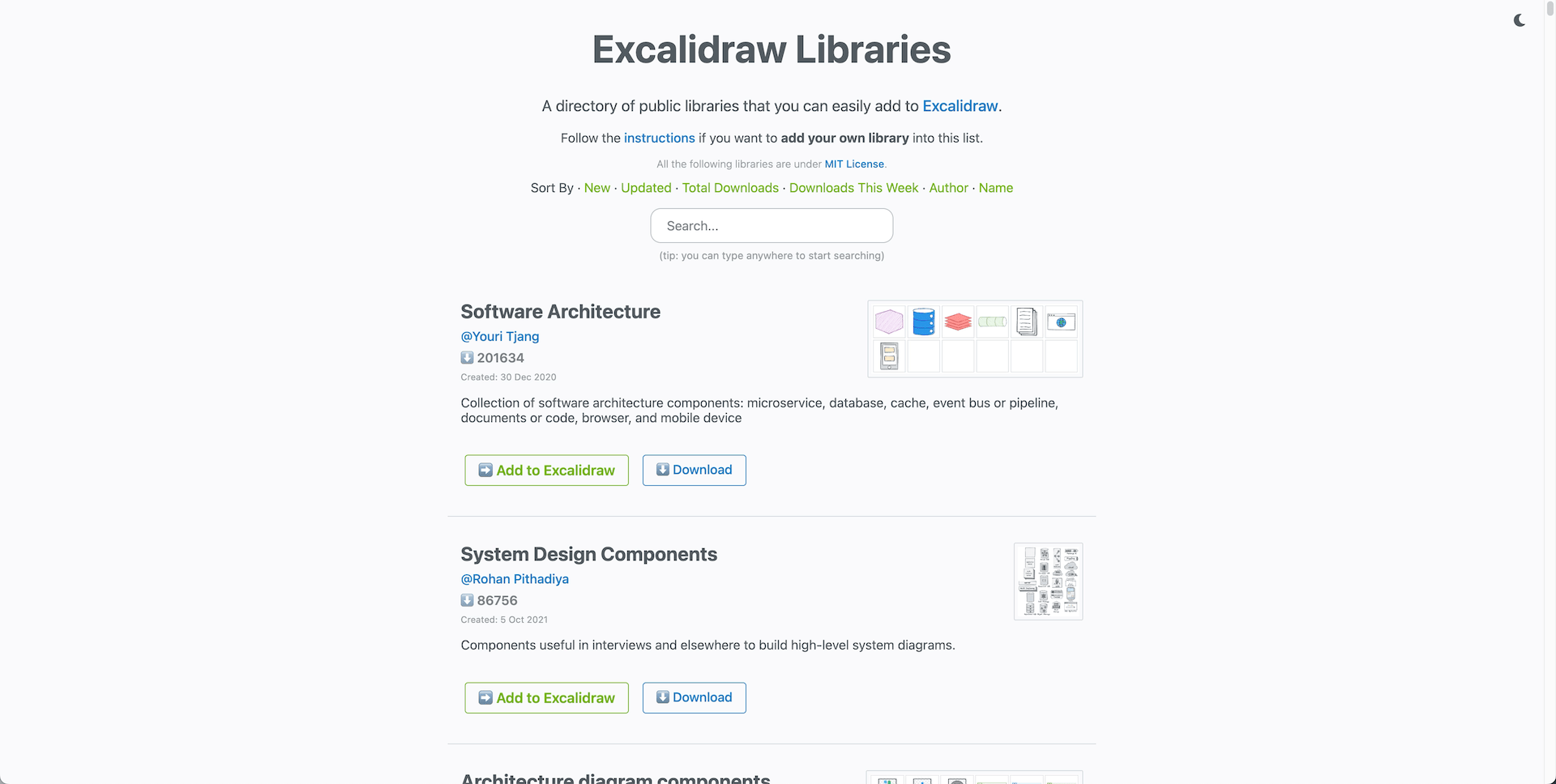
Click Browse libraries to open the official Excalidraw Libraries website.
Search for a library, then click Add to Excalidraw.
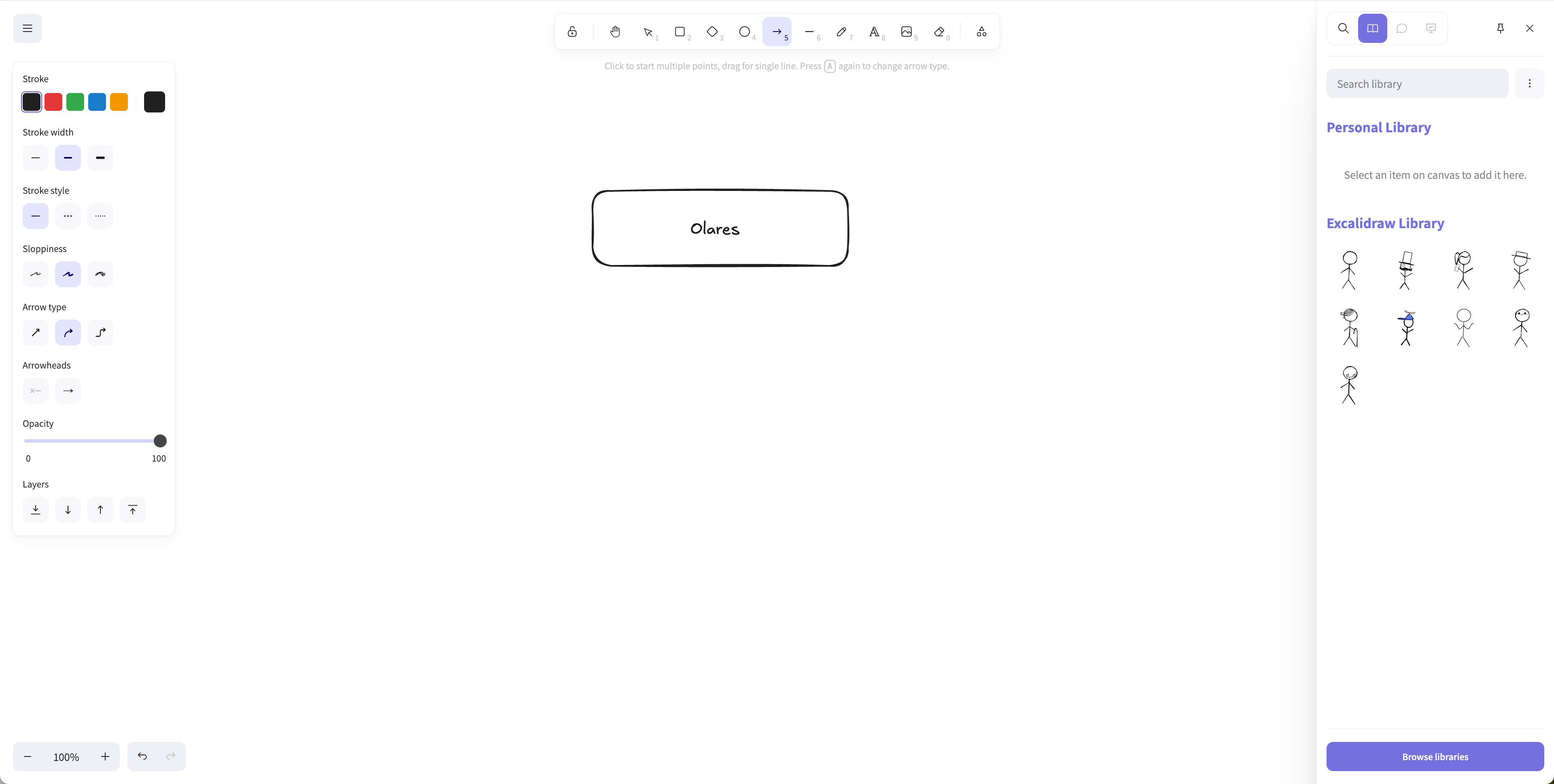
Return to the editor. The imported library appears in the sidebar. Drag any element onto your canvas.
TIP
Browse libraries for user-flow icons, cloud infrastructure symbols, or mobile device mockups to speed up wireframing.
Save and export your work
Excalidraw supports saving your canvas locally or exporting it as an image.
Save to disk
Click menu in the top-left corner.
Select Save to > Save to disk.
Choose a location and save the file as
.excalidraw.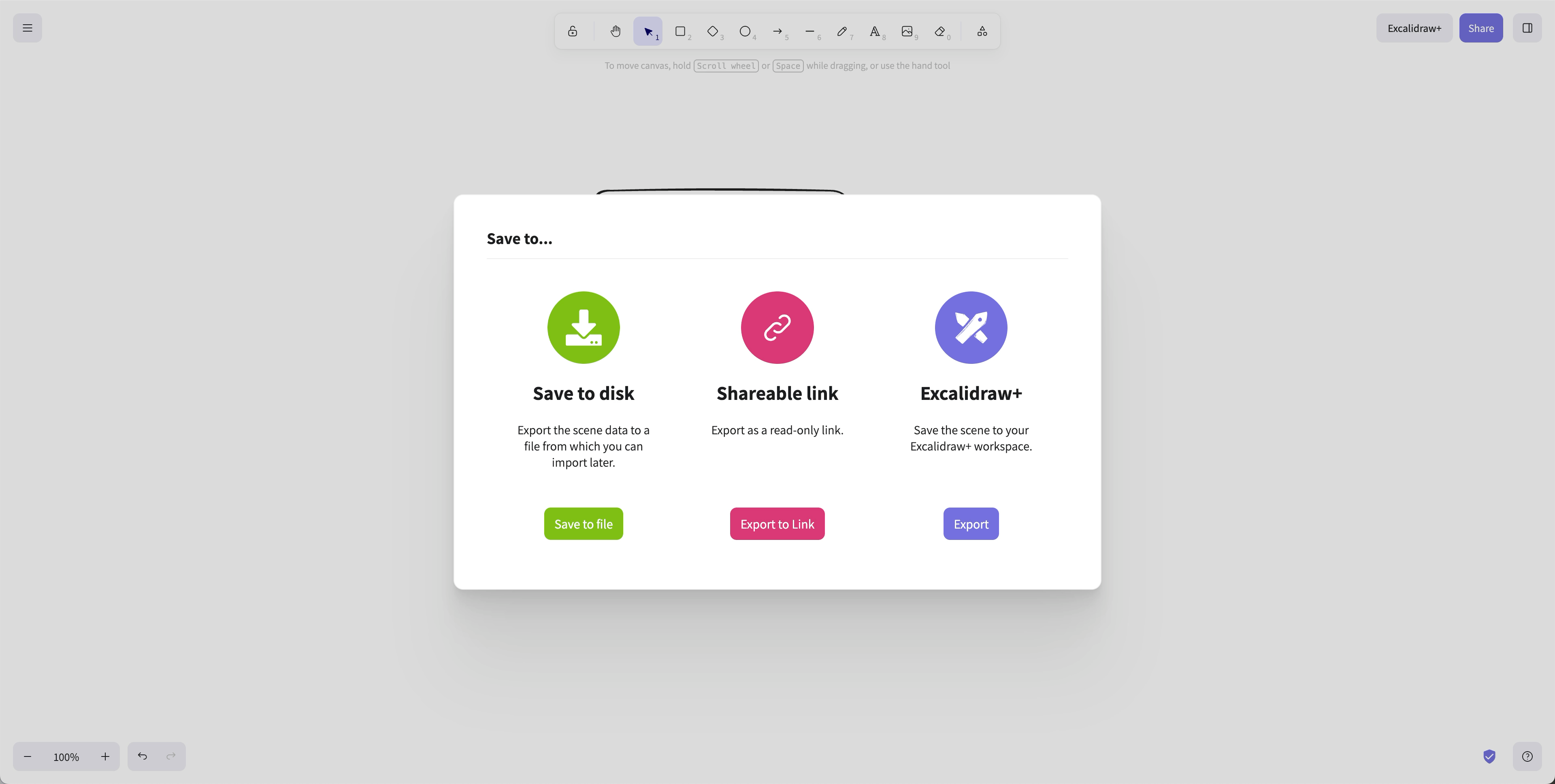
You can reopen .excalidraw files later by selecting Open from the same menu.
Export as image
Click menu in the top-left corner.
Select Export image.
Choose PNG, SVG, or copy the image to the clipboard.
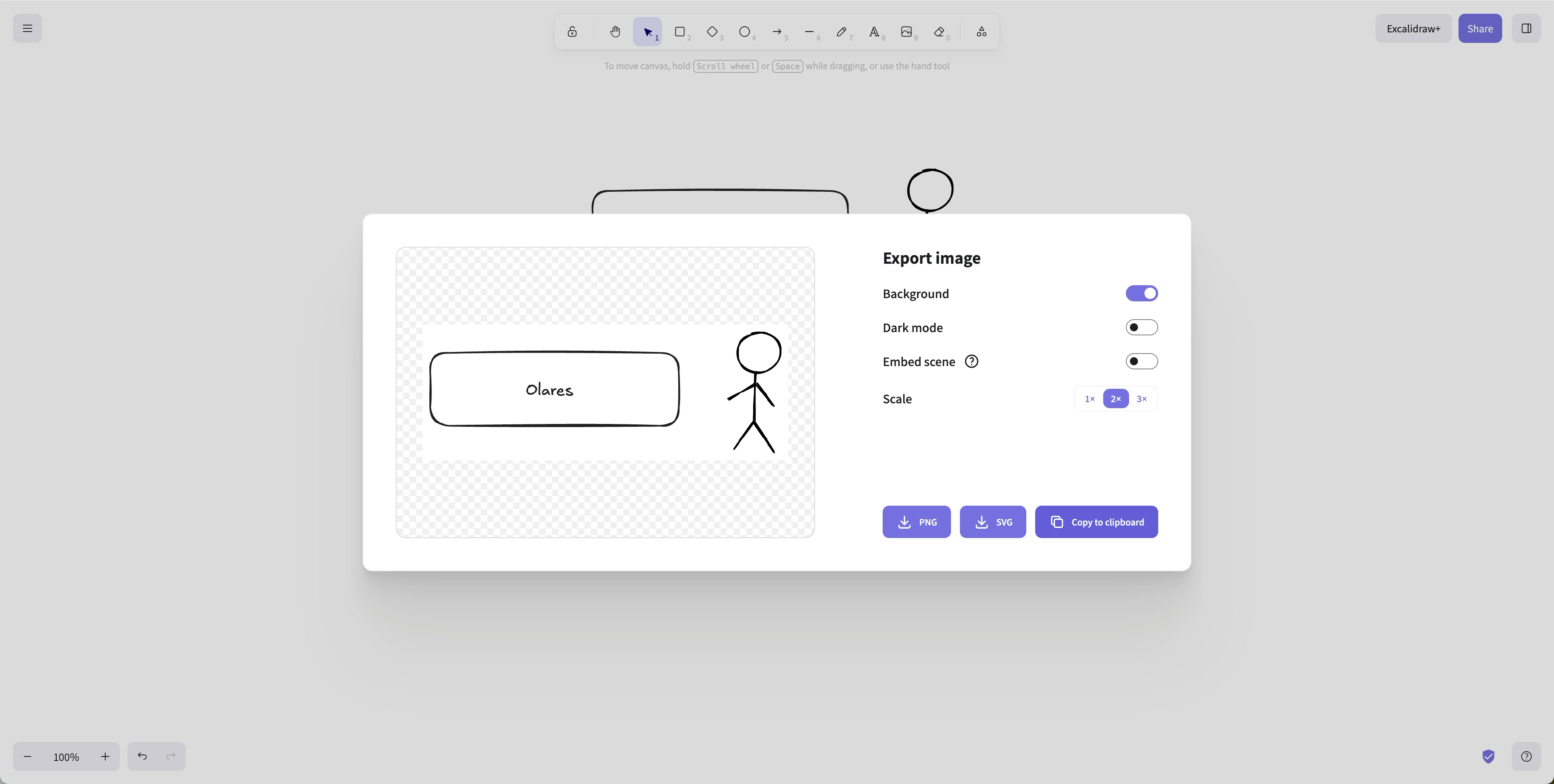
SVG exports keep your diagram sharp at any size. PNG exports are useful for sharing in documents or presentations.
Tips for clearer diagrams
Follow these practices to make your diagrams easier to read:
- Use consistent colors. Limit your palette to two or three colors plus black.
- Align objects. Enable the grid from the menu to snap shapes into place.
- Group related items. Select multiple shapes and group them so they move together.
- Label connectors. Add short text labels to arrows so the flow is obvious.
- Keep spacing even. Leave similar amounts of white space around related groups.
Known issues
Collaboration and sharing not supported
The self-hosted version of Excalidraw does not support real-time collaboration or sharing links. The official self-hosted image includes only the frontend client and cannot connect to Excalidraw's cloud backend for collaboration and link sharing. The Excalidraw team plans to provide a fully self-hostable backend in the future. For details, see excalidraw#1772 and excalidraw#8195.
Learn more
- Excalidraw documentation: Official Excalidraw docs and guides.
- Create research notebooks with Open Notebook: Organize research materials and notes on Olares.