Manage repositories and images
Use the Advanced page in Settings to manage software repository mirrors, inspect downloaded application and system images, and export system logs. To configure system-level environment variables, see Set system environment variables.
Manage repositories
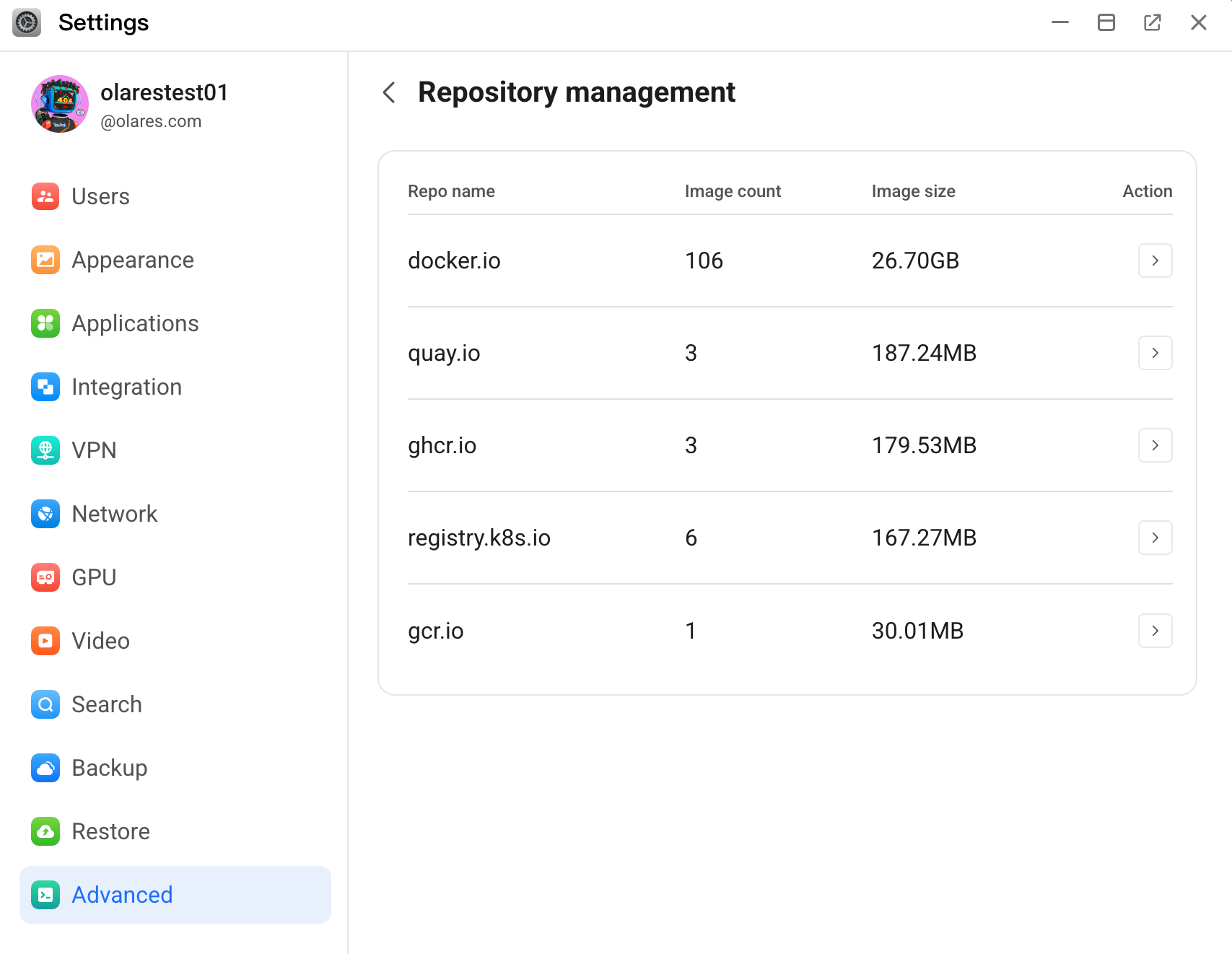
The Repository management page allows you to view the source repositories that Olares uses to download system images and software packages. You can also configure mirror endpoints to optimize download speeds and stability.
View repositories
Go to Settings > Advanced > Repository management.
In the repository list, you can view the name of the repository, number of related images, and image size for each repository.
Manage repository mirrors
Manage mirror endpoints for repositories to improve access speed and stability.
On the Repository management page, find the target repo, and then click chevron_forward in the Action column.
On the Mirror management page, you can perform the following actions:
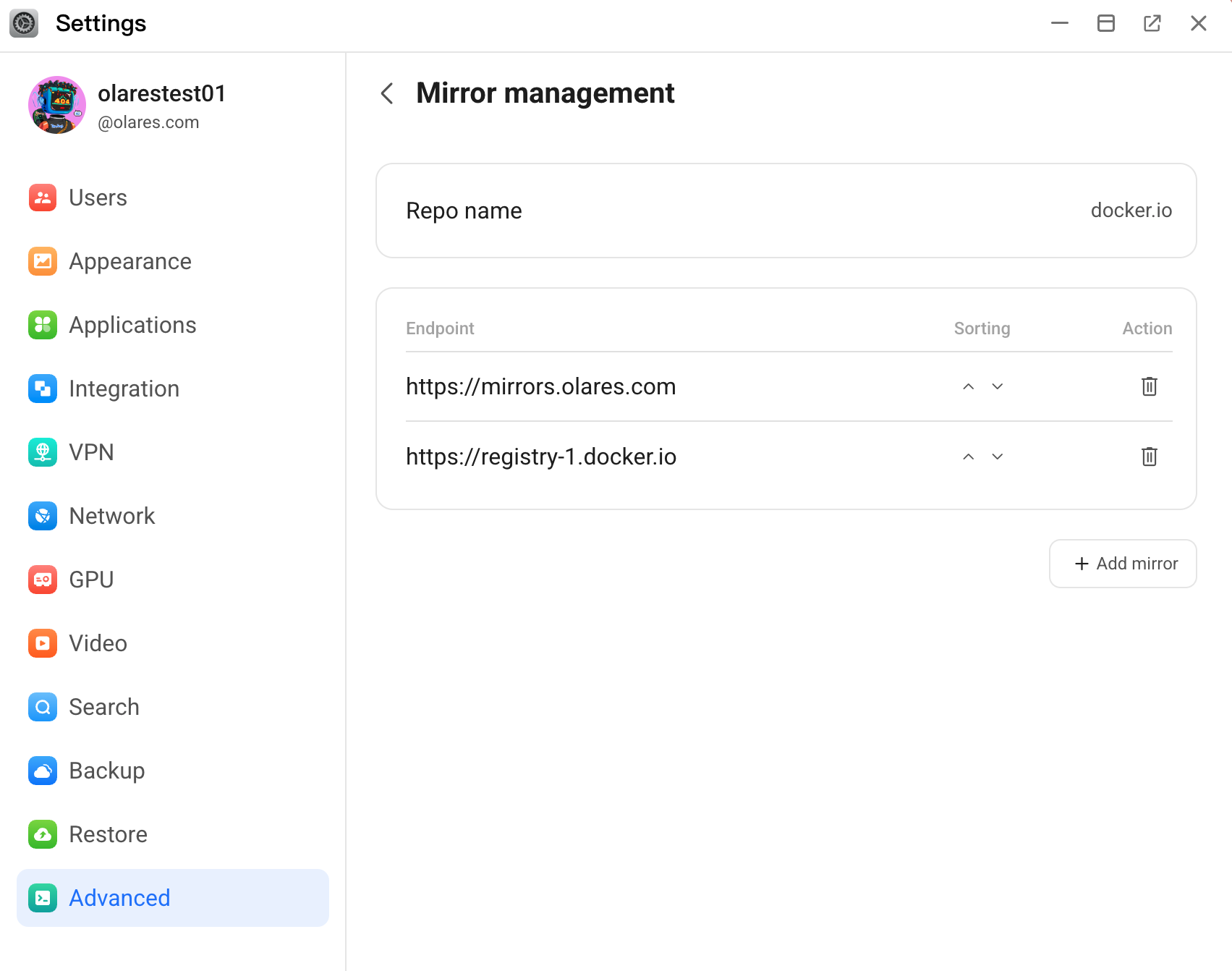
- To re-order the mirror endpoints, click keyboard_control_key or keyboard_arrow_down. Olares prioritizes endpoints higher on the list.
- To delete an endpoint you no longer need, click delete.
- To add a new mirror endpoint, click Add mirror, enter the mirror URL, and then click Confirm.
Manage images
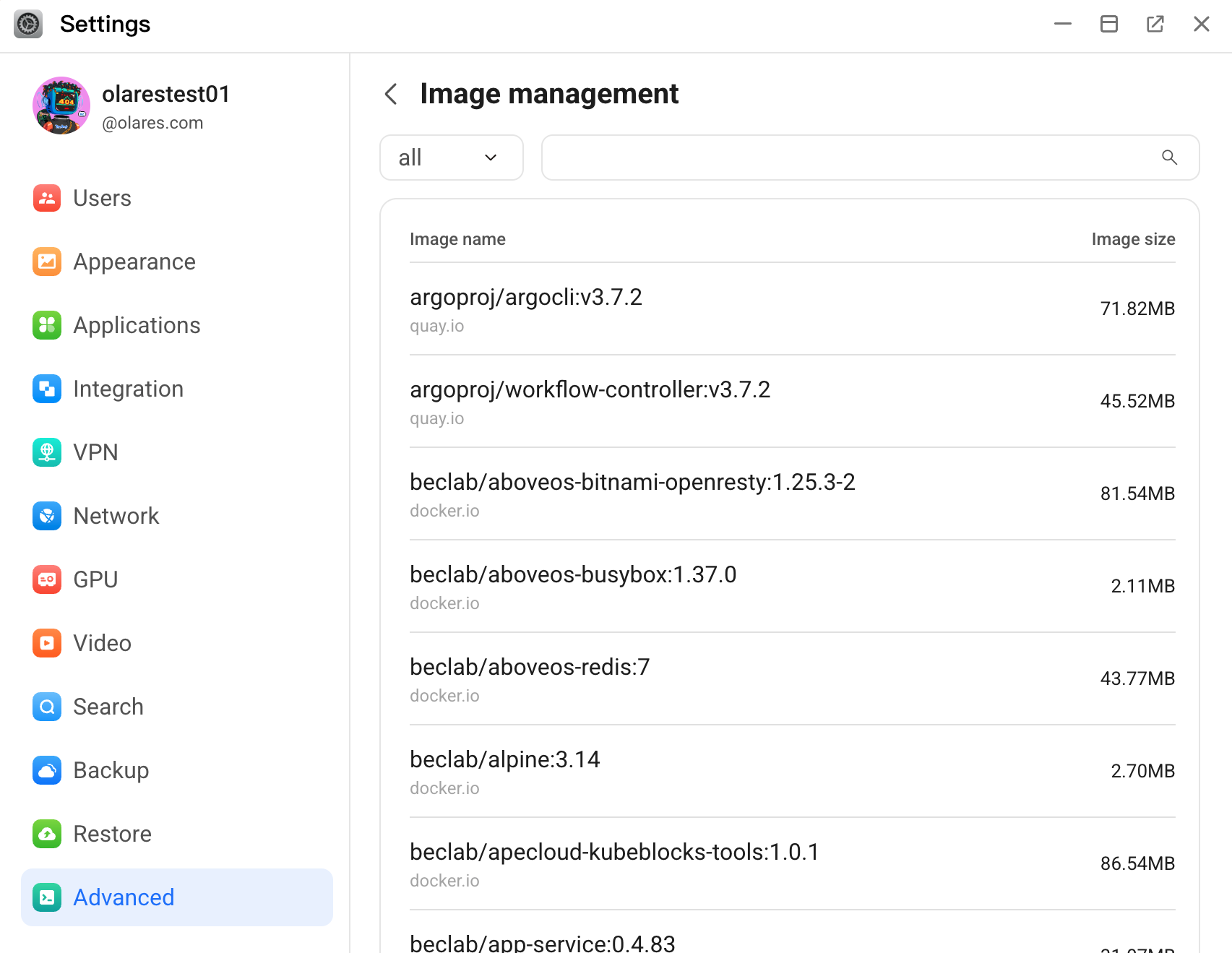
The Image management page provides a comprehensive view of all downloaded and cached application and software package images on your Olares system. You can filter or search to quickly find specific images.
Export system logs
System logs record the operational status of system components and provide crucial diagnostic information.
You can manually export the log file and attach it to a support ticket or GitHub issue to help the Olares team resolve your problem faster.
Open Olares Settings, and then go to Advanced > Export system logs.
Click Collect to generate the log file. After collection completes, the log file appears in Collection history, and it is saved to the
Home/pod_logsdirectory.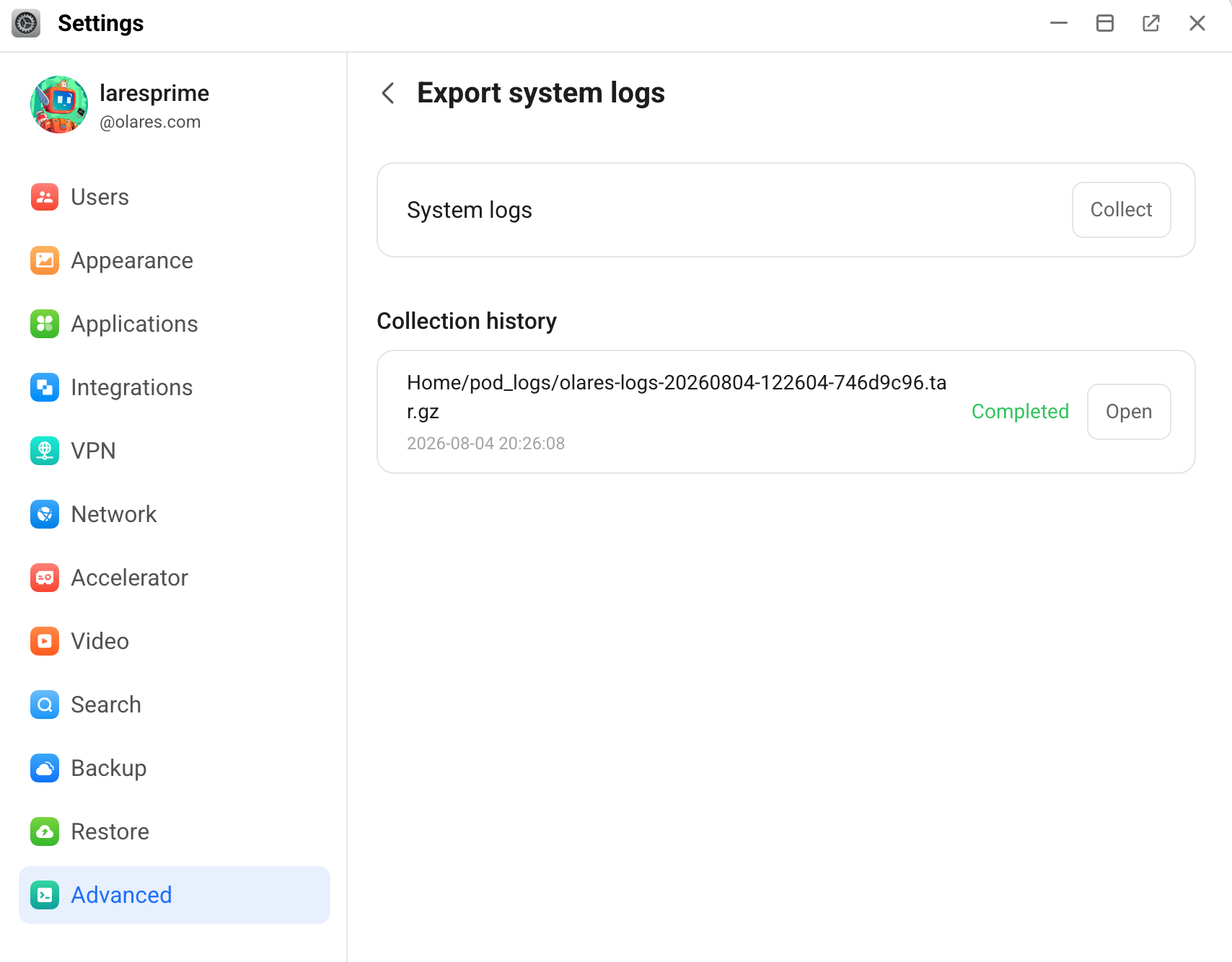
In Collection history, click Open next to the generated log file to open the logs directory.
Right-click the log file and select Download.
Automatic log collection
Instead of exporting logs manually, you can collect them automatically:
- In the Ticket app, expand System logs and click Collect logs.
- In Olares Space, use
olares-clito upload logs.