Download LarePass
LarePass is the official client for creating and managing your Olares ID, activating Olares, and accessing Olares from mobile and desktop devices. Download the client for your device, then follow the task-specific account guides below.
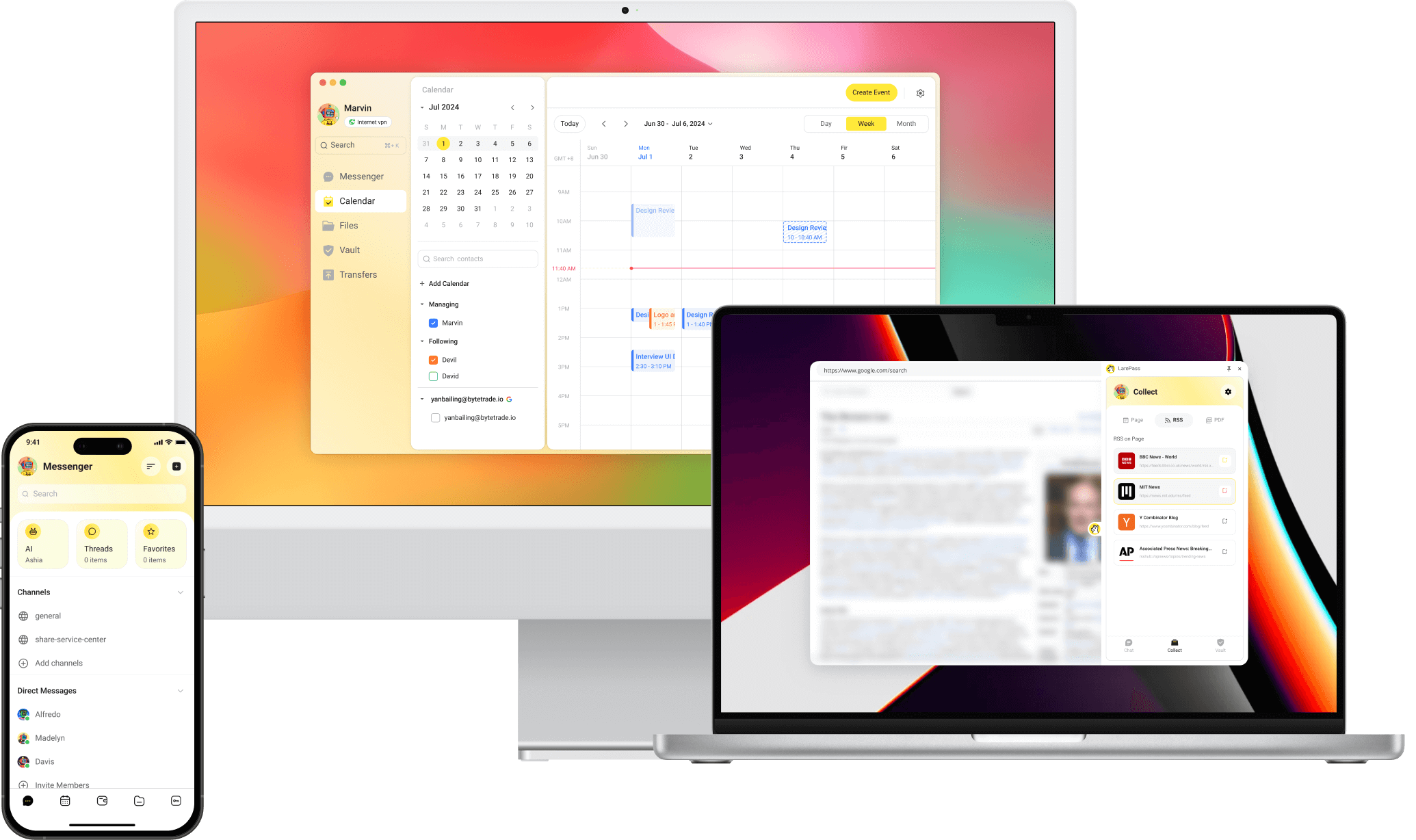
Choose your platform
iOS
Visit the App Store product page to download LarePass.
Android
Visit the Google Play product page, or download the latest APK directly from the LarePass website.
macOS and Windows
Download the latest desktop client from the LarePass website.
Linux Beta
System requirements
- Architecture: The Linux package is available for x86_64 (amd64) systems only.
- Environment: A graphical desktop environment is required.
Download the latest Linux desktop client from the LarePass website.
Chrome browser extension
Download the ZIP package from the LarePass website. The extension must be installed manually in Chrome. See Install the LarePass browser extension for instructions.
Change the language
LarePass is available in English, Simplified Chinese, German, Spanish, Italian, French, and Japanese. Changing the language affects only LarePass on that device. It does not change the language of your Olares system.
- Mobile: Go to Settings > General > Language, then select a language.
- Desktop: Go to Settings > Language, then select a language.
The change applies immediately.
Set up your account
- On mobile devices, you can create an Olares ID directly in LarePass. To use a custom domain, see Create an Olares ID with a custom domain.
- On the desktop client, import an existing account.
- In the Chrome browser extension, import an existing account.
On the desktop client, you can also save remote resources directly to Olares.