Get support
If you cannot resolve an issue using our troubleshooting guides, contact the Olares Support team for assistance.
Where to get support
To get the fastest resolution, choose the option that best fits your situation:
| Option | Use when |
|---|---|
| Private, one-on-one support and securely sharing system logs with our team. | |
| Reporting Olares OS system issues or requesting OS features. | |
| Reporting technical issues with apps, or requesting new apps and app updates. | |
| Sharing knowledge, finding or posting tutorials, discussing features, and getting community help. | |
| Reporting system vulnerabilities. |
Submit a ticket
You can submit a support ticket via the Ticket app or Olares Space, depending on whether you can currently access your Olares device.
Prerequisites
- System version: Ensure your Olares system is upgraded to v1.12.7 or later.
- Account match: The Olares ID used to log in to LarePass must match the account currently logged in on your Olares device.
Submit via the Ticket app
Use the Ticket app when your device is accessible.
- Install the Ticket app from Market, and then open it.
- Log in by scanning the QR code using LarePass.
- Create a ticket and fill in the required issue details.
- Review the auto-collected system information. Toggle off Include in ticket if you want to exclude it.
- Expand System logs and click Collect logs to attach them to the ticket automatically.
Once submitted, you can track the ticket's progress, view replies, and communicate with the Olares Support team until your issue is resolved.
INFO
The Ticket app only displays tickets associated with the Olares ID currently logged in on your device. If you switch to a new ID, you can log in to Olares Space with your original ID to view the previous tickets.
Submit via Olares Space
Use Olares Space if your device is inaccessible or if you cannot use the Ticket app. Any tickets you previously submitted through the Ticket app will also be visible here.
In Olares Space, you can create a ticket in two ways:
Manually: Fill out the web form and attach the manually exported system logs.
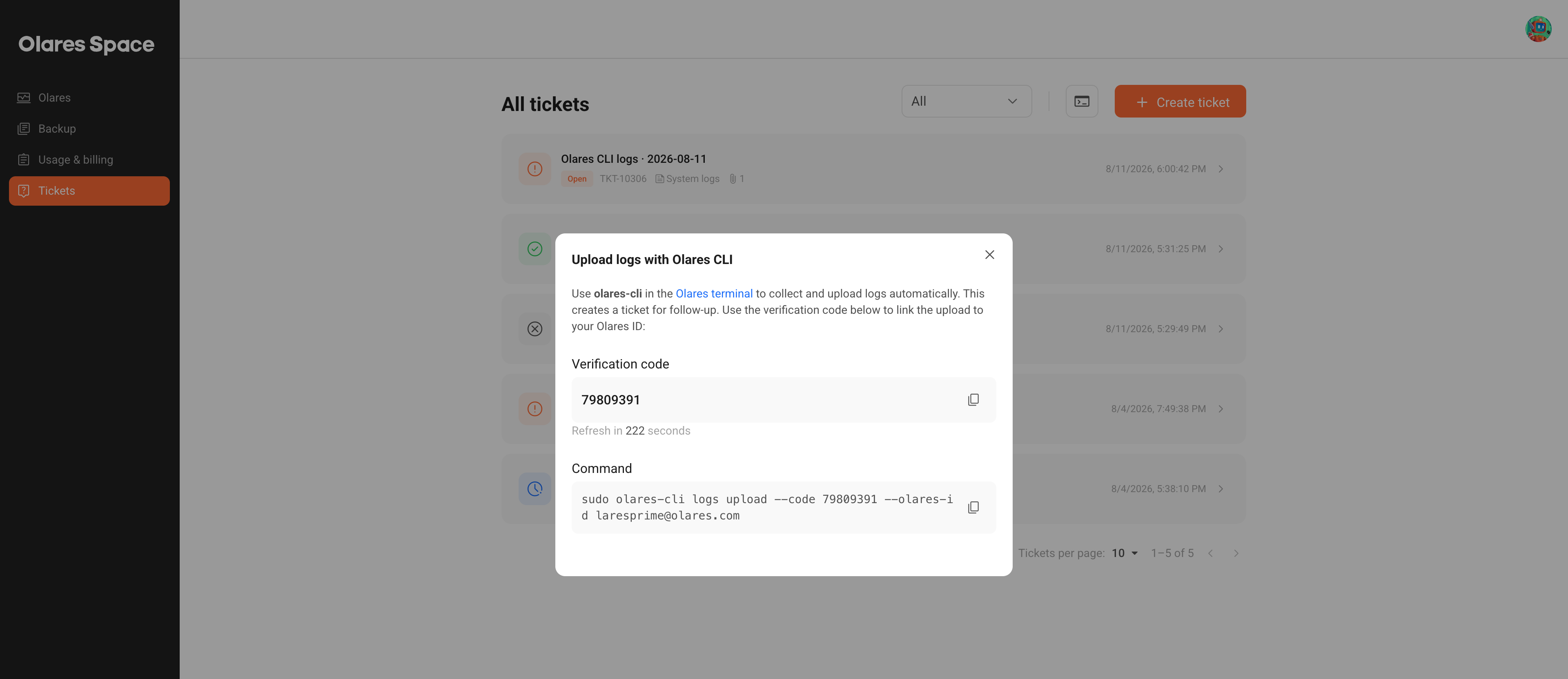
Automatically (CLI): Select terminal, and then run the command shown in Olares Space on your device terminal. This command uses Olares CLI to collect and upload system logs.
When the command finishes, it automatically creates a ticket with your logs attached. Note the ticket number, such as
TKT-10324, and find it on the Tickets page to follow up.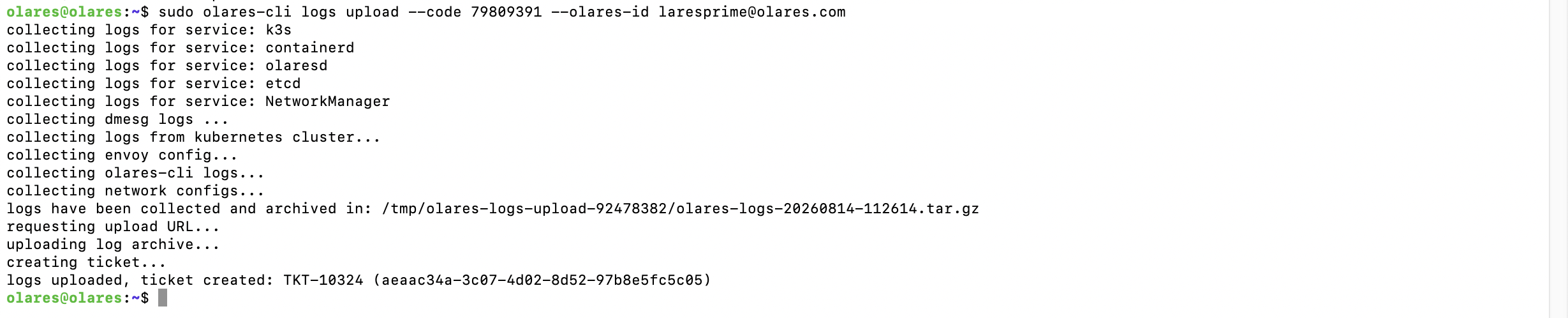
For more information, see Create and manage support tickets in Olares Space.