Manage accounts in LarePass
Use this guide to import an existing Olares ID, switch between accounts, or remove accounts from the current device.
Import an account
Import an existing Olares ID with its 12-word mnemonic phrase when you use LarePass on a new device or another client.
Have your mnemonic phrase ready
To import an Olares ID, you need its 12-word mnemonic phrase. If you do not have it, back up the mnemonic phrase on a device where the account is already available.
On mobile
Open the LarePass app.
Tap your profile avatar.
On the Switch account page, tap Add account at the bottom.
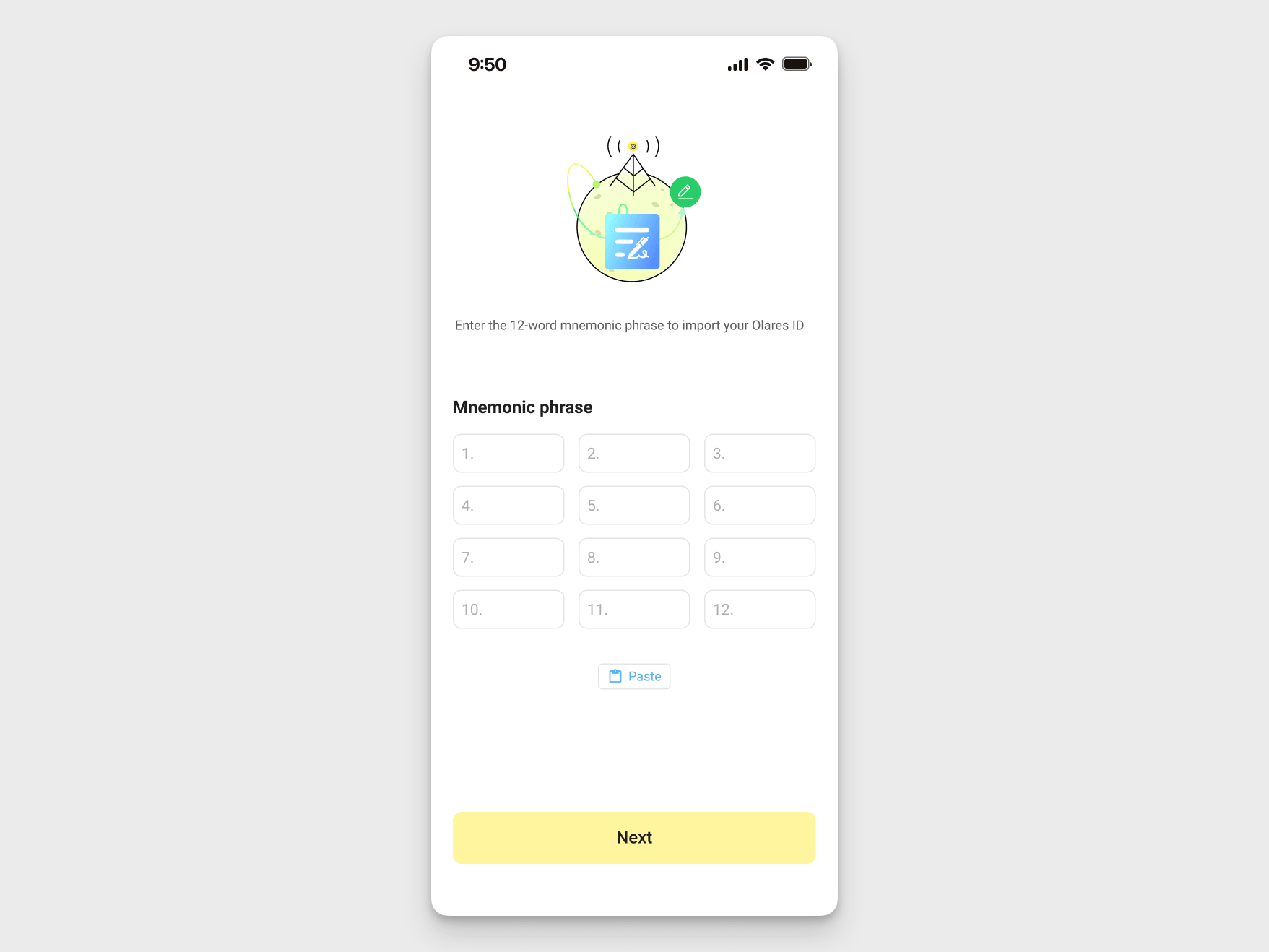
Tap Import account.
Enter the 12-word mnemonic phrase for your Olares ID.
On desktop
Open the LarePass desktop client.
Click your profile avatar.
Click Switch account.
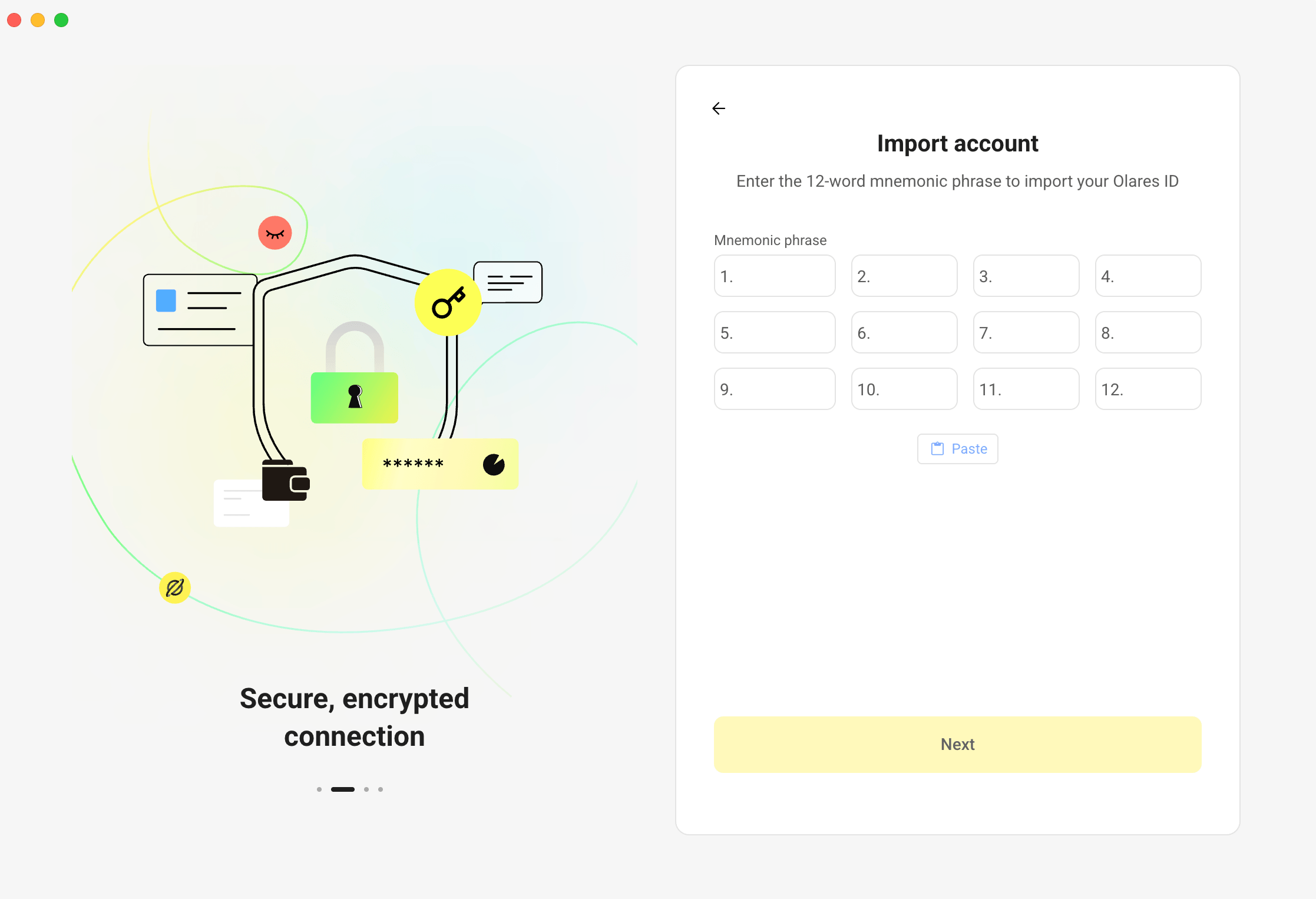
Click Add account at the bottom.
Enter the 12-word mnemonic phrase for your Olares ID.
Chrome extension
Select the LarePass icon in the Chrome toolbar.
If the introduction appears, click Skip, or use the arrow to view all the introductory screens.
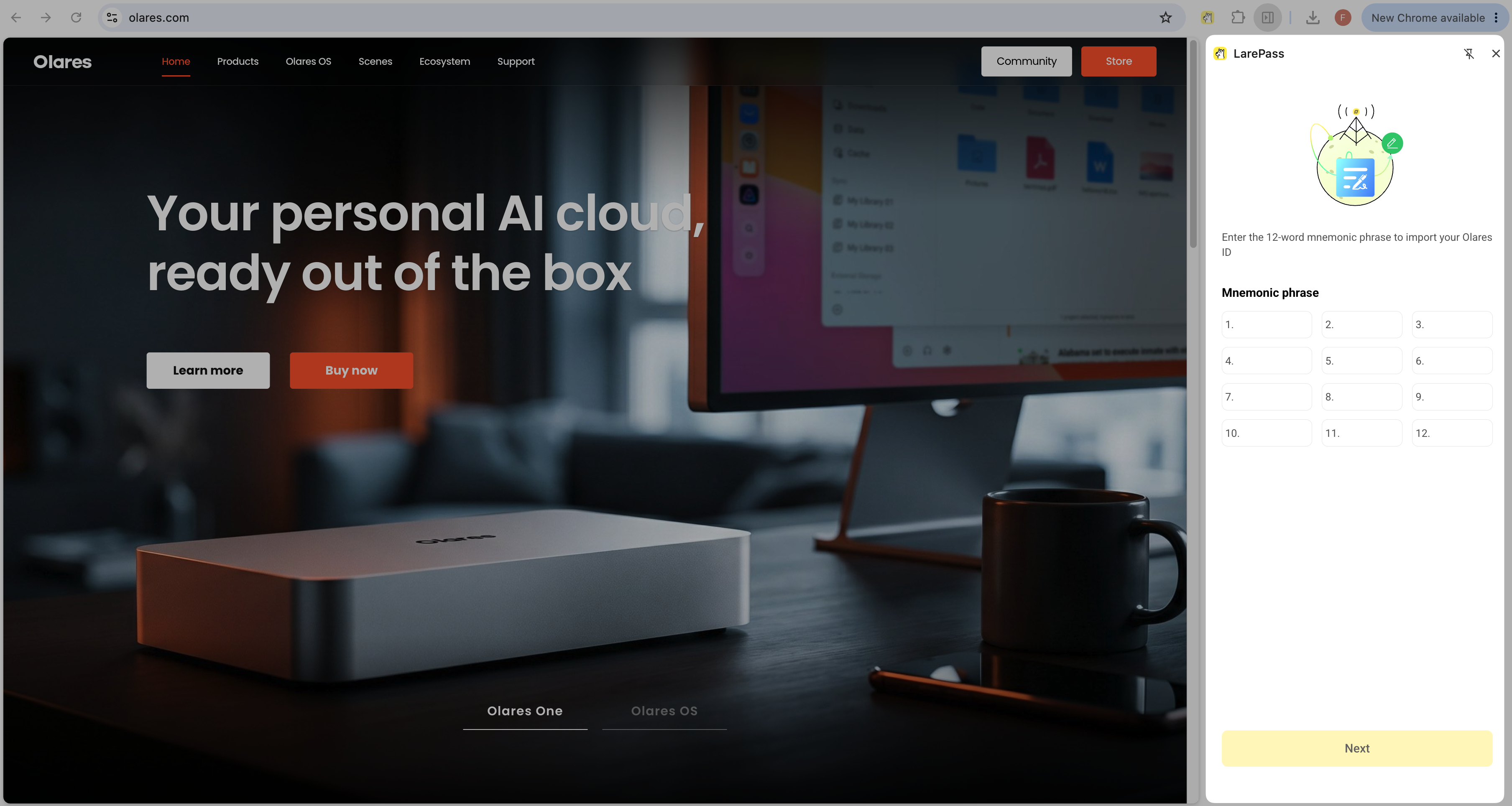
Click Import an account.
Enter the 12-word mnemonic phrase for your Olares ID.
Switch accounts
If you have added multiple Olares IDs in LarePass, you can switch between them at any time.
On mobile
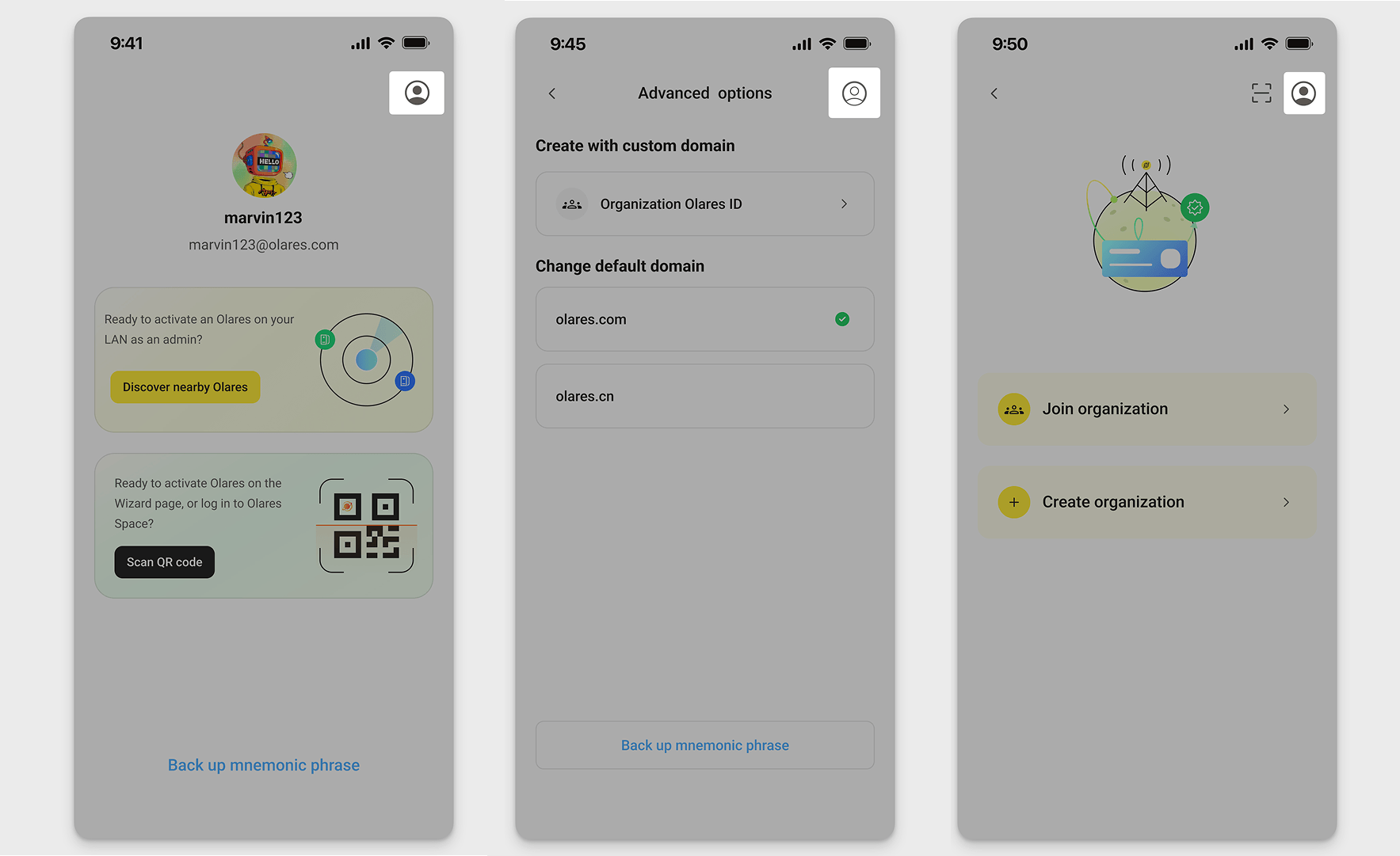
Open the Switch account page in one of the following ways:
From the main interface: Tap your profile avatar in the top-left corner.
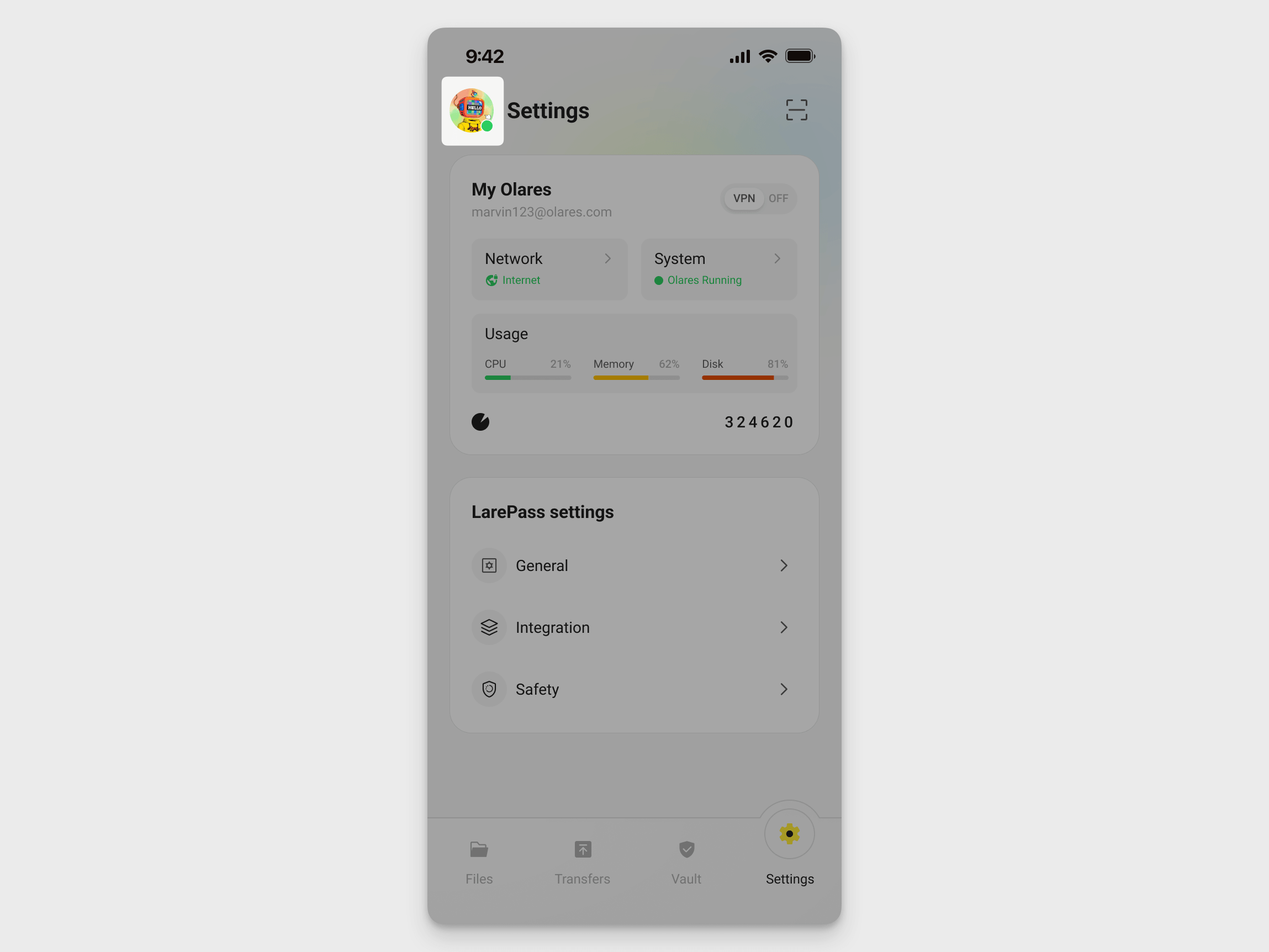
During account creation: Tap the account icon in the top-right corner.
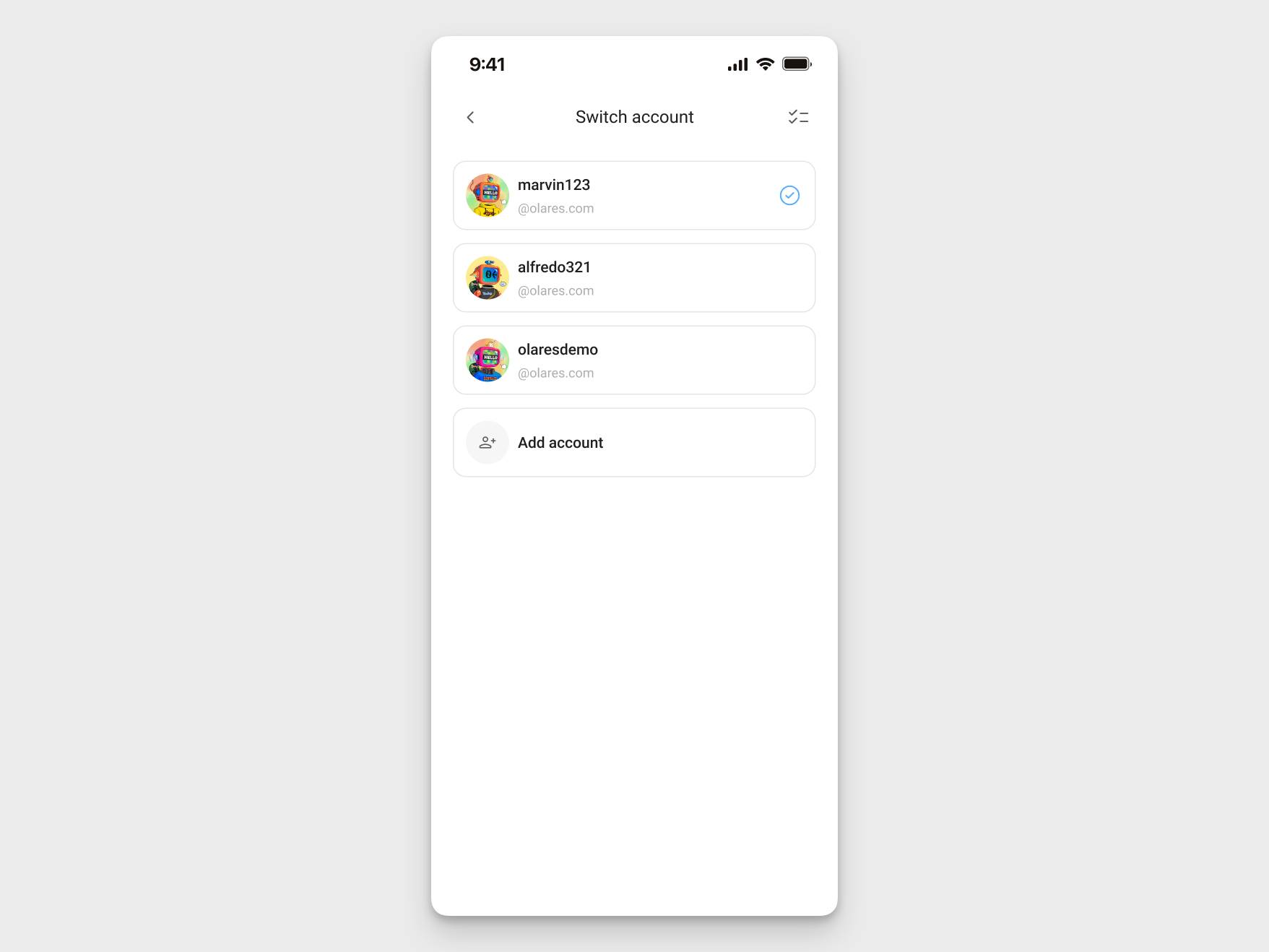
Tap the account you want to use.
On desktop
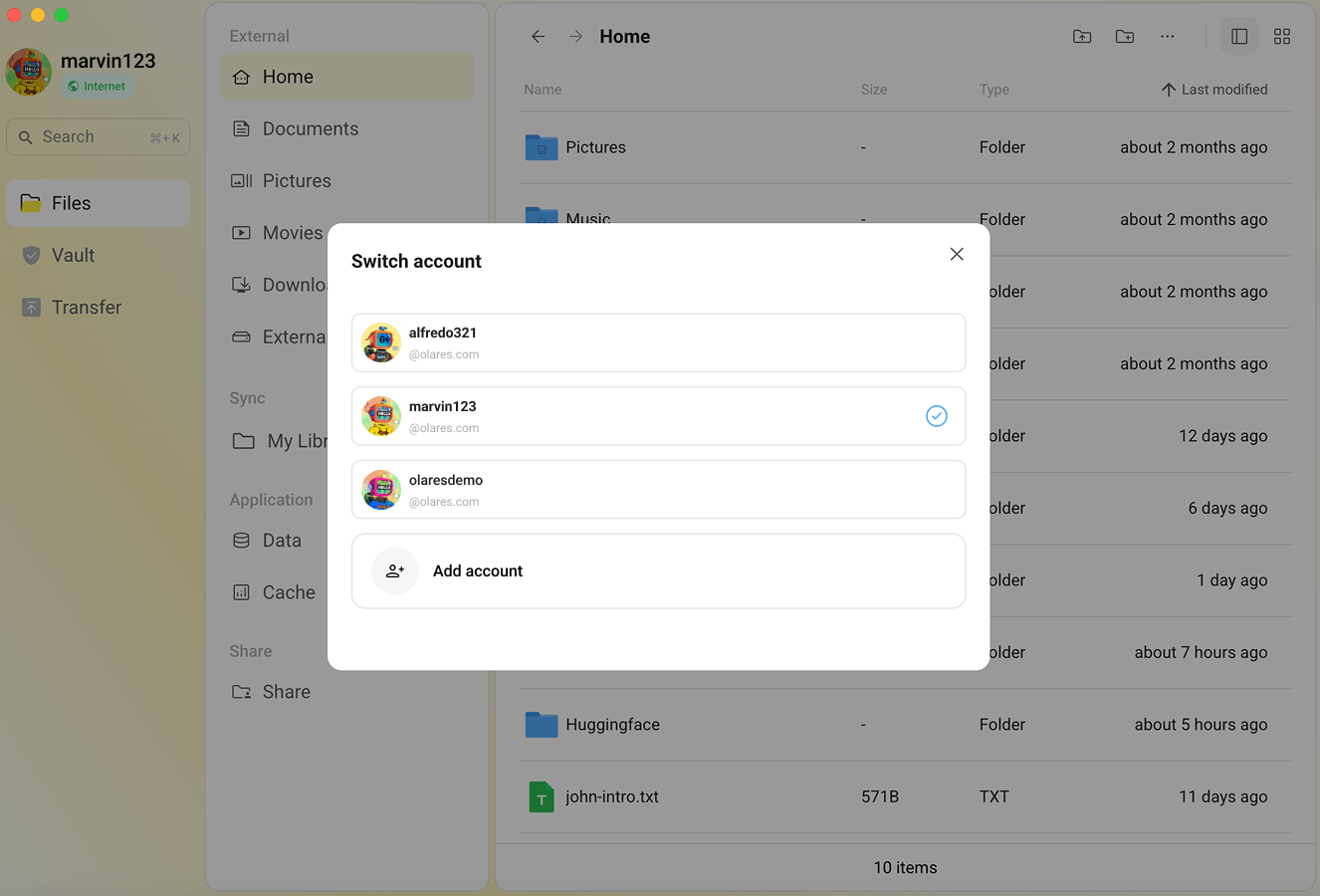
Click your profile avatar in the top-left corner, then click Switch account.
Click the account you want to use.
Chrome extension
- Click or hover over your profile avatar in the lower-right corner.
- Select the account you want to use from the account list.
Delete accounts
Remove an account from LarePass when you no longer want to keep it on the current device.
Back up your mnemonic phrase first
You can delete an account only after you have backed up its mnemonic phrase. Without the backup, LarePass prevents you from deleting the account.
On mobile
Open the LarePass app.
Tap your profile avatar.
Open the Switch account page.
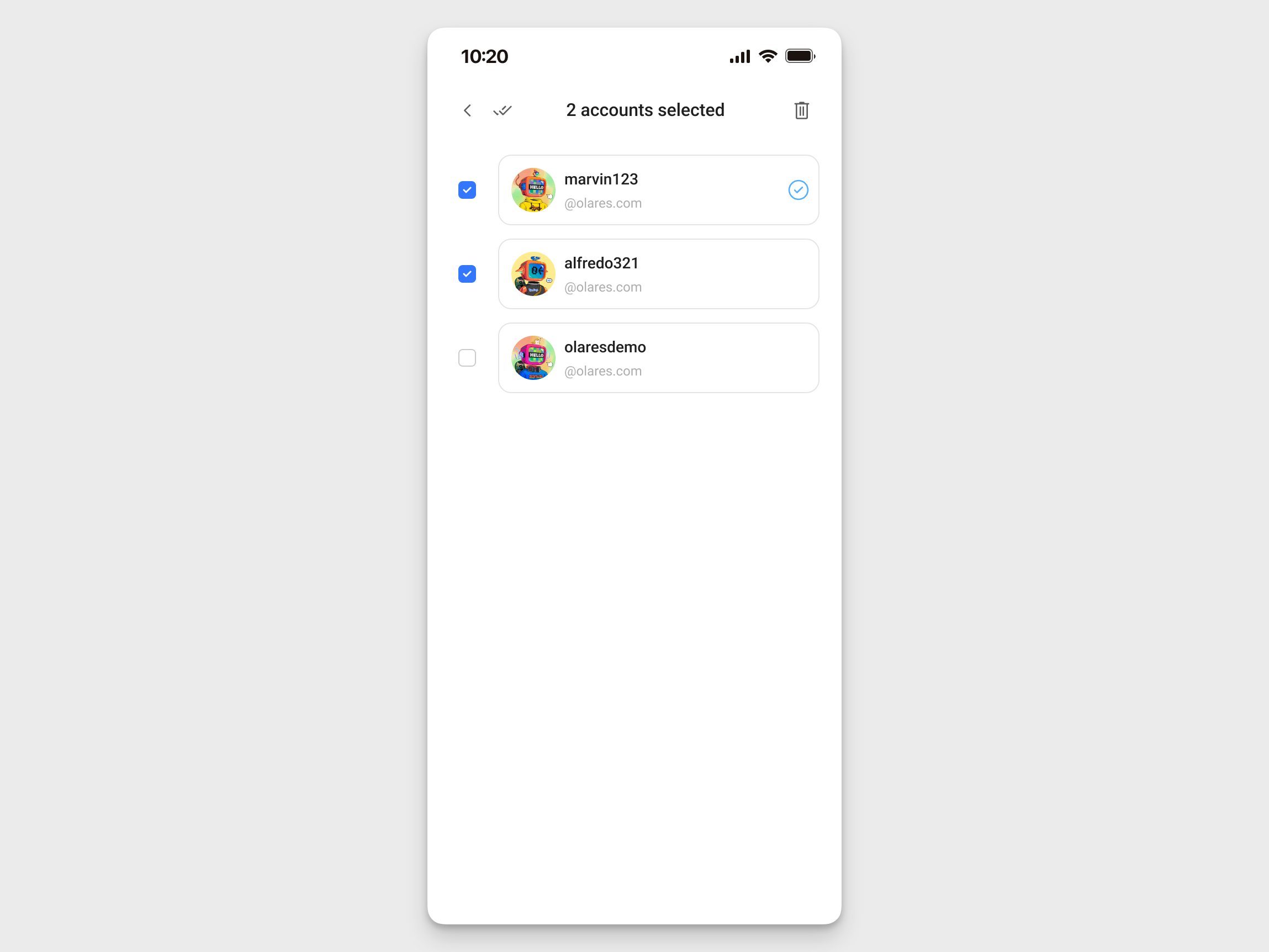
Tap checklist in the top-right corner.
Select the accounts you want to delete.
Tap delete in the top-right corner, then confirm the deletion.
On desktop
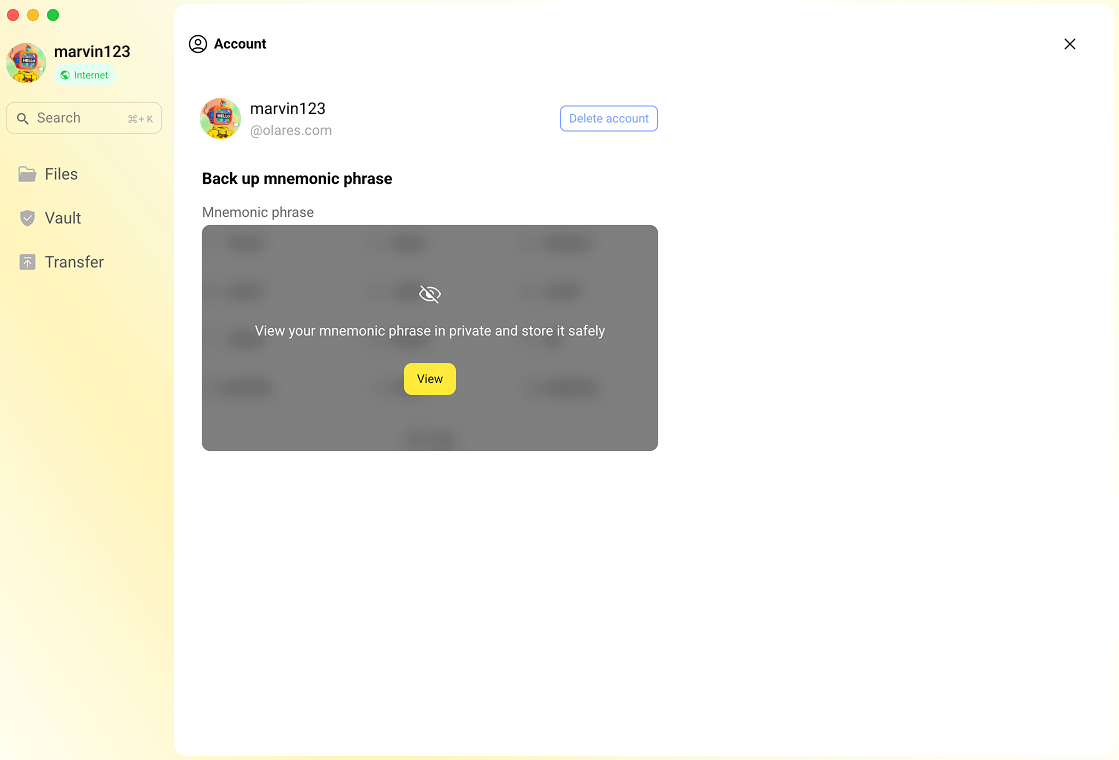
Click your profile avatar in the top-left corner, then click Settings.
Scroll down to Account, then click Manage account.
Click Delete account to delete the current account, then confirm the deletion.
Chrome extension
- Click settings above your profile avatar in the lower-right corner.
- Click Account.
- Click Delete, then confirm the deletion.