Change your password and manage signed-in devices
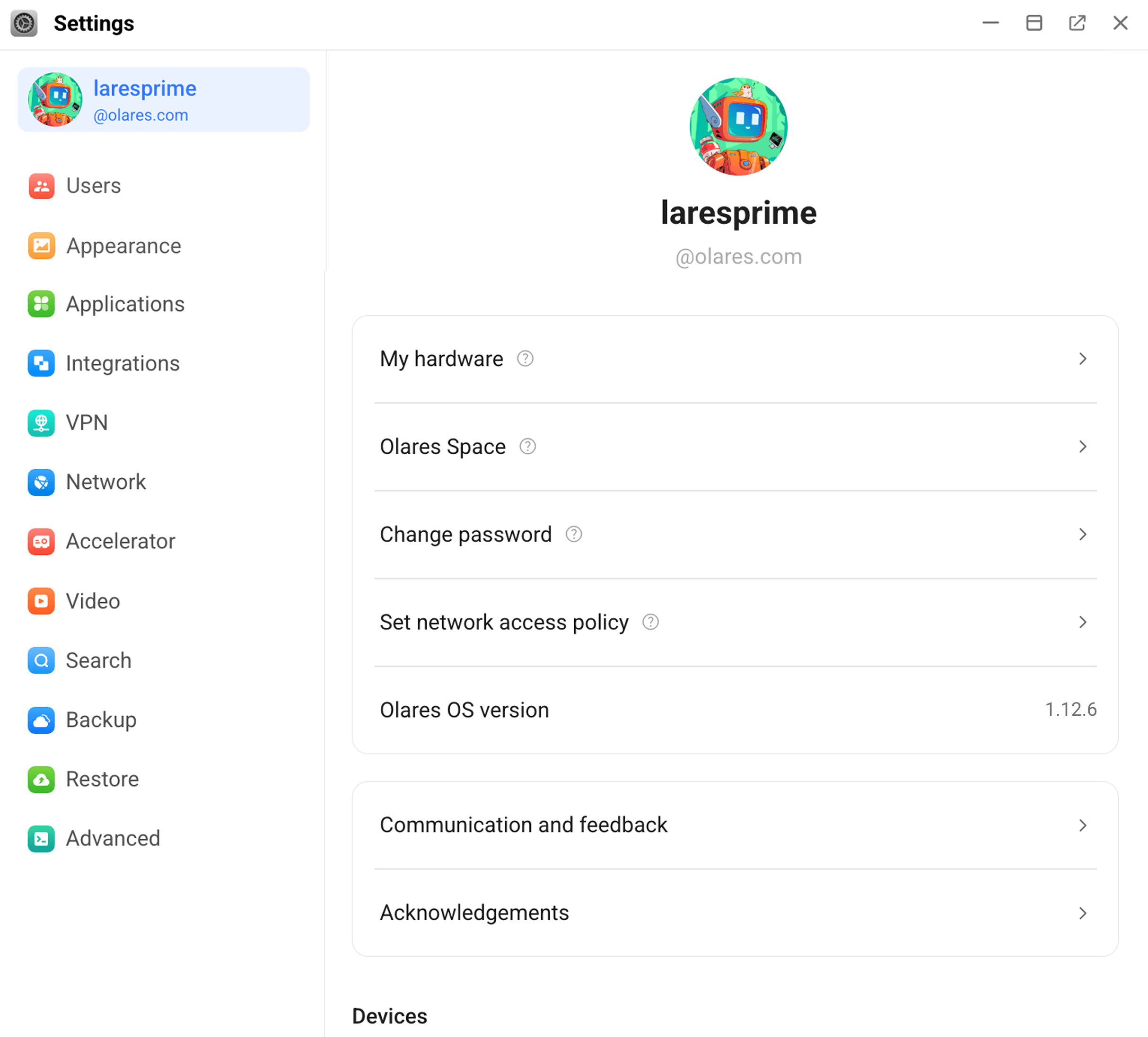
On the My Olares page in Settings, you can manage account security for your Olares. To access it, open Settings and click your avatar in the top-left corner.
Change password
To update your Olares login password, click Change password on the My Olares page.
Set network access policy
Define system-level access and authentication policies to control how users connect to your Olares.
- Two-factor (Recommended): Requires both your login password and a two-factor authentication code for enhanced security.
- One-factor: Only requires your login password.
Manage signed-in devices
View devices that are authorized to access your Olares. Each device entry shows the device name and client type. Select a device to view more details or manage its access.
Log out
Click Log out to sign out of the current Olares session. You need to log in again before accessing Olares from this device.