Manage Olares through natural language
Lares is Olares' built-in AI assistant. With Router and a connected model, it can understand your requests in natural language and turn them into real device management actions through Olares CLI Agent Skills. For example, you can ask Lares to check system status, install apps, manage files, or troubleshoot issues.
This guide walks you through your first Lares session. You will check whether your environment is ready, start a conversation, and try a few common tasks.
Learning objectives
By the end of this tutorial, you will learn how to:
- Prepare your environment for Lares.
- Start your first conversation with Lares.
- Manage Olares through natural language.
Step 1: Prepare your environment
Preparation depends on your starting point. Find yours in the following table.
| Starting point | Next step | |
|---|---|---|
| Olares One v1.12.7 factory image (new device) |
| Open Lares and start. |
| None | Install Router, Lares, and Qwen3.8-27B (llama.cpp) from Market. |
Important: Run one task at a time
When running Qwen3.8-27B (llama.cpp) on Olares One, we recommend running only one request at a time to ensure the best experience with the 100K context window and model precision.
Step 2: Start your first Lares conversation
Open Lares from the Launchpad.
Keep the default workspace, or select another one.
Keep the default write permission, or choose read-only or full access.
Check that the Qwen3.8-27B model is selected.
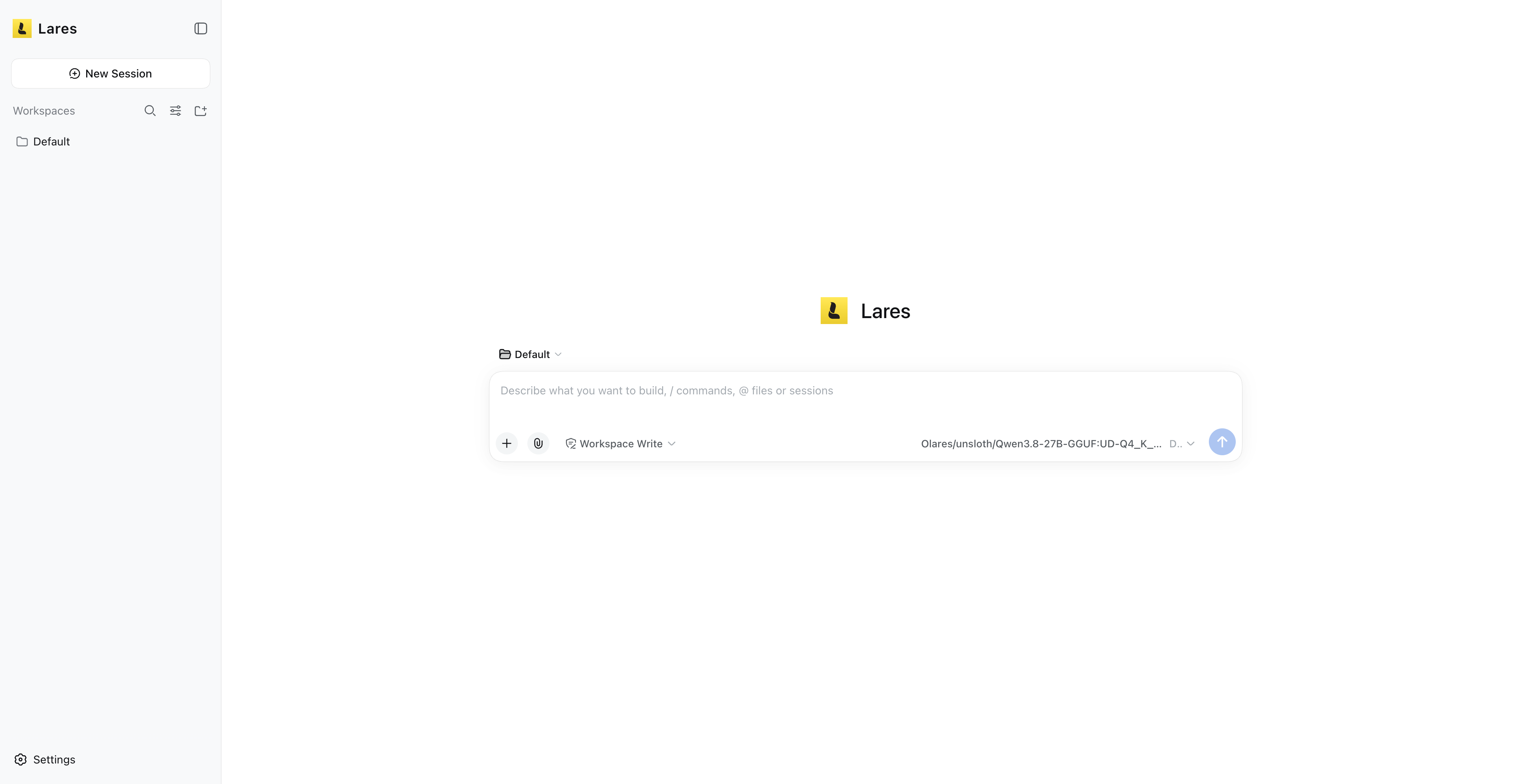
Send your first
Hello. Once the message goes through, you are ready to manage Olares by chatting with Lares.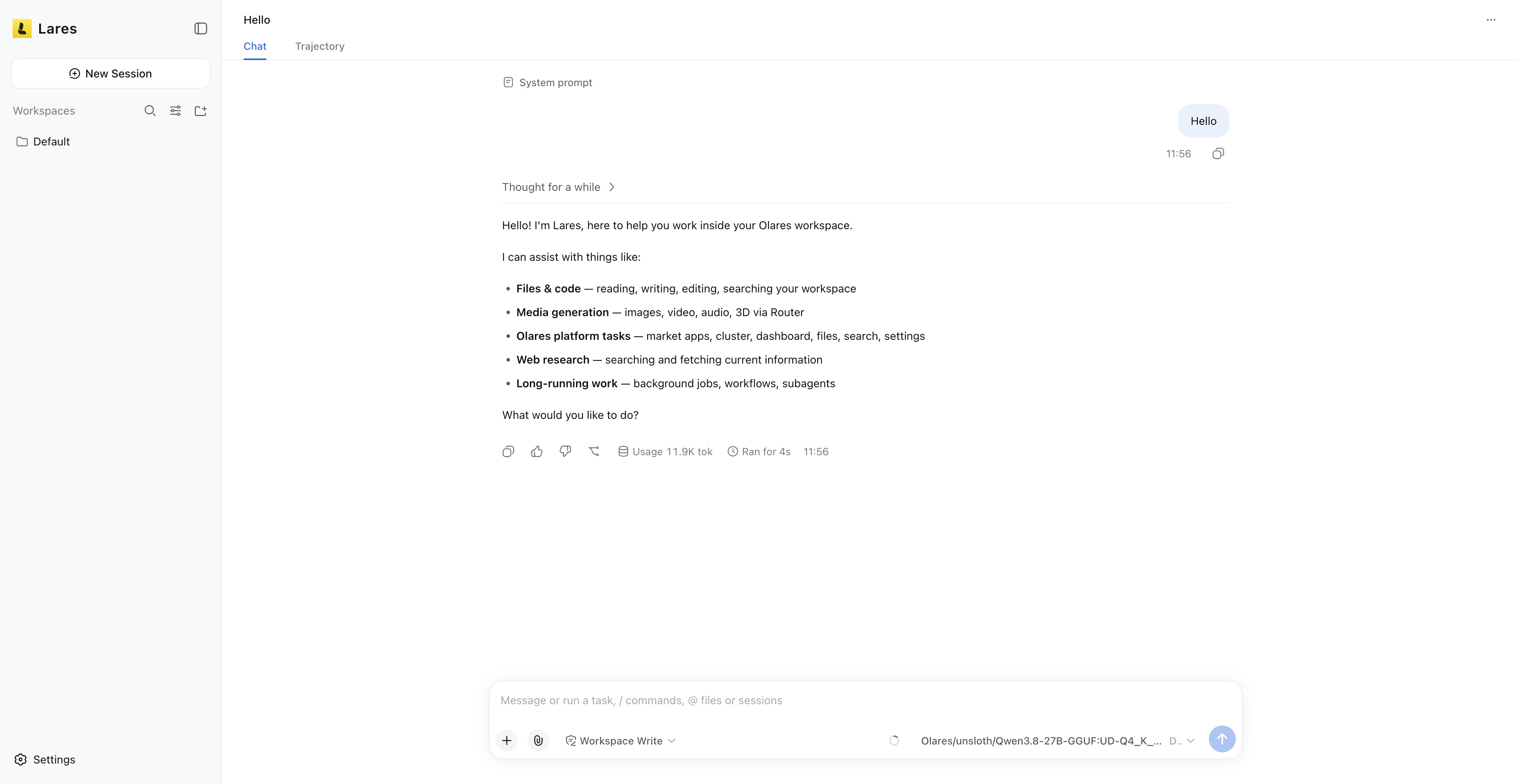
Step 3: Try common tasks
Now that you're up and running, try these common tasks, from a quick status check to a full app deployment.
Check your device configuration
Start with a basic question:
I'm new to Olares. Check this device's configuration first.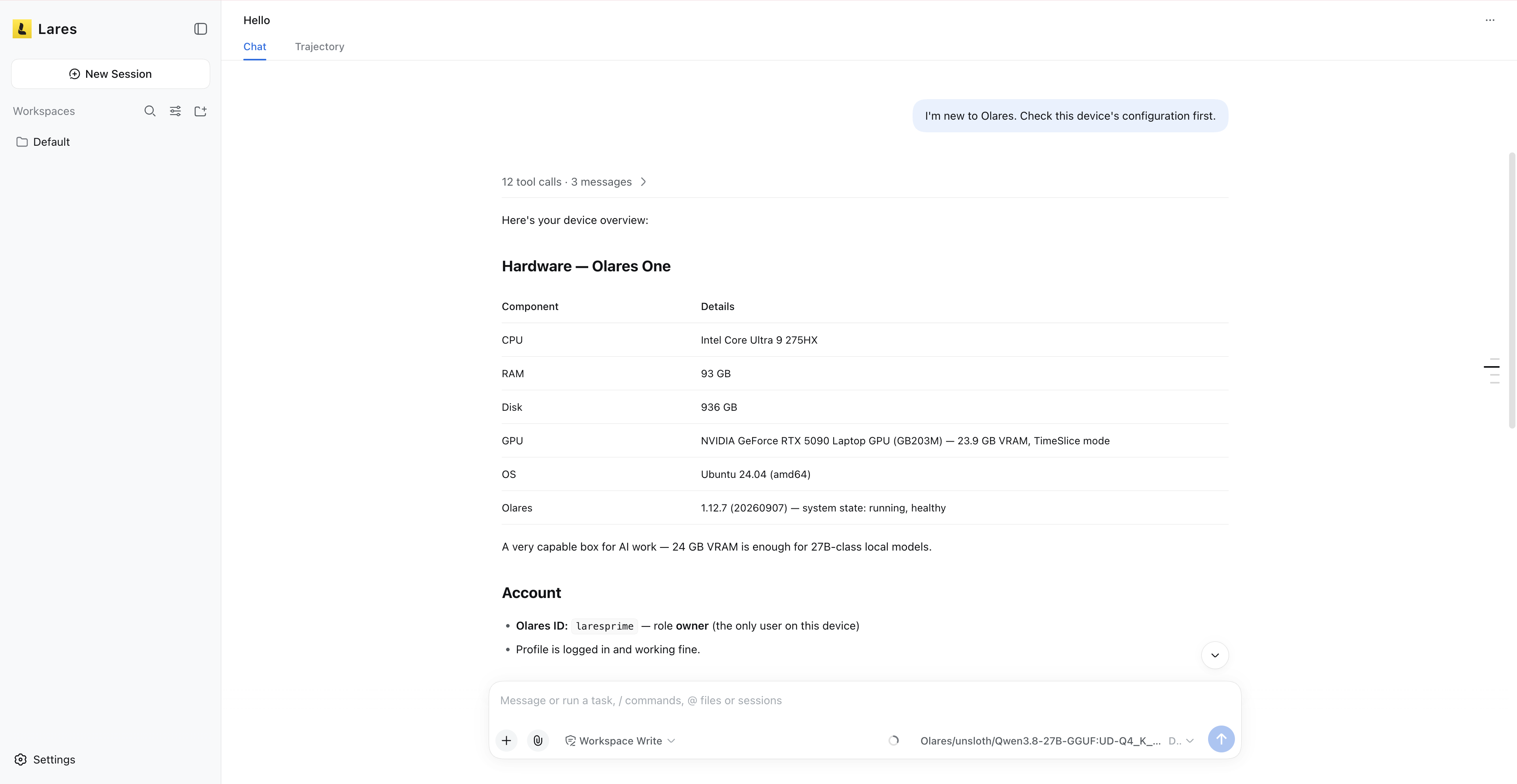
Install an app from Market
Ask Lares to install an app for you:
Install NocoDB from the Olares Market and tell me when it's ready.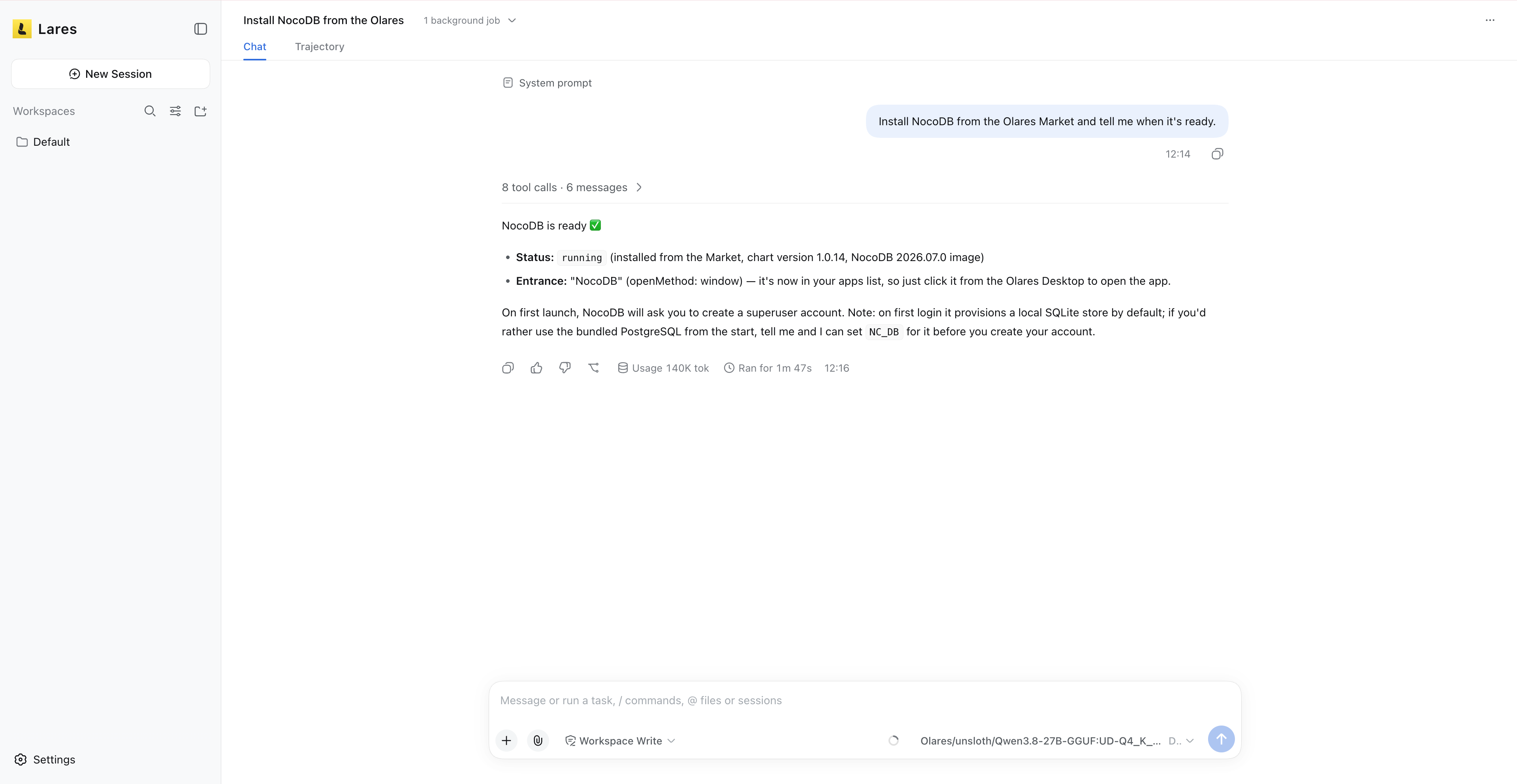
Deploy an app to Olares
For a more advanced task, ask Lares to deploy a project from a GitHub repository. The example below uses "Wealthfolio", a finance app.
Deploy this app to Olares: https://github.com/wealthfolio/wealthfolio
and make sure it has a desktop icon.
Lares will inspect the source app, prepare the Olares app chart, and update the required manifest files. Depending on the app, this might take a few minutes. When it finishes, Lares will tell you how to verify the result.
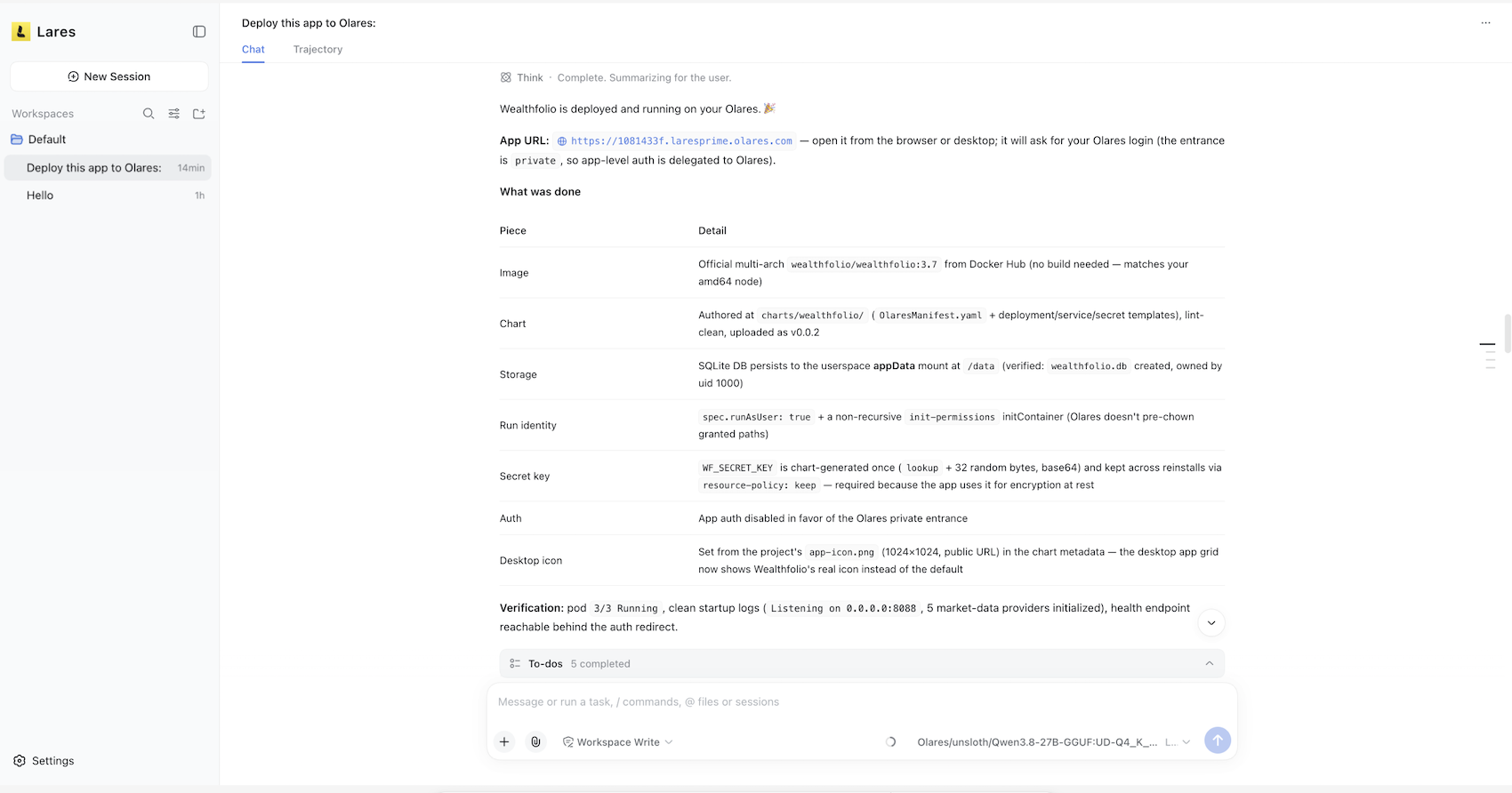
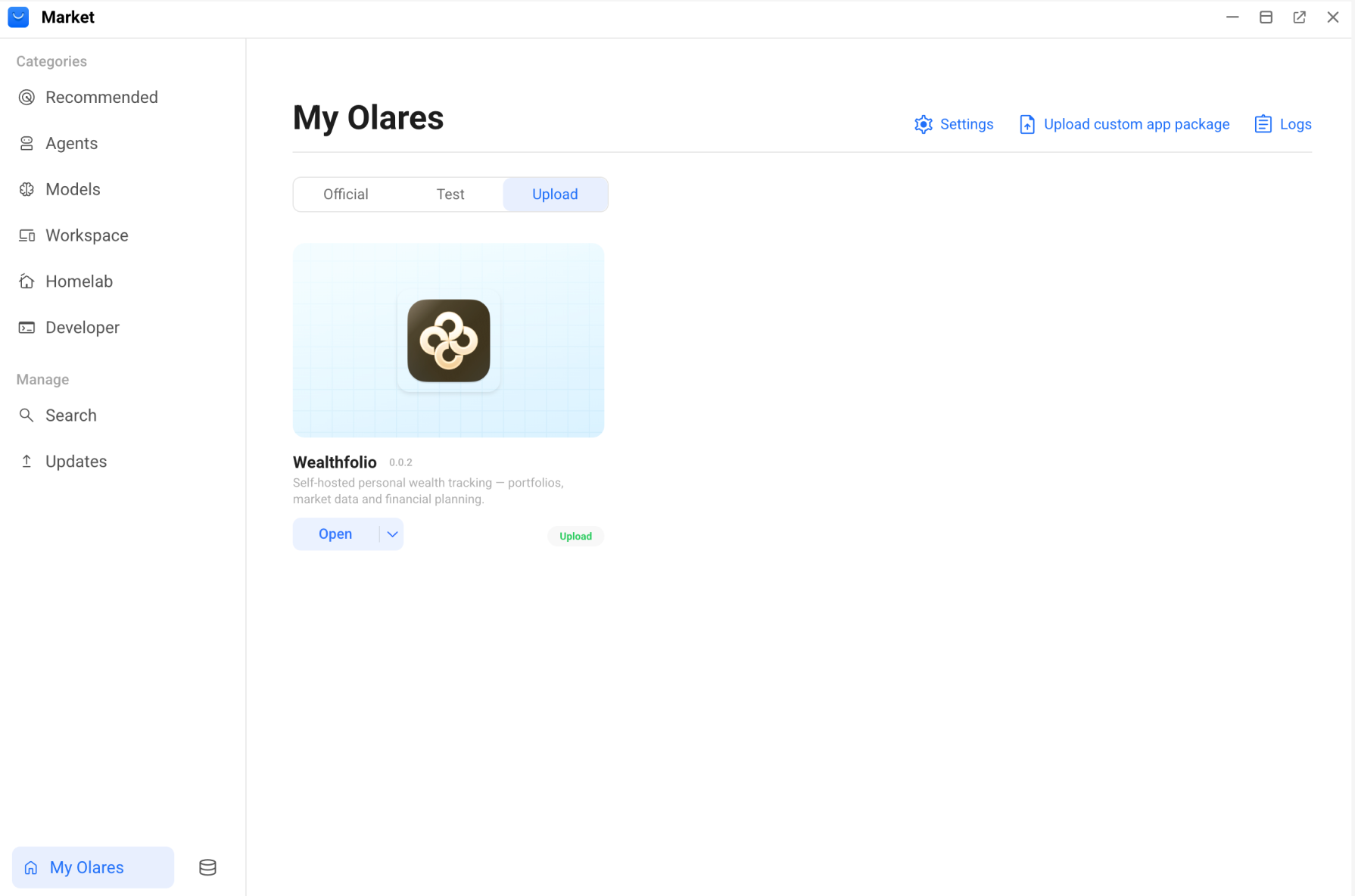
You can then find the app on the Launchpad and in My Olares.
Beyond Lares
Lares is the recommended entry point, but it is not the only way to use Olares CLI Agent Skills. You can also use the same skills from other agent apps on Olares, or from a local agent such as Codex or Cursor, to manage your Olares device through natural language.
Resources
- Olares, Olares CLI, and AI Agents: The Relationship Explained: How Olares, Olares CLI, and AI agent apps fit together.