Access Olares One on your local network
When your computer is on the same local network as Olares One, you can keep traffic on the LAN instead of routing it through the public reverse proxy. This provides faster access and lets you reach your apps when the internet is unavailable.
Before you begin
- Make sure Olares One and your computer are on the same local network.
- To use LarePass host mappings, install LarePass Desktop on Windows or macOS and import your Olares ID.
Find the right method
| If this applies to you | What to do |
|---|---|
You want to keep using standard olares.com URLs on this computer | Configure local access with LarePass. |
| You use macOS or iOS and do not want to use LarePass | Use a .local URL. |
| You regularly move between local and remote networks | Use LarePass VPN. |
Configure local access with LarePass
On Windows and macOS, LarePass Desktop can configure direct LAN access for the current computer. It adds both olares.com and olares.local hostnames to the hosts file and maps them to the Olares LAN IP.
- Make sure the computer and Olares are on the same LAN.
- Turn off VPN connection in LarePass Desktop.
- Start the update from either location:
- Click Map hosts in the lower-left corner.
- Click your avatar, go to Settings > Host mappings, and click Enable.
- In Update host mappings, review and edit the entries as needed. Do not edit lines beginning with
#. LarePass uses these markers to manage the entries. When you finish, click Update. - Enter the administrator password for your computer and confirm the change.
- Wait for the Success message.
You can then use the standard https://<entrance_id>.<username>.olares.com URL or its http://<entrance_id>.<username>.olares.local equivalent.
Disable host mappings
- In LarePass Desktop, click your avatar and go to Settings.
- Under Host mappings, click Disable.
- In the Disable host mappings confirmation window, click Disable again.
LarePass removes all hosts entries it previously added to the computer.
Use a .local URL without LarePass
On macOS or iOS, local service discovery can resolve multi-level .local hostnames without additional configuration. Open a URL such as:
http://desktop.<username>.olares.localOn Windows, use LarePass Desktop to configure the multi-level .local hostname.
Troubleshooting
.local browser issues
Why doesn't the .local domain work in Chrome on macOS?
Chrome may block local URLs if macOS has not granted it local network access.
- Open the Apple menu and go to System Settings.
- Go to Privacy & Security > Local Network.
- Find Google Chrome and Google Chrome Helper and turn their toggles on.
- Restart Chrome and try the
.localURL again.

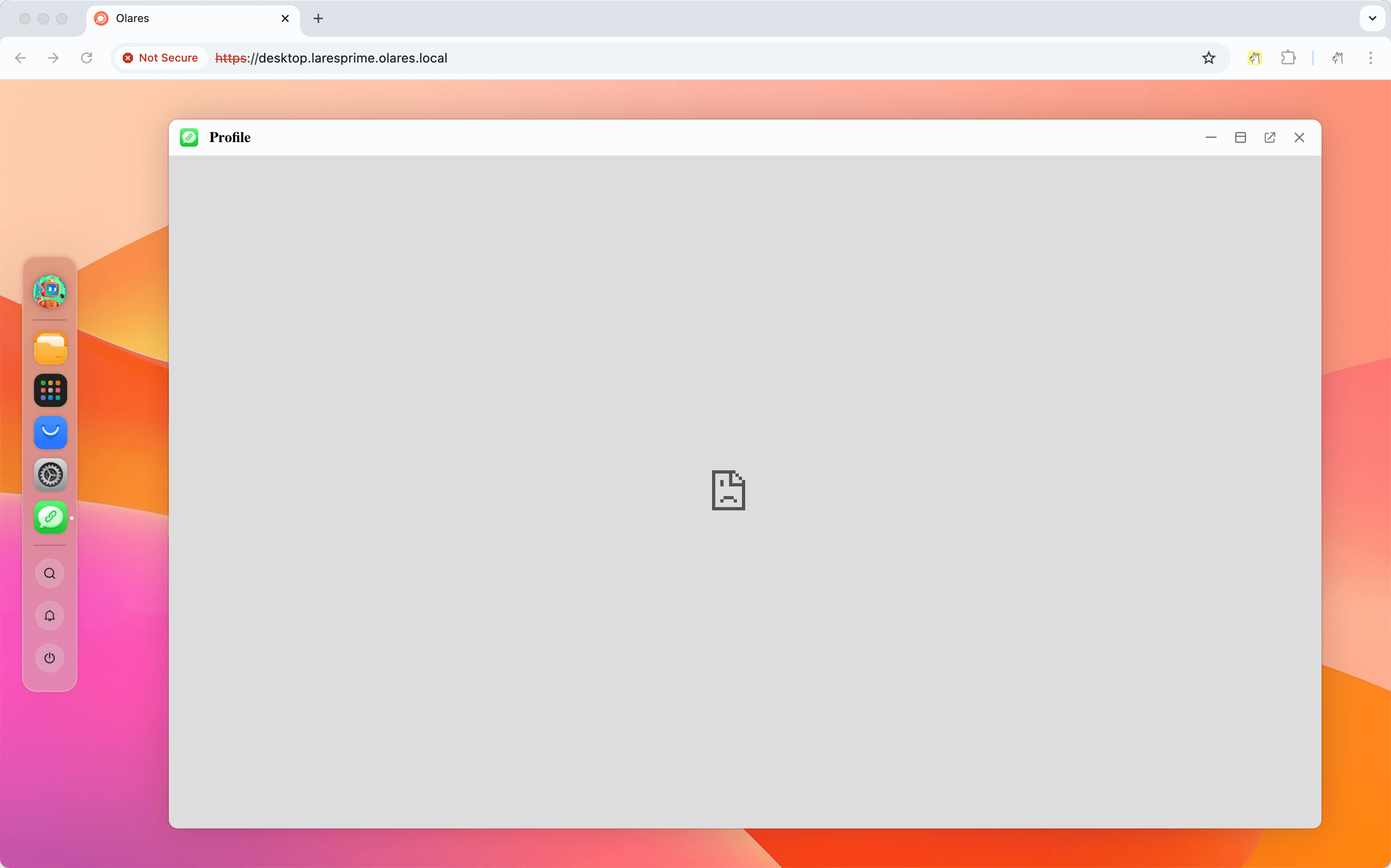
Why does the app show "connection not secure" or fail to load in Chrome?
Chrome sometimes forces HTTPS for .local hostnames, which is not supported.
Enter http:// explicitly at the start of the URL, for example, http://desktop.<username>.olares.local.
Why does the iframe flicker when I open a .local URL in Safari?
Safari applies stricter handling to .local and other non-HTTPS content in iframes, which can make an iframe flicker or reload.
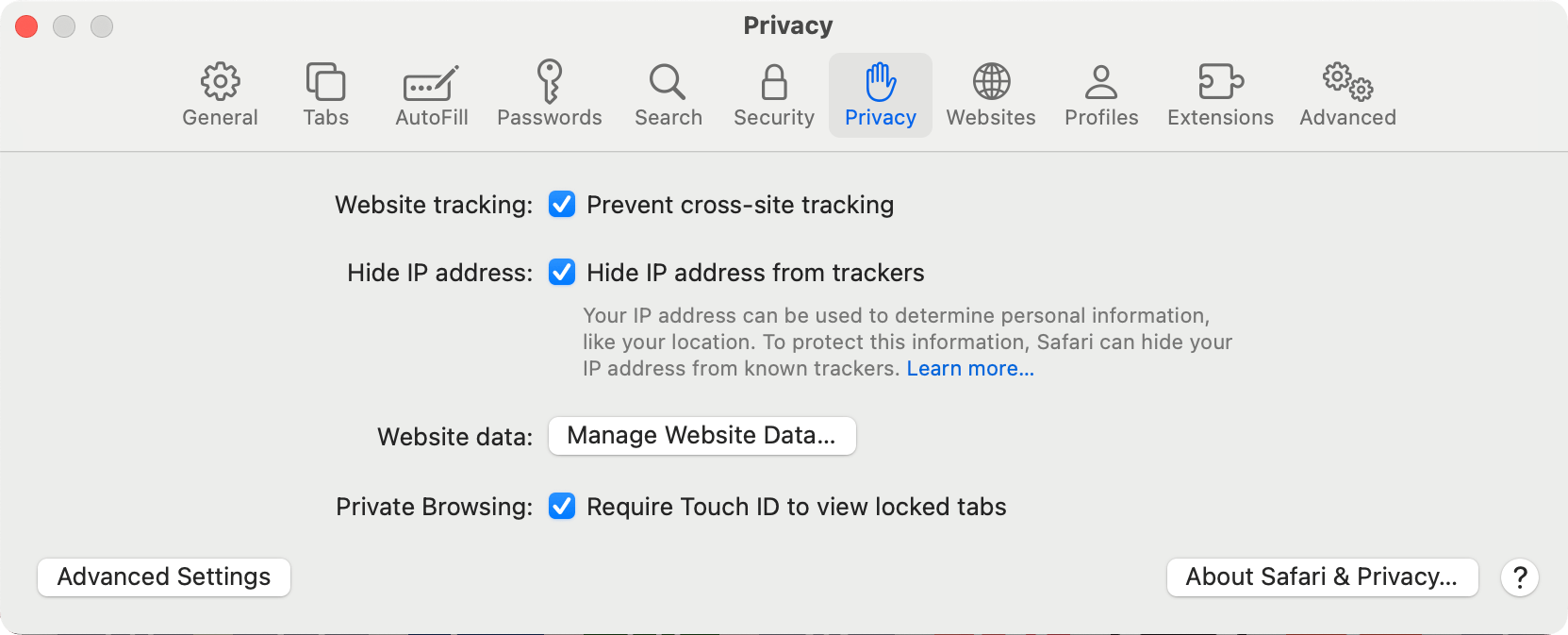
Open Safari and go to Settings.
Open the Privacy tab.
Enable Prevent cross-site tracking and Hide IP address from trackers.
Reload the
.localpage.
Learn more
- Access Olares services locally: Compare all local access methods and find FAQs and troubleshooting steps.