Hermes Agent Memory: When Hindsight Is Worth Adding

Hermes Agent has two kinds of built-in memory: two small files, USER.md and MEMORY.md, that load at the start of every session, and session search over past conversations. Hindsight, an open-source memory service, can add a third as a memory provider: a bank that extracts facts from conversations and links related ones.
The built-in files handle a simple preference well. A reason behind a changed decision is harder to carry forward. If I ask why I switched course, I want Hermes to find the conversation where that reason appeared. That’s when Hindsight is worth adding.
Start with Hermes’s built-in memory
Two short files for the things Hermes should always know
Hermes loads USER.md and MEMORY.md at the start of a session. The first holds preferences about the person it works with. The second holds working notes about the agent’s environment and ongoing work. You can edit both files directly, and Hermes can update them with its memory tool.
They are deliberately small: by default, USER.md holds 1,375 characters and MEMORY.md holds 2,200. That space works well for a writing preference, an environment detail, or a convention Hermes needs often.
Hermes reads both files once, when a session starts. If it saves a note mid-conversation, the file changes right away, but the note only reaches the model’s prompt in the next session. The Hermes memory docs explain why it works this way.
Session search finds the original exchange
Hermes can also search messages from earlier sessions. Session search is a full-text keyword search over stored conversations, and it returns the original messages rather than a summary. If you remember roughly what you discussed, it can bring back the exchange and its exact wording.
Where Hindsight earns its place
Hermes’s short files keep standing notes, and session search reopens an old conversation when you know what to look for. When a decision changes across several chats, its reasons are spread across those exchanges. Hindsight keeps the source text, extracts facts, and links related records in a named bank. Hermes works with that bank through a memory provider plugin and three tools: hindsight_retain saves, hindsight_recall searches, and hindsight_reflect reasons across saved memories.
Hindsight is one of several memory providers Hermes supports, alongside options such as Honcho and Mem0. Only one external provider can be active at a time, and the built-in files keep working alongside it.
For example, you start a side project on SQLite and later move to Postgres when concurrent writes become a problem. MEMORY.md can hold the current database choice. Hindsight can retain the earlier decision, the reason for switching, and the conversation where you explained it. When you ask why the database changed, Hermes has a history to draw from.
The project’s current instructions still belong in the project itself, for example in an AGENTS.md file that Hermes loads from your working directory. The bank can keep the story behind them.
A bank you can inspect
Open the bank when a reply sounds oddly certain. Constellation, Hindsight’s map of a bank’s memories and their links, showed my saved preference for self-hosted tools and the memories connected to it. That gave me a place to check the record and see whether it still fit the current project.
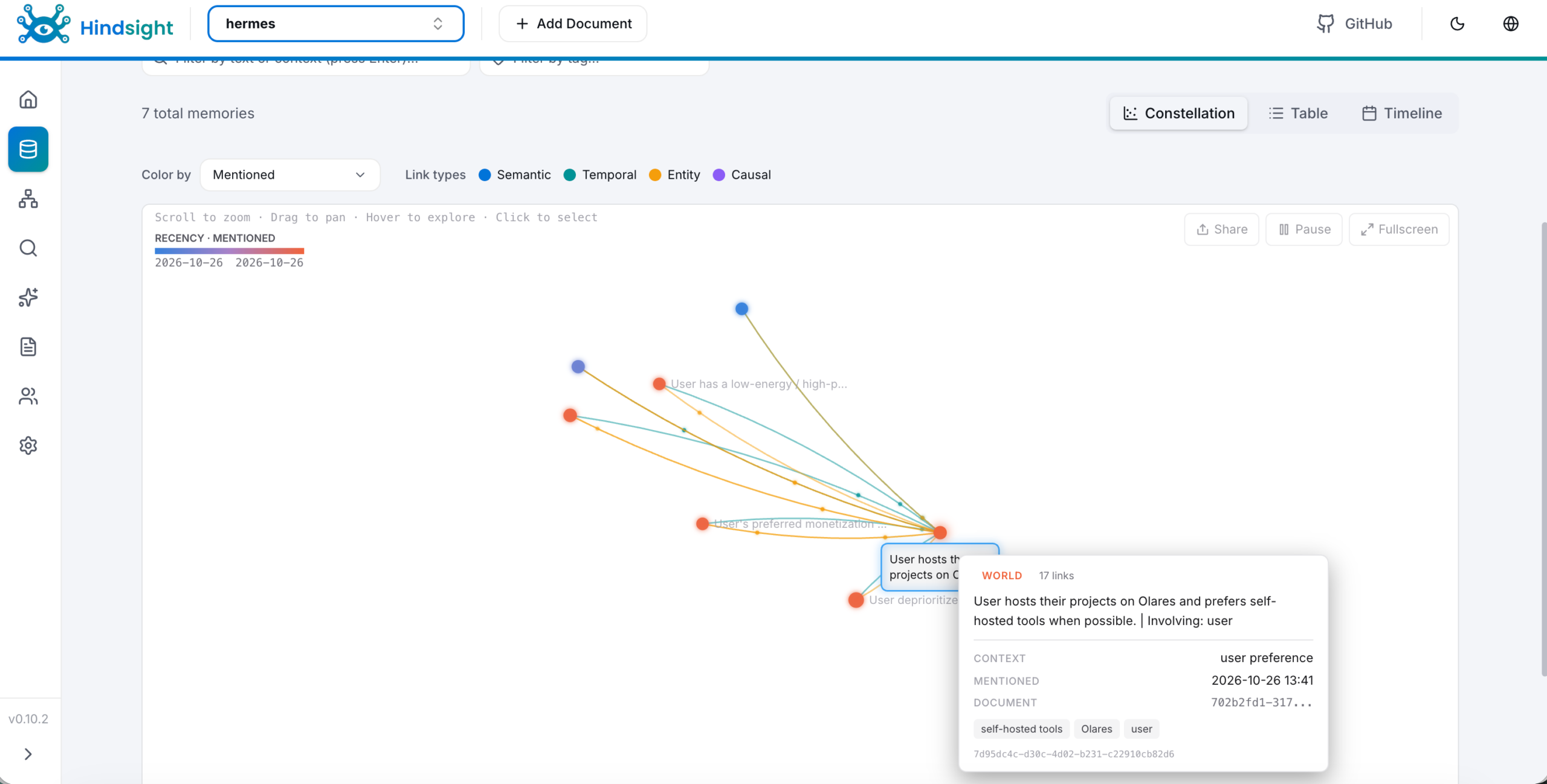
What happens in the next conversation
In a later chat, Hermes retrieved that hosting preference from Hindsight. It labeled the preference as the direct answer and treated other results as nearby context. That distinction matters more as a bank accumulates history.
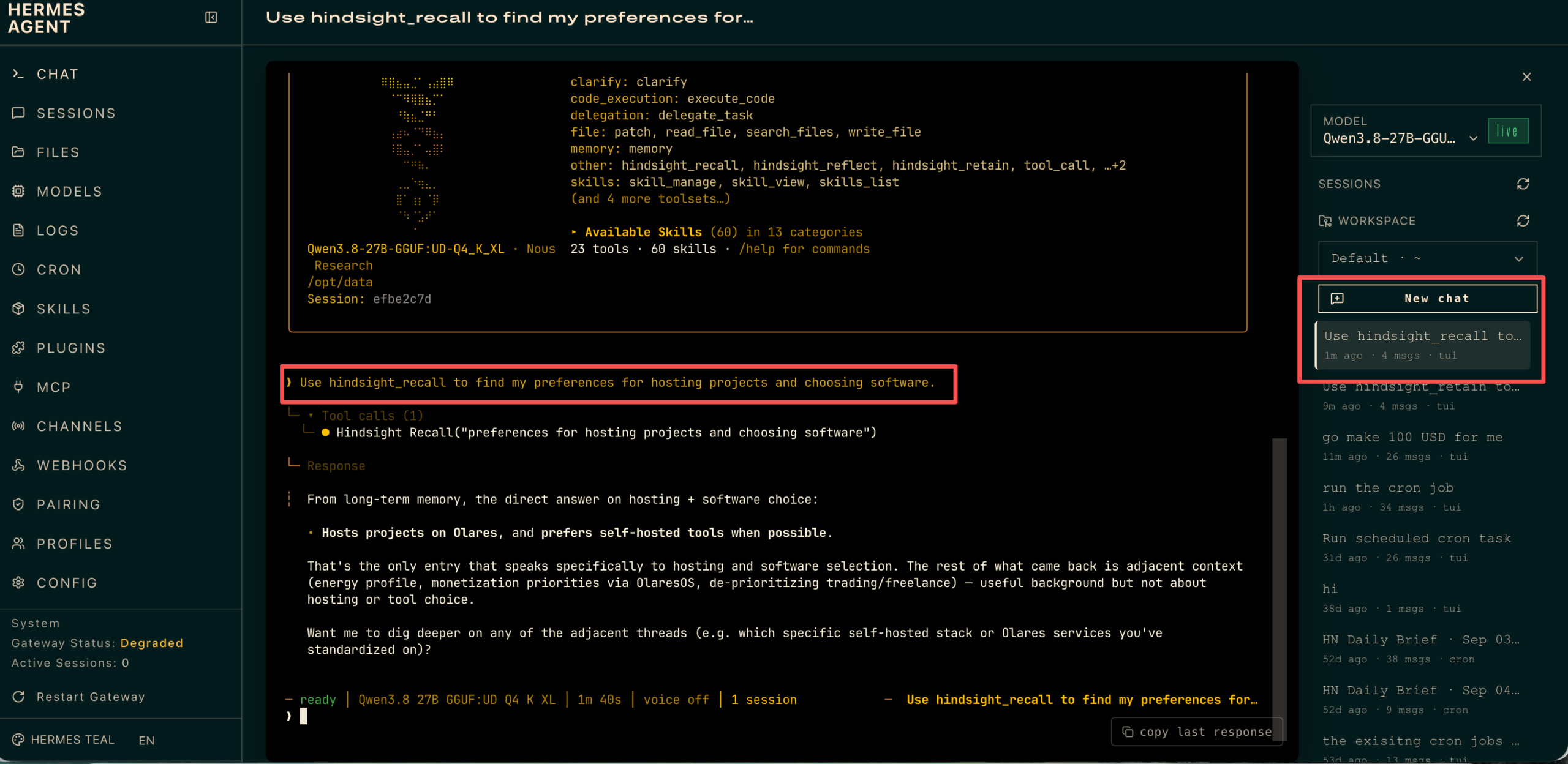
The screenshot shows an explicit hindsight_recall call. Auto Recall can search the bank before ordinary replies.
Choose what Hermes saves and recalls
Curate writes, then decide on automatic retention
Auto Retain sends conversation turns to Hindsight. Auto Recall fetches relevant memories before later replies. Both are on by default, and you can switch each one independently in the Hindsight provider settings on the Hermes Dashboard’s Plugins page. I’d start with Auto Recall on and Auto Retain off, then save decisions and durable preferences deliberately with hindsight_retain. That way you choose which remarks become durable.
Automatic retention becomes useful once the bank is part of daily work. After a change in plans, check the bank for the old and new decisions together. Old decisions can sound current when they arrive in a confident answer.
Hermes built-in memory, session search, and Hindsight compared
When a conversation leaves something worth keeping, I ask what I will need later: a standing fact, the exact exchange, or the history behind a decision.
| What you need | Where it fits | How Hermes finds it |
|---|---|---|
| A few preferences and working notes available across sessions | Hermes’s built-in memory | Loaded into every new session |
| A detail from an earlier conversation | Hermes’s session search | Full-text keyword search over past messages |
| A separate memory service with searchable facts and project-specific banks | Hindsight | Searches extracted facts and the links between them |
Self-hosted AI agent memory on Olares
Hermes and Hindsight can both run on your own hardware. Hindsight also calls a chat model to process retained information and an embedding model to search it. Keeping the full memory path local means running those models locally too.
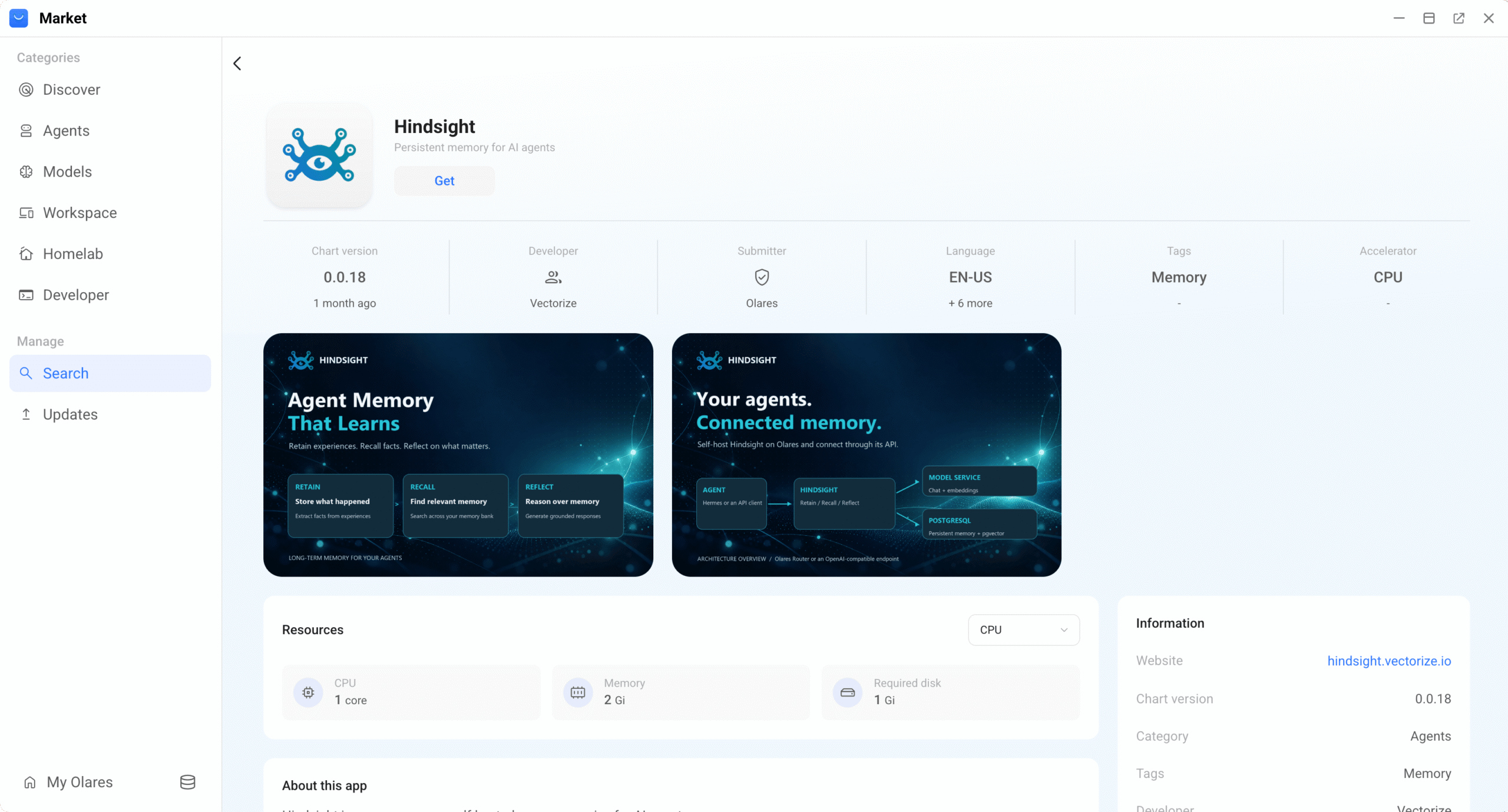
On Olares, Hermes Agent and Hindsight are both available as one-click installs in Market. Hindsight uses local chat and embedding models through Router; the Olares guide pairs Qwen3.8-27B for chat with EmbeddingGemma for embeddings. To connect the two, run hermes plugins install hindsight in Hermes CLI, then hermes memory setup, and choose Local External with your Hindsight API URL. The Olares Hindsight guide walks through each step, including where to find that URL.
Summary
Keep standing preferences in Hermes’s short files. Add Hindsight when decisions accumulate across conversations and you want their history available to inspect. Start with deliberate saves, then turn on automatic retention when you want routine conversations added too.
FAQ
Does Hermes Agent have long-term memory?
Yes. Hermes keeps two small files, USER.md and MEMORY.md, across sessions and can search past conversations with session search. For long-term memory that extracts and links facts, add an external memory provider such as Hindsight.
When do changes to Hermes’s memory files take effect?
Hermes loads its memory files when a session starts. Notes saved during a conversation are written to disk right away but only reach the model’s prompt in the next session. Start a new session to pick them up.
How do I add Hindsight to Hermes?
Install the plugin with hermes plugins install hindsight, then run hermes memory setup and select hindsight. You can connect to Hindsight Cloud, a local embedded instance, or an external Hindsight server such as the Hindsight app on Olares.
Can Hindsight run fully locally?
Yes, as long as its models run locally too. Hindsight needs a chat model to process memories and an embedding model to search them. On Olares, it uses local models from Router, such as Qwen3.8-27B and EmbeddingGemma.