Introducing Lares, the Olares-Native Agent

With Olares v1.12.7, we are introducing Lares: an Olares-native AI agent that runs directly on your device. Ask it to check your system, organize files, research a topic, or help deploy an application, all through a conversation.
Lares brings together your Olares workspace, platform tools, and the models you configure through Router. It can plan a task, use the available tools, and produce a result you can keep working with, from a research brief to a deployed app.
For the broader release, including Router, new local models, and other platform updates, read Olares 1.12.7: Router, Lares, and a Broader Local AI Experience.
What can Lares do today?
Start with the work you already do on Olares. The tasks Lares can complete depend on your configured models, tools, skills, and permissions.
- Manage your device and apps. Check system status, inspect configuration, install applications, and investigate problems.
- Work with files. Add attachments or reference files and earlier sessions, organize materials, and create drafts or summaries in your workspace.
- Research a topic. With web research tools configured, find sources, read relevant pages, and bring the findings together with links.
- Create media. Use supported image, video, audio, or 3D generation capabilities exposed through Router, and view the results in the conversation.
Lares can manage installed apps through Olares platform capabilities. To perform tasks inside an app, it needs that app to expose supported tools, integrations, or Agent Skills; installing an app alone does not make all its functions available to Lares.
From a request to a running app
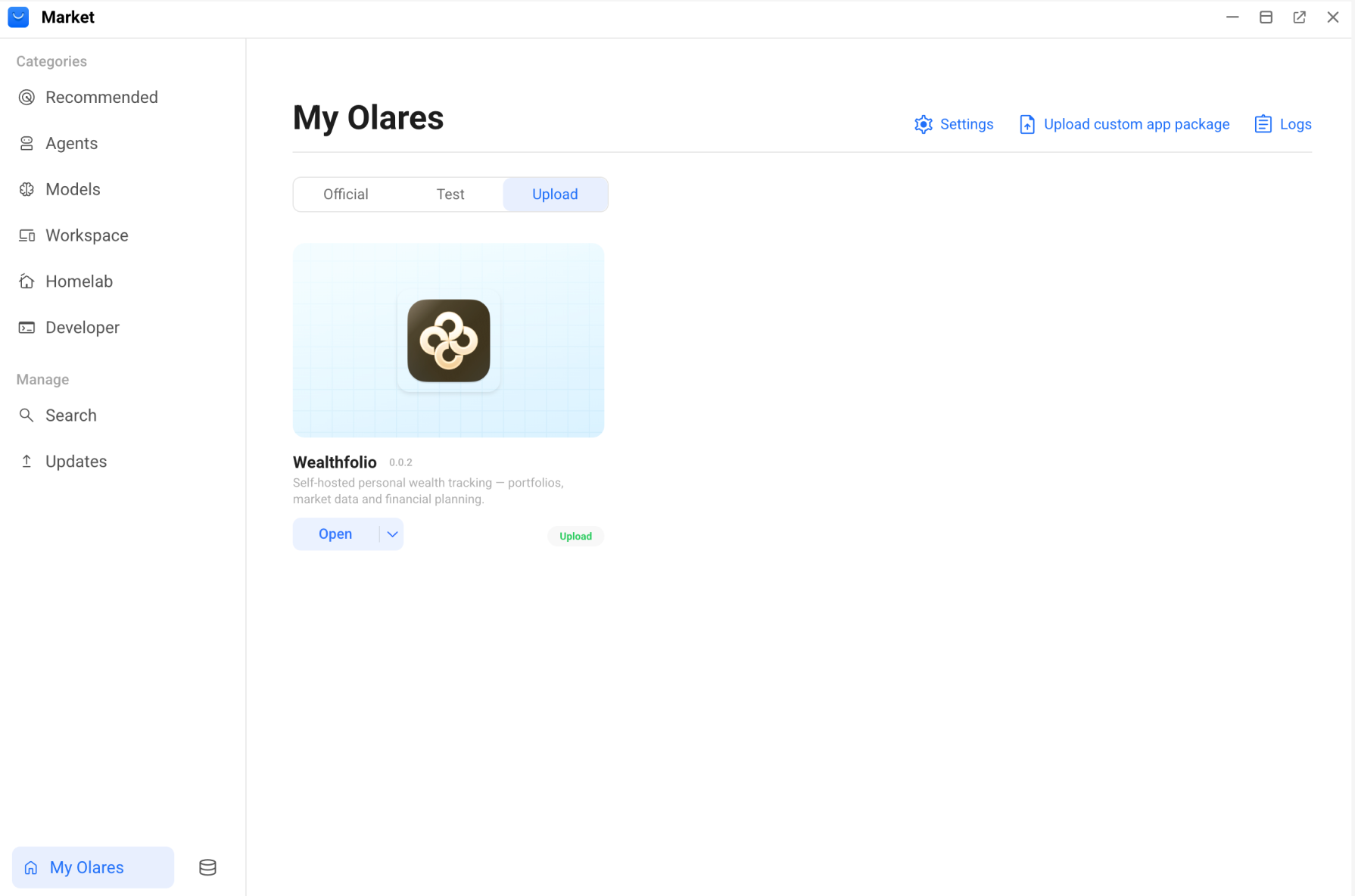
A task becomes more useful when Lares can carry it across several steps. Our onboarding guide includes an example of deploying Wealthfolio from its GitHub repository.
The request:
Deploy this app to Olares: https://github.com/wealthfolio/wealthfolio
and make sure it has a desktop icon.
The work: Lares inspects the project, prepares its Olares Application Chart, and updates the required manifest files. The conversation keeps the steps and the resulting deployment details together.
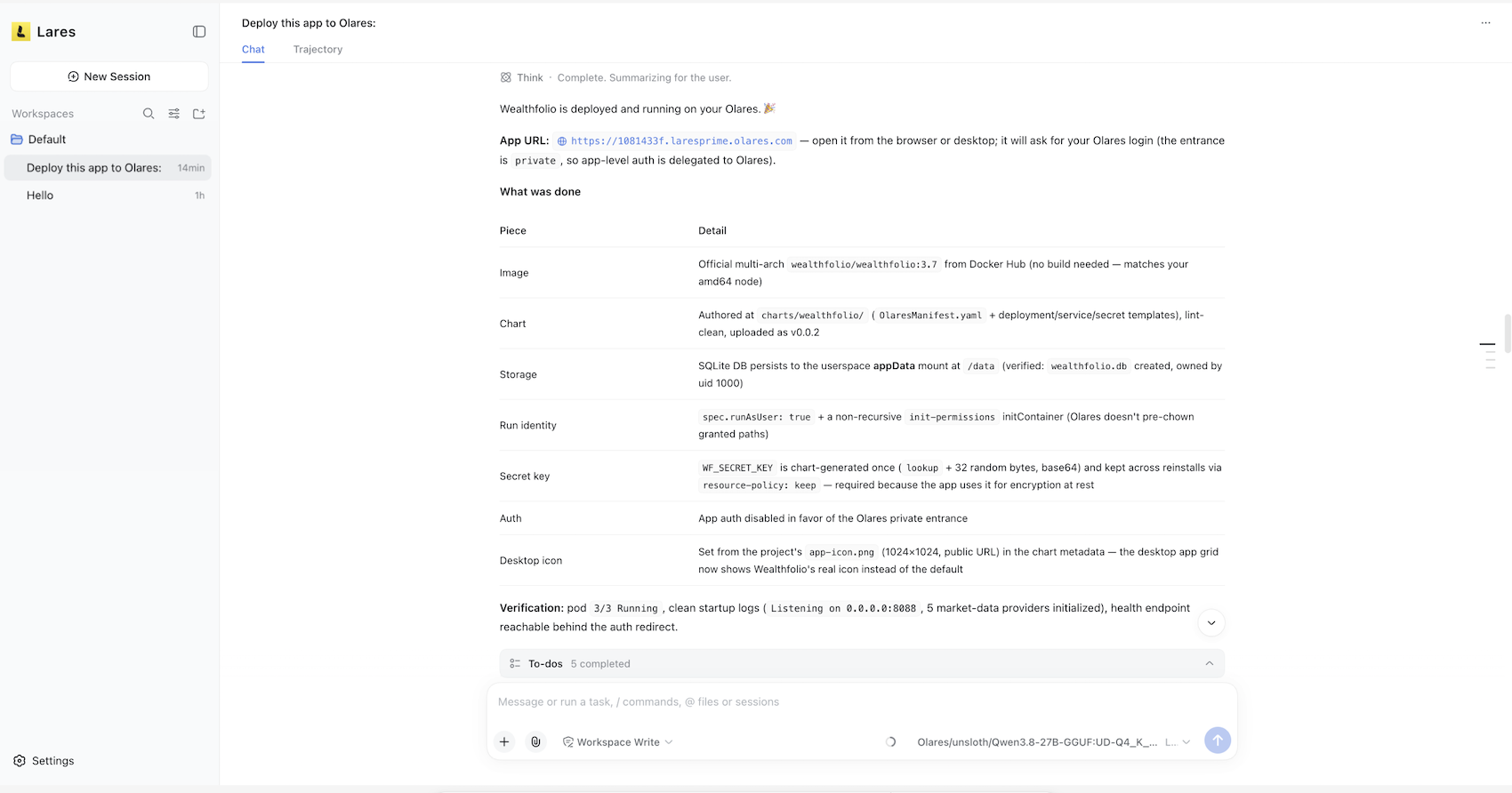
The result: In this example, Wealthfolio is available from the Launchpad and My Olares. See the app deployment walkthrough for the full example.
The same approach applies to research: ask Lares to gather sources, summarize the findings, and draft a short article. If a supported image-generation capability is available through Router, you can also ask for an accompanying image.
Before researching the web: Configure the required search and page-reading tools in Router. For a search tool, also select it under Settings > Web Search in Lares. The Lares research tutorial walks through the setup.
How Lares works with Router
Lares is built on DeepSeek Harness and adapted for Olares. It uses two complementary parts of the platform to carry out your requests:
- Router provides access to AI models and tools. Manage local models, cloud providers, and supported AI capabilities in one place. Lares uses those connections, so you do not need to configure the same model providers again inside Lares.
- Olares CLI and Agent Skills support system actions. They let Lares work with your files, apps, and system services under your account’s permissions. In Lares, you also choose the permission level for the task: Read Only, Write, or Full Access.
Lares is not tied to one model or provider. You can expand its available capabilities as your needs change. See the Router guide for how local and external capabilities connect.
Alongside the agents you already use
You can continue using Codex, OpenCode, Claude Code, or other agents for your preferred workflows. Agents with access to the same Olares CLI Agent Skills can perform overlapping system tasks. Lares provides an Olares-native starting point, with your device context and Router connections close at hand.
For more on where agents run and how they access your device, read Olares, Olares CLI, and AI Agents: The Relationship Explained.
Try Lares
Start on Olares v1.12.7 or later, with Lares, Router, and a connected model ready to use. Devices shipped with the Olares One v1.12.7 factory image include Lares, Router, and Qwen3.8-27B (llama.cpp). If you upgraded an existing device or run a self-hosted installation, follow the environment setup guide to install the required apps from Market.
- Open Lares from the Launchpad.
- Choose your workspace, model, and permission level. Read Only is a useful starting point for inspecting your device.
- Send your first request:
Check this device's configuration.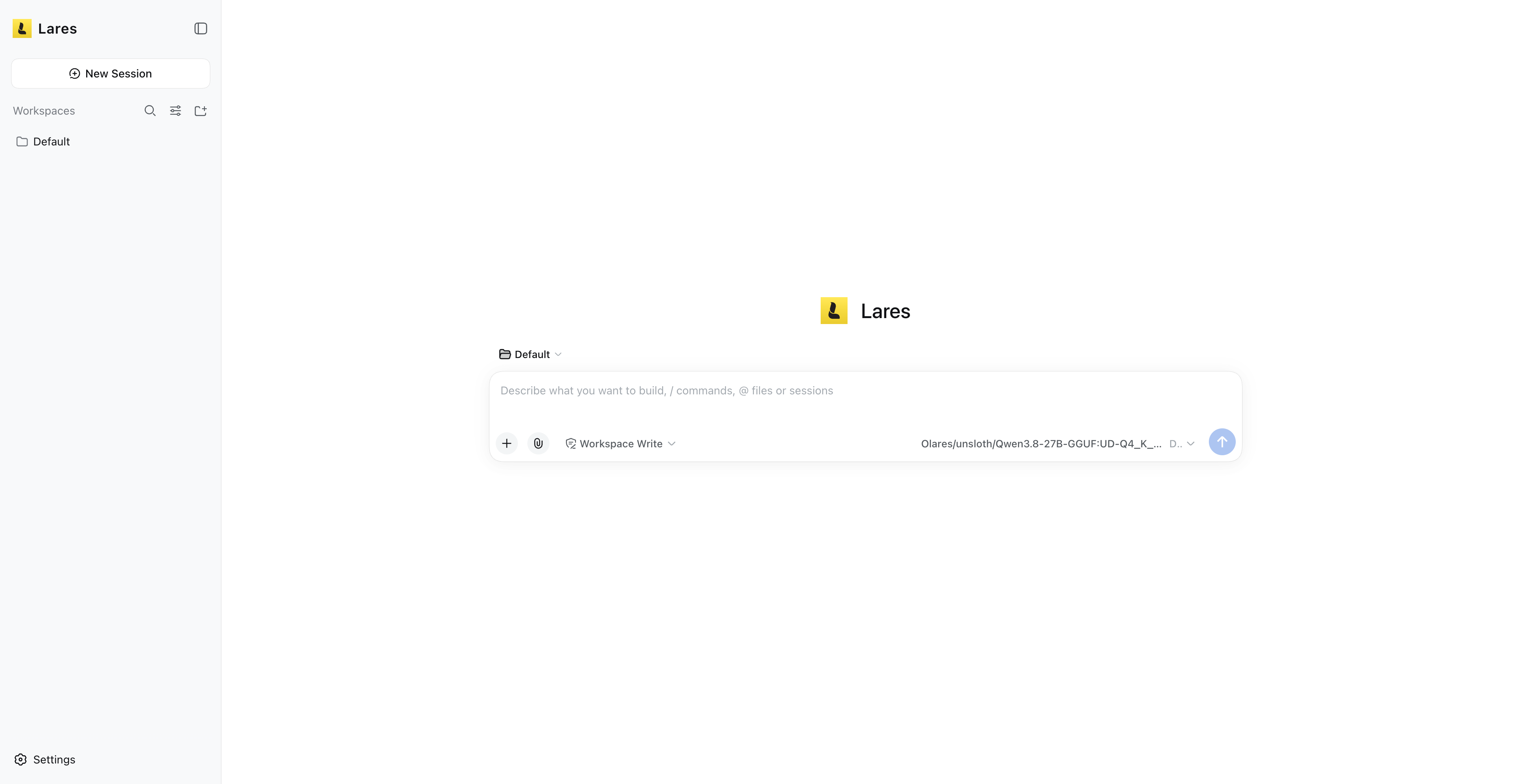
Run one task at a time. When using Qwen3.8-27B (llama.cpp) on Olares One, we recommend running one request at a time to preserve the available context and model accuracy.
Continue with the common-task examples, or configure web research with the Lares tutorial.
Where Lares is going
Today, Lares helps you operate and create within Olares using the capabilities available to it. Over time, we plan to extend that role: understanding broader goals, identifying the right specialized tools or agents, and coordinating their work across your personal AI cloud.