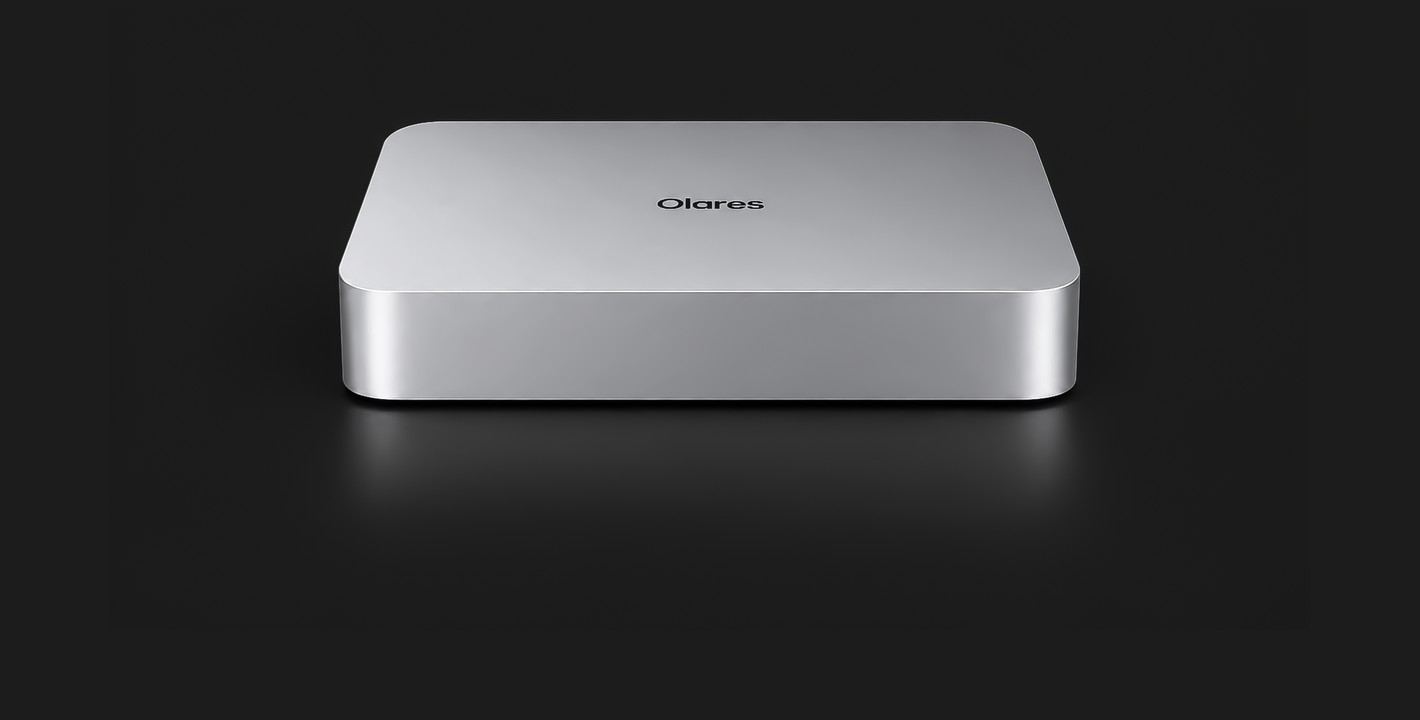
LarePass Privacy Policy
Release date: November 23, 2026
Effective date: November 23, 2026
Introduction
LarePass is software designed for users of the Olares system. It acts as a secure bridge between you and your self-hosted Olares system, enabling account management, secure access, file synchronization, and password management across your devices.
We are committed to protecting your privacy. Your personal information is stored on your own Olares device, not on our servers.
Before you download, install, and use the LarePass software (hereinafter referred to as "the Software") and related services, please read and thoroughly understand this Privacy Policy. If you are using the Software as a member of an organization, we recommend that you also understand your organization's data policies.
Scope: This Privacy Policy applies to the LarePass mobile application on iOS, Android, and related services.
This policy constitutes a legally binding agreement between you and us. Please carefully review and choose whether to accept this policy. If you do not agree, please do not use the Software.
Table of contents
- How we collect and use your information
- Data storage and legal disclosures
- Security
- Your rights
- Changes to this policy
- Contact us
1. How we collect and use your information
1.1 Information we collect
The Software operates primarily as a client application that connects to your self-hosted Olares system. The information collected varies by device platform and features used.
We do not use the information described in this section for targeted advertising or cross-app tracking.
Android app
- Device and system information: Device manufacturer, model, system language, operating system and API version, app version, and WebView version, used to adapt the interface language, ensure system compatibility, and display device information.
- App-specific device identifier: When you apply for an Olares ID, we access the Android ID, hash it to generate an app-specific device identifier, and submit that identifier to the registration service to identify the device from which the request was made. The generated identifier is stored in the app’s private storage and reused for subsequent requests whenever possible. If a valid Android ID is unavailable, a random value is used to generate a substitute identifier.
- Storage and memory information: Device storage capacity, memory capacity, and the app’s memory usage, used to adapt resource usage during file processing and assess operating status.
- Network identification information: IP address, cookies or similar technologies where applicable for web-based features.
- Account and authentication information: Olares ID and authentication credentials you submit during sign-in, used solely for authentication and account access.
- Application and network information: App version, network connection type, and connection status. When you use the Olares device network configuration feature and grant the required permissions, we also access the current Wi-Fi network name (SSID), access point identifier (BSSID), local network IP address, and signal strength for network configuration and connection-status assessment.
- Service content and support information: User feedback and support-related communications you choose to provide.
- Security risk control information: When you use login, registration, and other related functions, our security verification service (such as Google reCAPTCHA) may read your list of installed applications and other information to prevent automated abuse, spam registration, and other malicious activities. This information is used solely for security risk assessment only.
iOS app
- Device and system information: Device name, device model, operating system information, operating system API version.
- Device identifiers: System-generated device identifiers used for security and authentication purposes only, not for advertising or cross-app tracking.
- Network identification information: IP address, cookies or similar technologies where applicable for web-based features.
- Application and network information: Wireless network name, WLAN access points including BSSID and SSID, network access method, network type or status.
- Service content and support information: User feedback and support-related communications you choose to provide.
1.2 How we use your information
Legal basis: We process the limited information collected by the Software based on contractual necessity to provide the services you request, and based on your consent when you choose to use optional features.
1.2.1 Login and authentication
Purpose: To verify your identity and provide secure access to your Olares system.
Information used: Olares ID and authentication credentials you submit during sign-in.
We do not use your credentials for advertising, marketing, or any purpose other than authentication.
1.2.2 VPN services
Purpose: To establish secure connections between the Software and your Olares system, enabling remote access.
Information used: Device information and network information necessary to establish and maintain VPN connections.
This service does not access, intercept, or alter your content information. We do not collect or store the content of VPN traffic, including browsing activity, application traffic, or communications transmitted through the VPN connection, on your device or on our servers. We do not sell or share VPN traffic content with any third party.
We do not generate, collect, or retain VPN-related connection logs or diagnostic logs. VPN-related information, if any, is processed solely to establish and maintain the connection and support service reliability and troubleshooting. It is not used for advertising, analytics, or user profiling.
Where required by applicable laws or platform policies, we will provide a clear in-app notice and obtain your consent before enabling VPN functionality.
1.2.3 OTP services
Purpose: To provide secure two-factor authentication for your account through One-Time Password generation.
Information used: OTP secret keys and configuration data stored locally on your device.
OTP secrets are stored locally on your device and are not transmitted to or stored on our servers.
1.2.4 Scan function
Purpose: To enable QR code scanning for device pairing and OTP setup.
Information used: Camera access to scan QR codes.
Camera access is requested only when you use the scan feature, not at app launch.
1.2.5 Security risk control and fraud prevention
Purpose: To protect the security of your account and services, and to prevent automated abuse, spam registration, and malicious attacks, we have integrated third-party security verification services (such as Google reCAPTCHA) in login, registration, and other related scenarios.
Information used: When you use these features, the service may collect your device model, operating system version, device identifiers (such as Android ID), IP address, network type, and list of installed applications to assess whether the request presents abnormal risks.
This information is transmitted to Google LLC (the third-party service provider) via encrypted connections and used solely for security risk assessment. It is not used to provide personalized recommendations or advertising, nor for any purposes unrelated to security risk control, and will not be sold or shared with third parties for commercial purposes. If you have any questions about the data processing of this service, please contact us at [email protected].
1.3 System permissions
The Software requests the following system permissions only when needed for specific features:
Android permissions
Permission | Usage scenario | Purpose |
|---|---|---|
CAMERA | Scan QR codes | Device pairing, OTP setup |
READ_EXTERNAL_STORAGE | Access gallery images | Scan QR codes from saved images |
ACCESS_FINE_LOCATION | Wi-Fi network scanning | Wi-Fi connection features. Note: Android OS requires location permission for Wi-Fi scanning. We do not track your physical location. |
BLUETOOTH | Access device information | Device identification |
iOS permissions
Permission | Usage scenario | Purpose |
|---|---|---|
NSPhotoLibraryUsageDescription | Access gallery images | Scan QR codes from saved images |
NSCameraUsageDescription | Scan QR codes | Device pairing, OTP setup |
NSLocalNetworkUsageDescription | Access local network | Secure connection to your Olares system |
You can manage permissions through your device settings at any time.
2. Data storage and legal disclosures
2.1 Where your data is stored
Your personal information and content are stored on your own Olares system, not on our servers. We do not have access to the data stored on your Olares system.
For custom domain environments: If your Olares ID uses a custom domain managed through Olares Space, the domain administrator can manage Olares ID accounts within that domain, such as adding or removing members. Your personal data on your own Olares device remains under your control regardless of domain administration.
Third-party cloud storage: If you choose to upload or store files through third-party cloud storage or drive services, such files are stored and processed by the relevant third-party providers under their own policies. We do not store the contents of such files on our servers as part of this third-party cloud storage feature.
2.2 Legal requirements
We may be required to disclose information in response to lawful requests. However, because data is stored on your Olares system under your control, we have very limited access to user data and cannot access or disclose it.
If you have questions about legal requests or data protection, please contact us at [email protected].
3. Security
3.1 How we protect your information
The Software uses industry-standard security measures to protect your information:
- Encryption: Connections between the Software and your Olares system are encrypted using secure protocols. VPN connections use encryption to protect data in transit.
- Local processing: Most data processing occurs locally on your device or on your Olares system, minimizing exposure.
3.2 Your responsibility
Security of your Olares account depends significantly on your practices:
- Back up your mnemonic phrase: Your mnemonic phrase is the key to your Olares ID. Store it securely offline. If you lose it, we cannot recover your account.
- Use strong passwords: Set a strong local password for the Software on each device.
- Keep software updated: Install updates promptly to benefit from security improvements.
4. Your rights
4.1 Accessing your data
Your data is stored on your Olares system. You can access, view, and manage your data directly through:
- The Olares web interface
- The Files app in Olares
- The Software on any of your connected devices
You have full control over your data at all times.
4.2 Backing up your account
Account backup: Your Olares ID is secured by a mnemonic phrase. When you create an Olares ID, you must back up this mnemonic phrase. Store it securely in a safe place. We recommend:
- Writing it down on paper and storing it in a secure physical location
- Not storing it in digital form on internet-connected devices
- Not sharing it with anyone
4.3 Managing permissions
You can revoke app permissions at any time through your device settings. Revoking certain permissions may limit functionality but will not prevent core features such as authentication and VPN access.
4.4 Account recovery and loss
If you lose your mnemonic phrase, your account cannot be recovered. We do not have a way to reset or recover your account for you.
4.5 Stopping use of the Software
If you wish to stop using the Software:
- Uninstall the Software from your devices
- Your Olares system and data remain accessible through other means if you still have your Olares ID credentials
- Your mnemonic phrase remains valid for future access if needed
You can reinstall the Software and import your Olares ID at any time using your mnemonic phrase.
4.6 Additional rights
Depending on your location, you may have additional data protection rights under applicable laws. Because your data is stored on your own Olares system:
- Access and correction: You can directly access and modify your data through your Olares system at any time
- Data portability: You can export your data from your Olares system at any time
- Deletion: You control deletion of data on your Olares system
For questions about your data or this policy, contact us at [email protected]. Depending on your location, you may also contact your local data protection authority.
5. Changes to this policy
We may update this Privacy Policy from time to time to reflect changes in the Software's functionality or legal requirements. When we make material changes, we will notify you through the Software or other appropriate means before the changes take effect. Where required by law, we will obtain your consent.
The Effective ate at the top of this policy indicates when it was last updated.
If you do not agree with changes, you may stop using the Software and uninstall the application.
6. Contact Us
If you have questions, concerns, or requests regarding this Privacy Policy or your data, please contact us at [email protected].
Contact details:
Bytefuture (HK) Limited
Flat/Rm 603, 6/F, Laws Commercial Plaza
788 Cheung Sha Wan Road, Cheung Sha Wan
Kowloon, Hong Kong
We will respond to inquiries within 15 business days or as required by applicable law, whichever is shorter.