
How to Store Olares ID Recovery Words Without Creating a New Risk

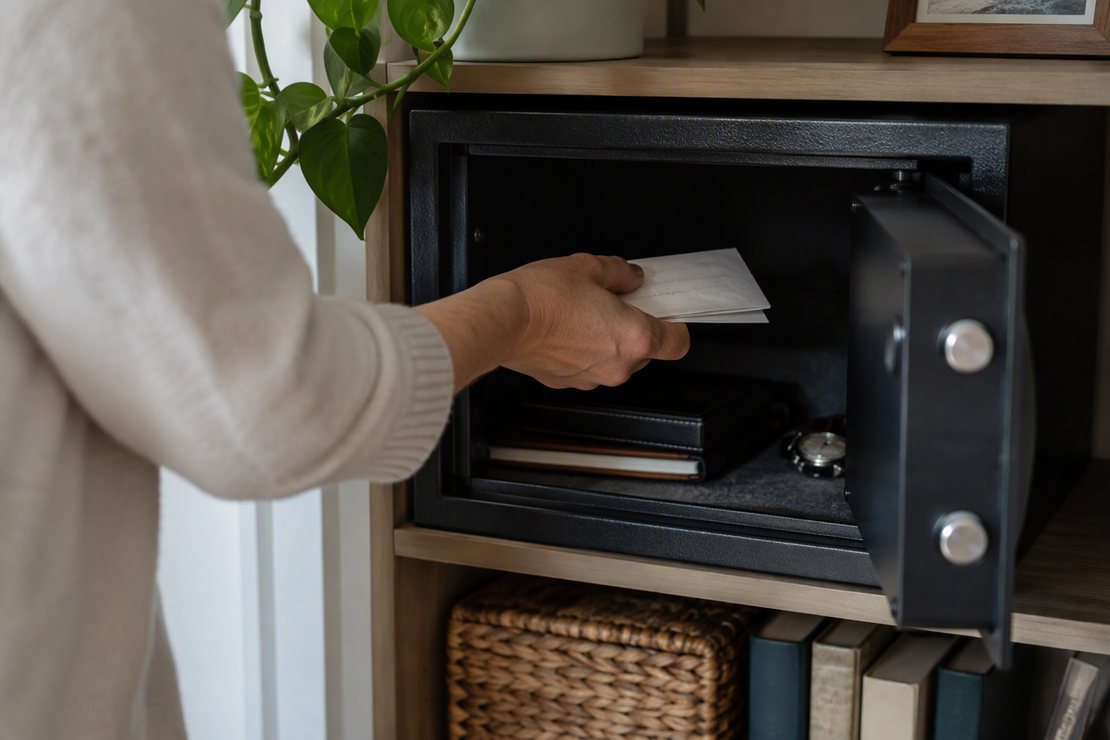
Write your Olares recovery words on paper and keep that copy somewhere secure that you can reach without your Olares device, such as a safe. Keep it apart from the phone or computer and away from the passwords you use every day.
No storage method removes all risk. The goal is a copy that survives losing your device and doesn’t sit next to the other things a thief or snoop would find first.
Store a copy you can reach without your device
Our LarePass documentation describes the recovery phrase as 12 words. It recommends writing the phrase down as an offline copy and storing it securely, with a safe given as an example. Offline here means the words live on paper, not in an app, a file, or a cloud account.
This matches broader security advice. NIST guidance for saved recovery codes says such codes are meant to be kept offline, for example printed or written down, and stored securely for later use. That guidance covers saved recovery codes in general. It wasn’t written about Olares, but the logic carries over: a recovery copy is only useful if it still exists after the thing it backs up is gone.
Here is a simple placement test you can apply to any spot you’re considering. Ask two questions:
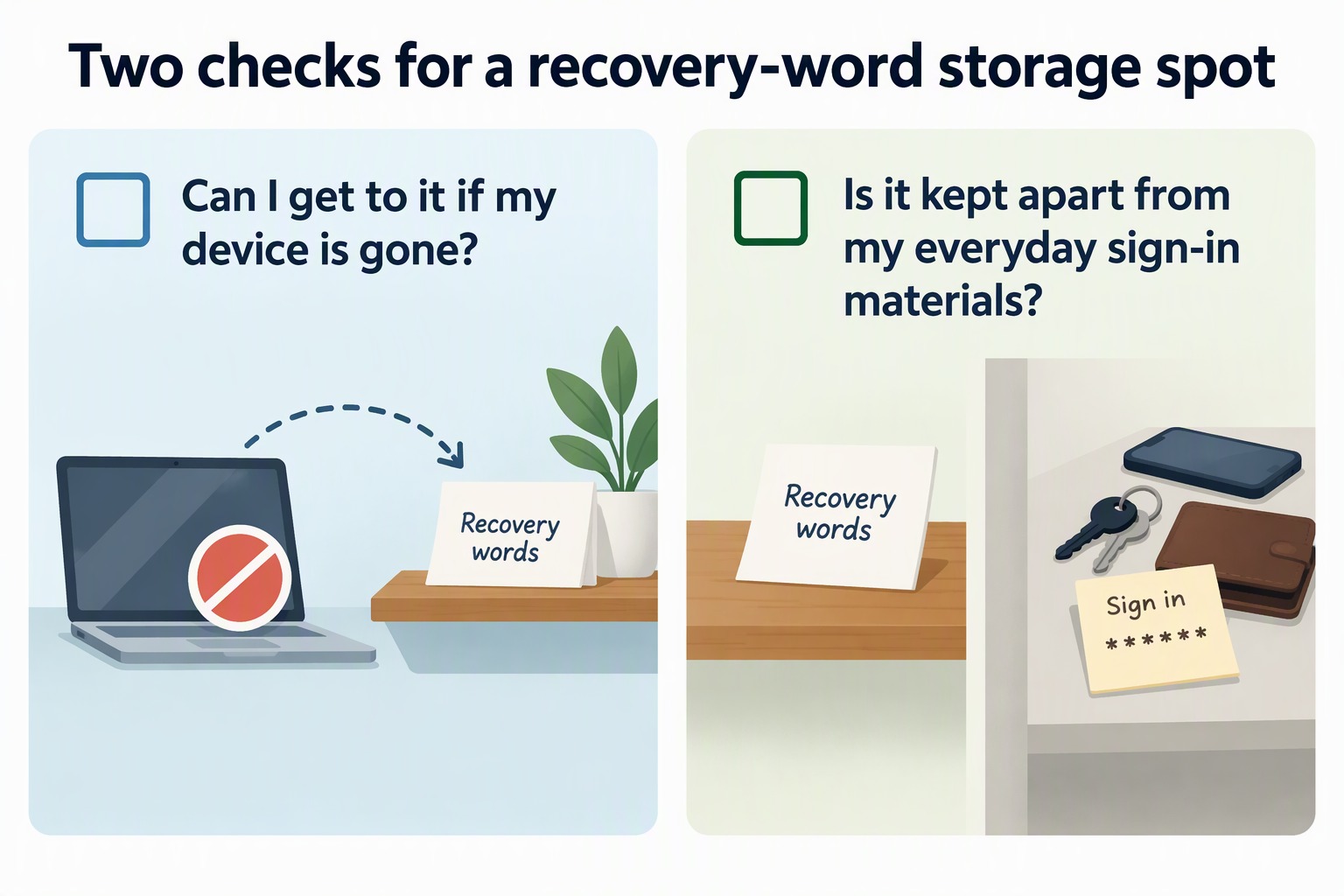
- Can I get to it if my device is gone? Picture your phone stolen or your laptop dead. If the only copy is a note, photo, or file on that device, it disappears with the device. A paper copy in your home safe passes this test.
- Is it kept apart from my everyday sign-in materials? Keeping the copy separate from everyday materials like your LarePass password or PIN is a cautious placement choice to avoid storing credentials together.
Treat the second question as a sensible habit, not a guaranteed protection. It doesn’t make a copy unbreakable. It just avoids putting all your keys in one place.
Also skip the clipboard. Our documentation warns that copying the phrase to the clipboard poses a security risk, so write the words by hand straight from the screen instead of copying and pasting them anywhere.
Know what the recovery words unlock
The recovery words and your LarePass password do different jobs, and they are not interchangeable. It helps to keep three pieces straight. LarePass is the app on your phone or computer. Your Olares ID is your identity. Olares is the server environment that holds your apps and data.
Our documentation describes the 12-word phrase as the only method to recover an Olares ID. The LarePass local password is different. It unlocks LarePass on the device you’re using right now. If you have several IDs in LarePass on one device, they share one local password. A different device has its own separate local password.
That difference is why the paper copy matters so much. Resetting or changing a local password on a device is not the same as recovering a lost identity. If the device that holds LarePass is gone, its local password goes with it in any practical sense. The recovery words are what stand between you and losing the Olares ID itself. So they need their own home, one that does not depend on any single device staying alive.
Decide whether a second copy is worth keeping
A second copy makes sense only when it fixes a real loss scenario and you can control it as carefully as the first. More copies are not automatically better. Each one adds a place where the words could be found.
Start with the specific worry. Maybe your only copy is in a home safe and you’re concerned about a fire or flood. Maybe you travel often and fear the one sheet getting misplaced during a move. If you can name a concrete event that would destroy or lose your single copy, a second copy in a different location can address it. If you can’t name one, a single well-placed copy may be the cleaner choice.
Then check the second spot against the same standard. You should be able to reach it without your device. It should stay apart from your everyday passwords. And you should know exactly who else can open it. A copy in a place you visit rarely, or where other people have keys, is harder to keep track of. A forgotten copy is a risk you no longer manage.
Our documentation also describes an encrypted LarePass Vault option for keeping copies on multiple devices. Vault is where Olares manages passwords, keys, and other secrets. We don’t present it as safer than paper or as a full replacement for it. Before you count a Vault copy as your backup, make sure you could still get to it if the device you’re using today were lost. If you can’t confirm that, keep the paper copy as your main fallback and treat any digital copy as extra.
FAQs
Should I number the words when I write them down?
Yes, writing them in order is worth the extra care. During backup, LarePass has you record the words and then confirm them in order. Numbering each word from 1 to 12 on your paper copy makes it easier to read them back correctly later. After writing, check every word against the screen once more before you put the copy away.
Is a photo or screenshot of the recovery words a good backup?
It differs from the documented guidance. An image stored on a device is a digital record rather than the offline written copy recommended in documentation. Storing the phrase written down by hand keeps it aligned with the documented offline recommendation.
Can I keep the copy in a safe other people can open?
You can, but think about who has access. Anyone who can open the safe can read the words. A shared household safe may be fine if you trust everyone with the combination and you can always open it yourself. If you share the space with people you wouldn’t trust with your identity, a separate locked spot only you control is a better fit. A sealed envelope also makes it easier to notice if someone has handled the copy.
What can I do if I’ve lost access and can’t find the recovery words?
Start with our guide to recover access without your mnemonic. It covers options for getting back into LarePass, Olares Desktop, or your Olares device. Once you’re back in, make a fresh written copy of the words and store it using the placement test above.