59.6Average game FPS, 2K direct
57.31% low game FPS, 2K direct
| Play mode | Resolution | Overlay gateway | Avg. FPS | 1% low FPS |
|---|---|---|---|---|
| Direct play | 2560 × 1440 | On | 59.6 | 57.3 |
| Direct play | 3840 × 2160 | On | 59.6 | 57.8 |

 Back to all games
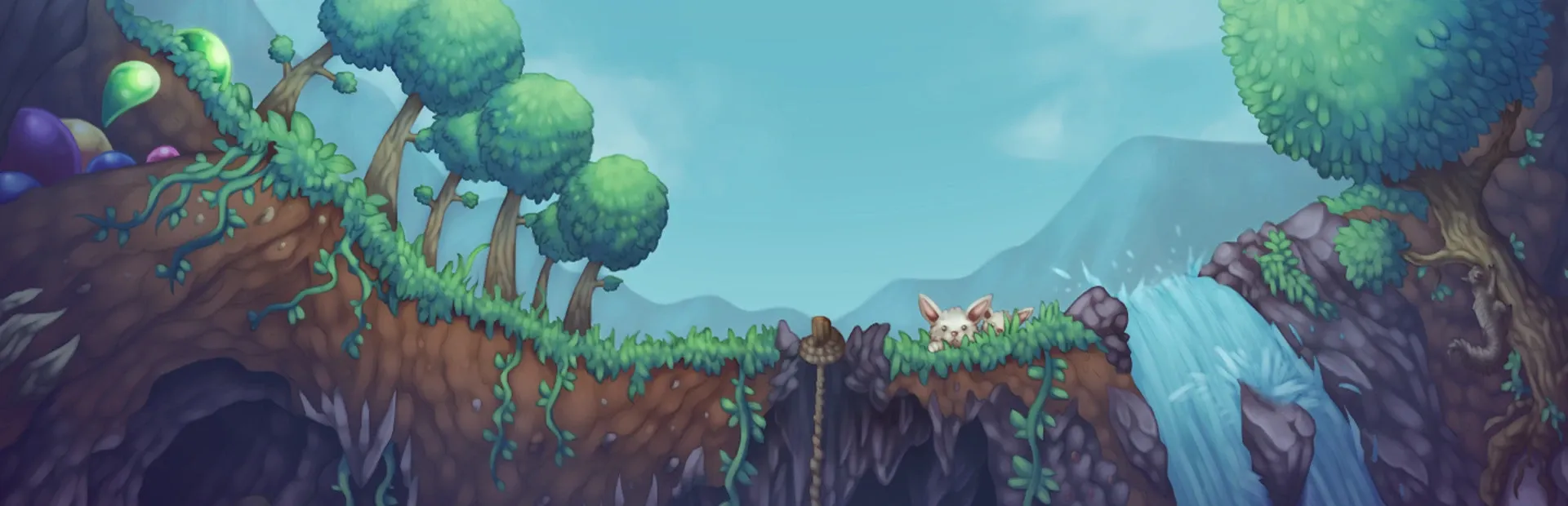
Dig for resources, build a home, and face bosses in Terraria’s 2D worlds. Compare native Linux performance at 2K and 4K, with display settings and a fix for the Steam overlay.
World exploration runs smoothly in native Linux. If the Steam overlay or friend invitations do not open, use the X11 launch option below. The tested setup stays near 60 FPS at both output resolutions.
Compare average FPS and 1% lows at each tested resolution. Streaming FPS is measured in-game.
| Play mode | Resolution | Overlay gateway | Avg. FPS | 1% low FPS |
|---|---|---|---|---|
| Direct play | 2560 × 1440 | On | 59.6 | 57.3 |
| Direct play | 3840 × 2160 | On | 59.6 | 57.8 |
| Settings | Direct 2K | Direct 4K | Streaming 2K | Streaming 4K |
|---|---|---|---|---|
| Display mode | borderless | borderless | borderless | borderless |
| Resolution | 2560 × 1440 | 3840 × 2160 | 2560 × 1440 | 3840 × 2160 |
| Graphics preset | — | — | — | — |
| Overlay gateway | On | On | On | On |
| Runtime | native Linux | native Linux | native Linux | native Linux |
| Stream target FPS | Not applicable | Not applicable | 60 | 60 |
| Stream bitrate (Mbps) | Not applicable | Not applicable | 40 | 80 |
| Network | Not applicable | Not applicable | LAN, 5 GHz Wi-Fi | LAN, 5 GHz Wi-Fi |
| Setting | Tested value |
|---|---|
| Graphics API | OpenGL |
| Frame Skip | Off in the measured configuration |
| UI scale at 4K | 200% |
| World zoom | 100% |
| Lighting mode | 3 (configuration value) |
| Background / parallax | On / 50% |
| Blood / screen shake | On |
| Heat distortion / storm effects | On |
| Wave quality | 3 |
| Wind-swaying plants / foreground sunlight | On |
| Waterfall draw limit | 1000 |
| VSync | Off |
| Frame-rate limit | Unlimited |
Use the native Linux build. In Steam → Properties → Launch Options, enter SDL_VIDEO_DRIVER=x11 %command%. This resolved the overlay issue in the tested setup.
Enter a world, then open Settings → General → Zoom and adjust UI Scale. The main-menu settings screen does not contain this control.
Saved-game sessions. NVIDIA driver synchronization held the output near 60 FPS even with in-game VSync disabled. No frames exceeded the report’s 100 ms exclusion threshold.
| Profile | Test date | Session duration | Game build or version |
|---|---|---|---|
| Direct 2K | 2026-10-29 | Not recorded | 1.4.5.8 |
| Direct 4K | 2026-10-29 | Not recorded | 1.4.5.8 |
| Streaming 2K | 2026-10-29 | Not recorded | 1.4.5.8 |
| Streaming 4K | 2026-10-29 | Not recorded | 1.4.5.8 |