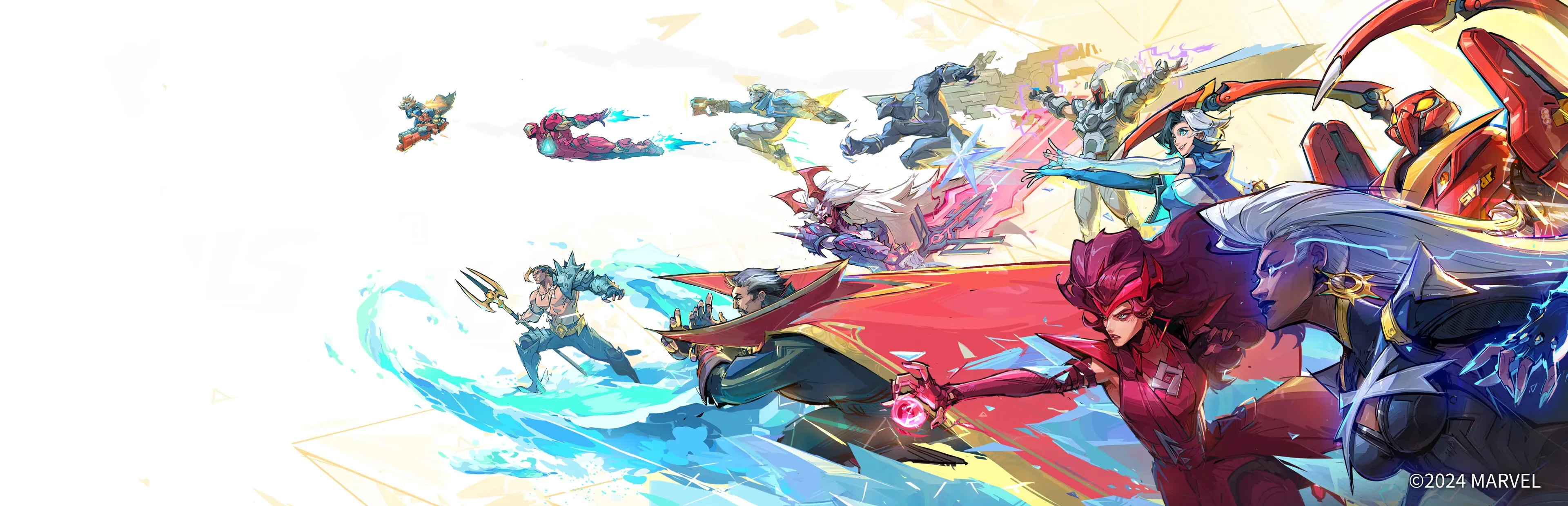
Marvel Rivals heroes charging across a colorful arena
Back to all games

Marvel Rivals

Marvel Rivals brings superhero team fights to destructible arenas. Compare direct-play and streaming performance at 2K and 4K, with Very High graphics, DLSS Balanced, and 2× frame generation.

Device
Runs wellLast tested Oct 13, 2026

Measured performance

Compare average FPS and 1% lows at each tested resolution. Streaming FPS is measured in-game.

181.9Average rendered FPS, 2K direct
91.11% low rendered FPS, 2K direct
Play modeResolutionOverlay gatewayAvg. rendered FPS1% low rendered FPS
Direct play2560 × 1440On181.991.1
Direct play3840 × 2160On117.762.5
Direct play2560 × 1440Off163.189.9
Direct play3840 × 2160Off114.357.4

Recommended settings

SettingsDirect 2KDirect 4KStreaming 2KStreaming 4K
Display modeborderlessborderlessborderlessborderless
Resolution2560 × 14403840 × 21602560 × 14403840 × 2160
Graphics presetVery HighVery HighVery HighVery High
Overlay gatewayOnOnOnOn
UpscalingDLSS BalancedDLSS BalancedDLSS BalancedDLSS Balanced
Frame generationDLSS 2×DLSS 2×DLSS 2×DLSS 2×
Runtimeproton Stable 11.0-2proton Stable 11.0-2proton Stable 11.0-2proton Stable 11.0-2
Stream target FPSNot applicableNot applicable6060
Stream bitrate (Mbps)Not applicableNot applicable4080
NetworkNot applicableNot applicable5 GHz Wi-Fi5 GHz Wi-Fi

Graphics settings

Graphics settings
SettingTested value
Global illuminationVery High
Shadow detailVery High
Reflection detailVery High
Shading detailVery High
Post-processingVery High
Effects detailVery High
View distanceVery High
Texture detailVery High
Foliage detailVery High
NVIDIA ReflexOn
VSyncOff
Frame-rate limitUnlimited

Frequently asked questions

How do I launch Marvel Rivals on Olares One?

In Steam → Properties → Compatibility, force Proton 11.0-2. The tested configuration uses borderless mode, DLSS Balanced, and 2× frame generation.

What should I try if 4K streaming stutters?

Start with the gateway-on 4K profile. In Olares Settings → Network → Overlay gateway, enable the gateway and then enable it for Steam Headless. Use a 60 FPS Moonlight stream at 80 Mbps.

Should I wait for shader compilation?

Yes. Let shader compilation finish in the lobby before joining a match. First-time compilation can interrupt frame delivery.

Test conditions
CPU
—
GPU
—
Memory (GB)
96
VRAM (GB)
24
GPU power limit (W)
175
OS
Olares OS 1.12.7
GPU driver
595.84.0
Game version
—
Steam chart version
1.0.47
Memory limit (GB)
64
CPU limit
18 cores
Power mode
Performance
Last tested
2026-10-13

Test sessions

Test sessions
ProfileTest dateSession durationSteam client version
Direct 2K (gateway on)2026-10-10110 minutes1788652215
Direct 4K (gateway on)2026-10-12160 minutes1788652215
Direct 2K (gateway off)2026-10-10110 minutes1788652215
Direct 4K (gateway off)2026-10-10110 minutes1788652215
Streaming 2K (gateway on)2026-10-13110 minutes1788652215
Streaming 4K (gateway on)2026-10-13110 minutes1788652215
Streaming 2K (gateway off)2026-10-13110 minutes1788652215
Streaming 4K (gateway off)2026-10-13110 minutes1788652215