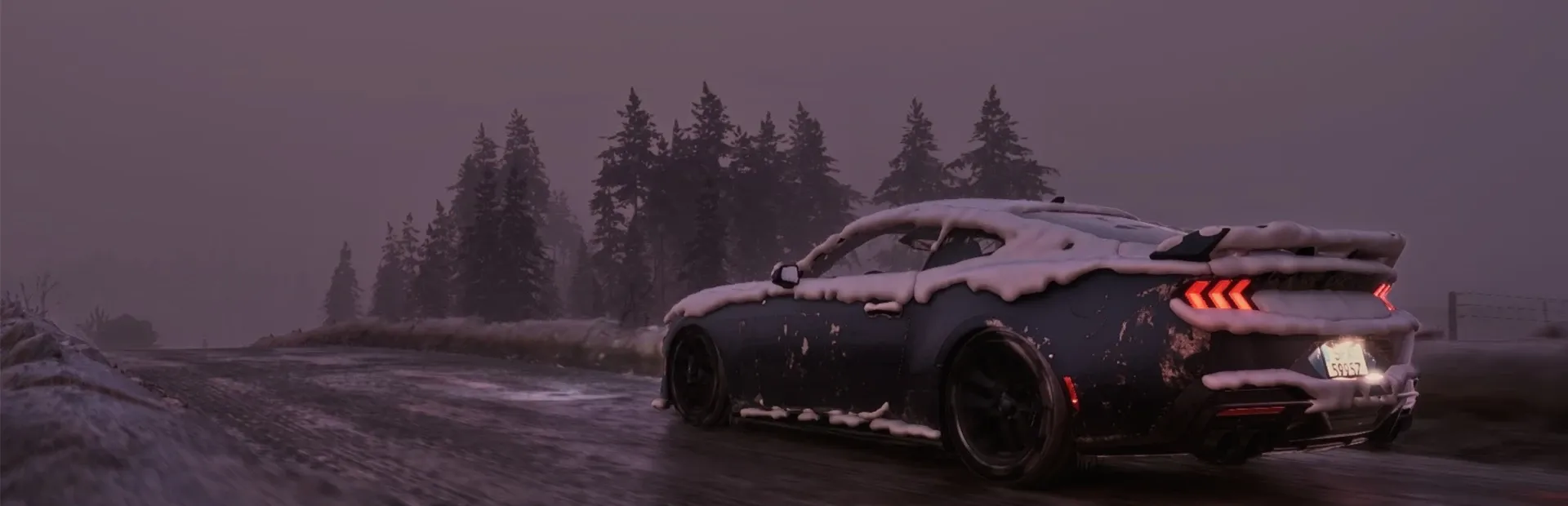
BeamNG.drive sports car on a snowy forest road
Back to all games

BeamNG.drive

BeamNG.drive combines open-ended driving with detailed vehicle physics. Explore native Linux free-roam results at 2K and 4K, the tested graphics settings, and options for handling freezes.

Device
PlayableLast tested Oct 26, 2026

Playable

Native Linux free-roam sessions completed at 2K and 4K with a 60 FPS limit. Earlier testing encountered occasional freezes, so keep Proton 11.0-2 as an alternative if the native version becomes unstable.

Measured performance

Compare average FPS and 1% lows at each tested resolution. Streaming FPS is measured in-game.

59.61Average game FPS, 2K direct
48.21% low game FPS, 2K direct
Play modeResolutionOverlay gatewayAvg. FPS1% low FPS
Direct play2560 × 1440On59.6148.2
Direct play3840 × 2160On59.446.7
Direct play2560 × 1440Off58.945.3
Direct play3840 × 2160Off58.744.9

1.VSync and a 60 FPS limit were enabled on a 60 Hz display. These measurements show capped performance.
Recommended settings

SettingsDirect 2KDirect 4KStreaming 2KStreaming 4K
Display modefullscreenfullscreenfullscreenfullscreen
Resolution2560 × 14403840 × 21602560 × 14403840 × 2160
Graphics presetCustom (High, adjusted)Custom (High, adjusted)Custom (High, adjusted)Custom (High, adjusted)
Overlay gatewayOnOnOnOn
Runtimenative Linuxnative Linuxnative Linuxnative Linux
Stream target FPSNot applicableNot applicable6060
Stream bitrate (Mbps)Not applicableNot applicable4080
NetworkNot applicableNot applicable5 GHz Wi-Fi5 GHz Wi-Fi

Graphics settings

Graphics settings
SettingTested value
Texture qualityNormal
Mesh qualityHigh
Lighting qualityHigh
Shadow qualityHigh
Terrain qualityHigh
Clustered lightingHigh
Cloud qualityHigh
Grass density1.0
Anti-aliasingDLSS (level 4)
Anisotropic filtering16×
Dynamic reflectionsHigh, 2 faces per update
Dynamic mirrorsHigh
Ambient occlusionOn
Screen-space reflectionsMedium
Maximum decals8000
Motion blurOff
VSyncOn
Frame-rate limit60 FPS

Frequently asked questions

Which version matches these FPS results?

All eight measurements used the native Linux version with Vulkan. Leave Steam’s forced compatibility option unchecked to use that version. The DLSS entry records the anti-aliasing setting, not a separately confirmed upscaling quality preset.

What should I try if the native version freezes?

If you use MangoHud, disable the per-game Steam overlay in Steam → Properties. If freezes continue, try Proton 11.0-2 through the Compatibility setting. The report recorded lower performance through Proton. The native FPS table does not describe that configuration.

Why do my graphics settings revert?

The report observed cloud-synced settings overwriting local edits. Check the settings again after launching the game and resolve any Steam Cloud conflict before repeating a test.

Test conditions
CPU
—
GPU
NVIDIA GeForce RTX 5090 Laptop GPU
Memory (GB)
96
VRAM (GB)
24
GPU power limit (W)
175
OS
Olares OS 1.12.7
GPU driver
595.84.0
Game version
0.40.3.0
Steam chart version
1.0.47
Memory limit (GB)
64
CPU limit
18 cores
Power mode
Performance
Last tested
2026-10-26

Test sessions

Test sessions
ProfileTest dateSession durationSteam client version
Direct 2K (gateway on)2026-10-26Not recorded1792618285
Direct 4K (gateway on)2026-10-26Not recorded1792618285
Direct 2K (gateway off)2026-10-26Not recorded1792618285
Direct 4K (gateway off)2026-10-26Not recorded1792618285
Streaming 2K (gateway on)2026-10-26Not recorded1792618285
Streaming 4K (gateway on)2026-10-26Not recorded1792618285
Streaming 2K (gateway off)2026-10-26Not recorded1792618285
Streaming 4K (gateway off)2026-10-26Not recorded1792618285