The Files app is getting a solid update in Olares 1.12.6. If you use Olares as your personal storage hub, these changes should make day-to-day file management a lot smoother.
Compress and extract archives
Files now supports compression and extraction directly in the UI.
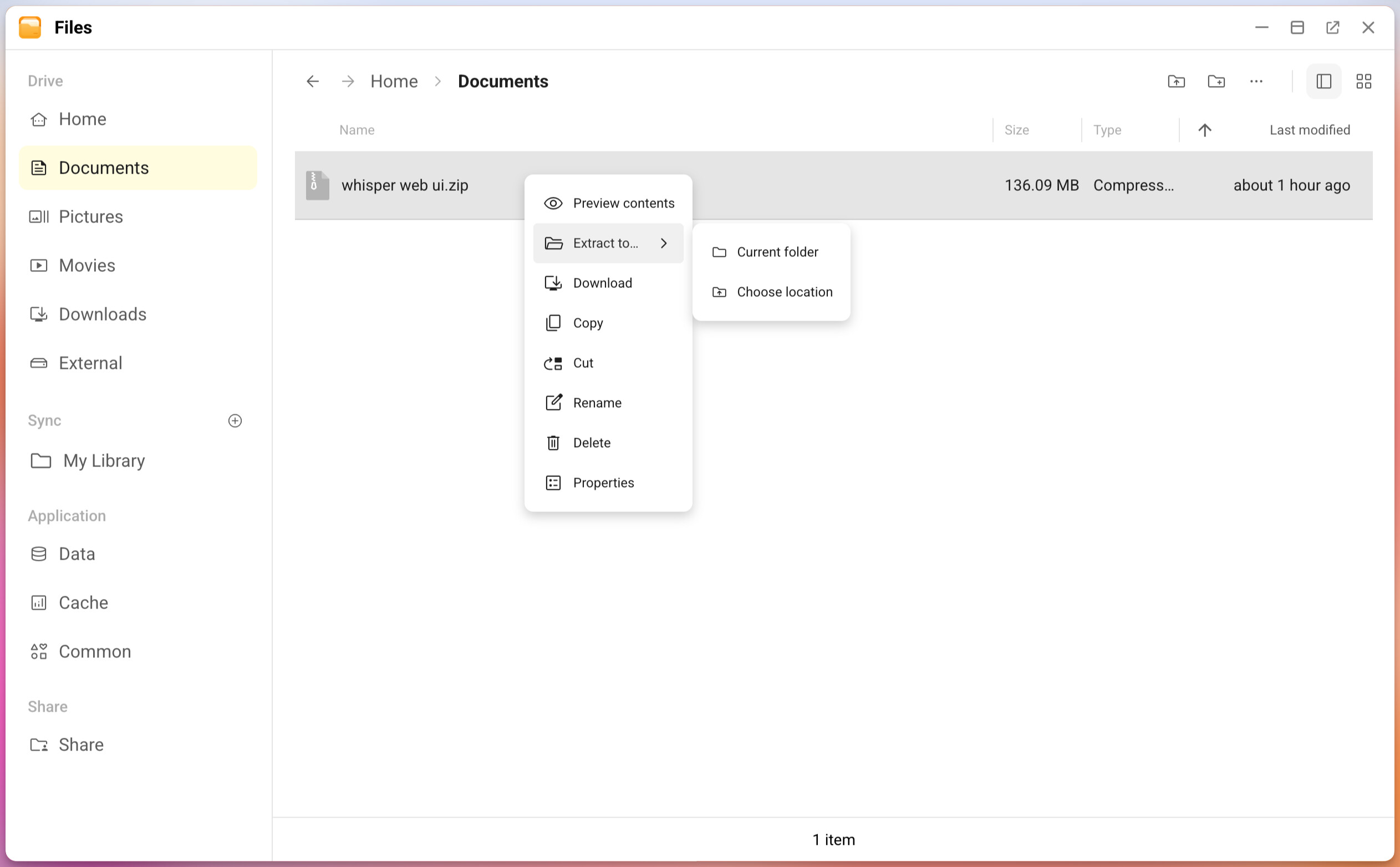
Supported formats include ZIP, 7z, and TAR. When compressing, you can choose the compression level, add password protection, create split volumes, and decide how to handle conflicts and symbolic links. When extracting, you can preview the contents first and pick where to extract them.
Mount NFS shares
NFS mount support joins the existing SMB and cloud storage options. You can connect to an NFS server using either an IP address or the IP:path format, save favorite servers, and unmount when needed.
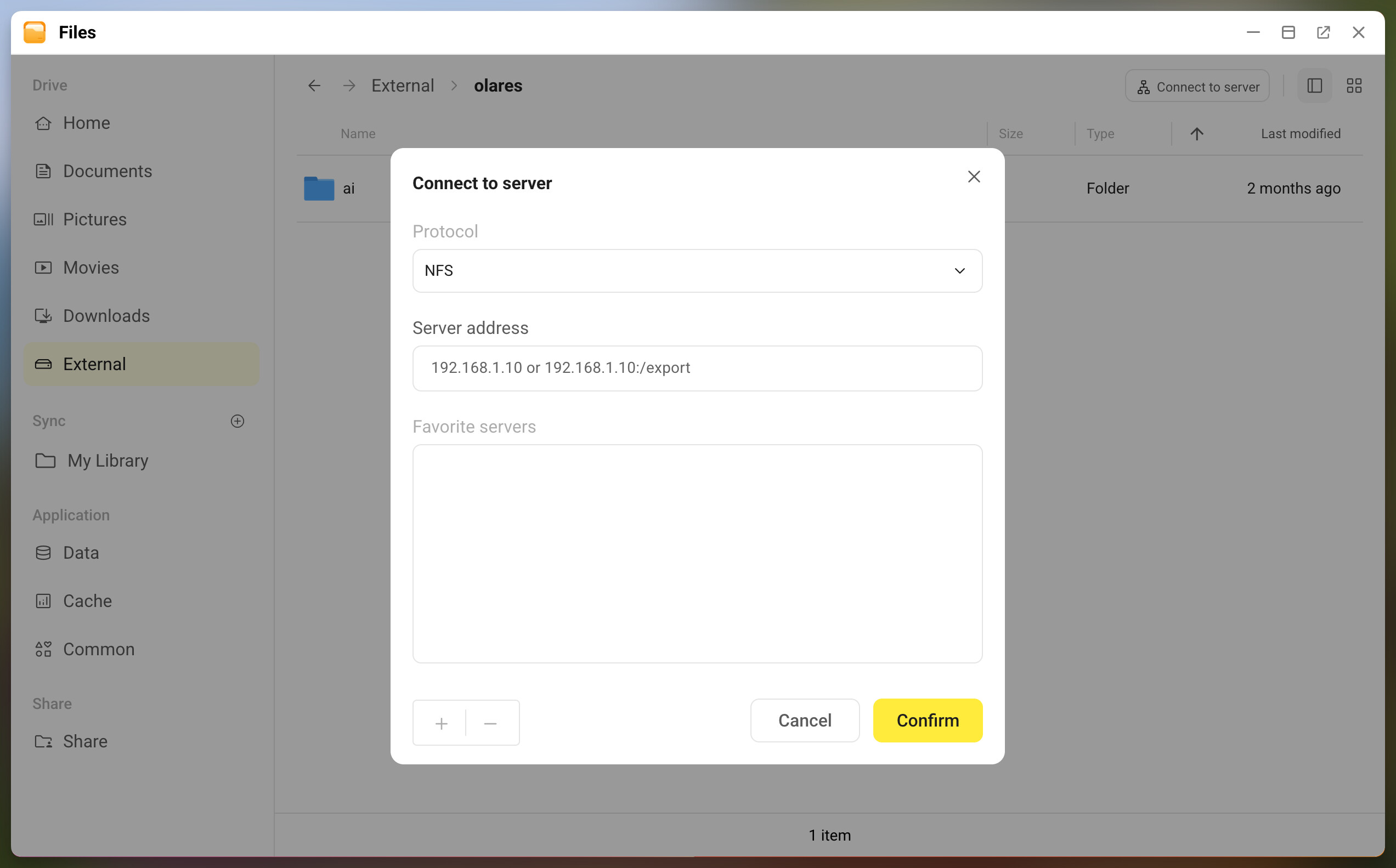
This is useful if you already have a NAS or another Linux server on your network and want to bring those files into Olares without copying them.
Common directory for shared AI models
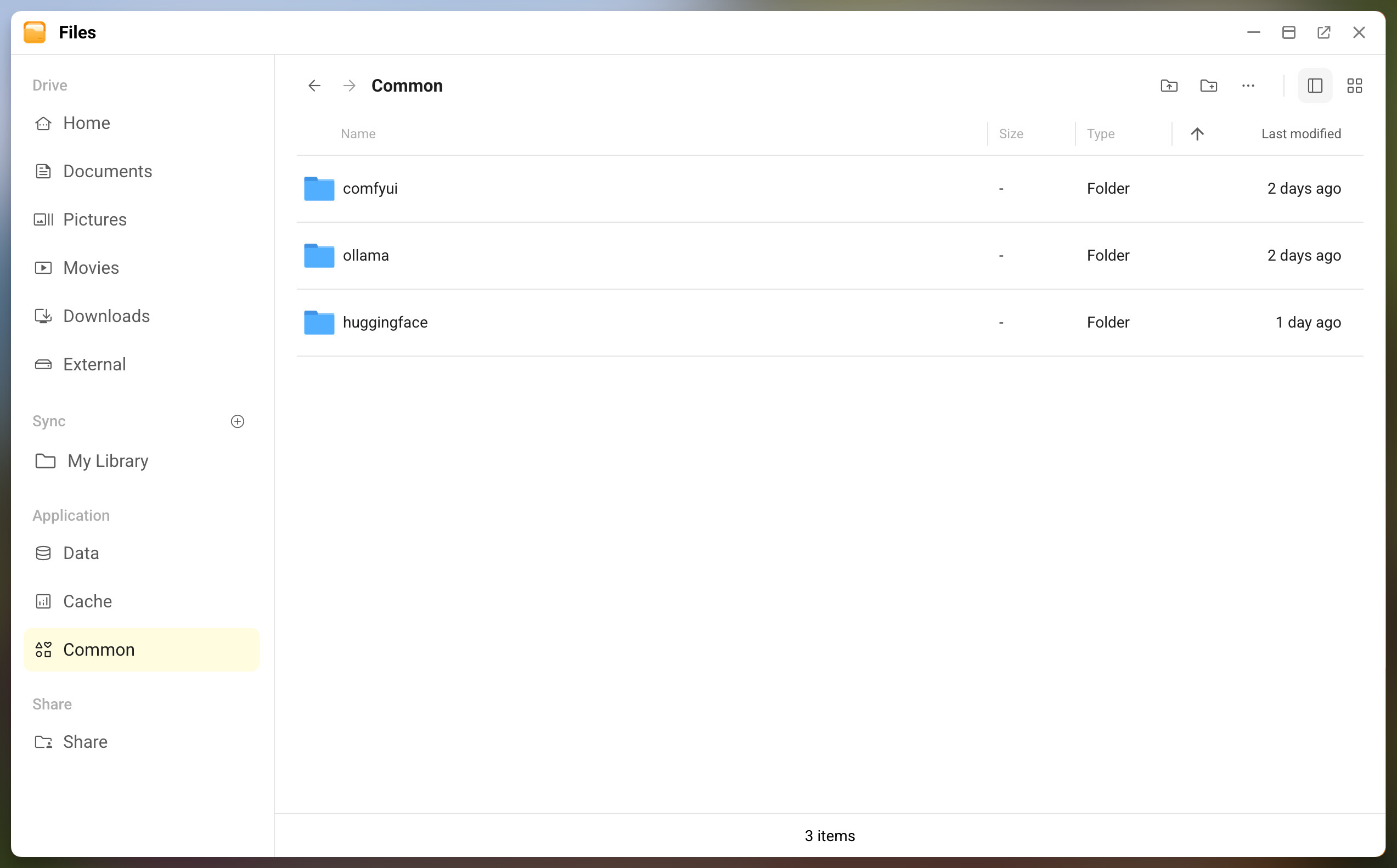
A new Common directory appears under Application. It is designed for files that multiple apps need to access, especially AI models.
If you work with local AI models, this means fewer duplicate downloads and less confusion about where each app stores its weights. The directory is automatically set up when you update system to 1.12.6.
Better sorting
Sorting preferences now persist across sessions. You won’t need to re-sort every time you open Files.
Expanded preview support
Files now previews more file types, including Office documents, EPUB, subtitles, and code files. You can also edit Markdown, Python, JavaScript, JSON, YAML, and other text files directly in the browser.
Feedback welcome
Questions and thoughts welcome in the replies! If you have a feature request for Files, post it in the Feature Request category so others can vote.