The Olares Desktop is getting a few quality-of-life improvements in 1.12.6. None of them are flashy on their own, but together they make the desktop feel more like a real workspace.
Cross-device icon sync
Your desktop icon layout now stays in sync across devices. Log in with the same Olares ID on another machine, and your apps appear in the same places you left them.
This is useful if you switch between a personal laptop, a tablet, or your mobile phone. You don’t have to reorganize your desktop every time.
Cross-screen drag
If you have a lot of apps, you can now drag icons between desktop pages, similar to how iOS and macOS let you rearrange home screens.
Reset to default layout
If your desktop ever becomes a mess, you can now reset it to the default layout. This restores the original icon arrangement without uninstalling apps or touching your files.
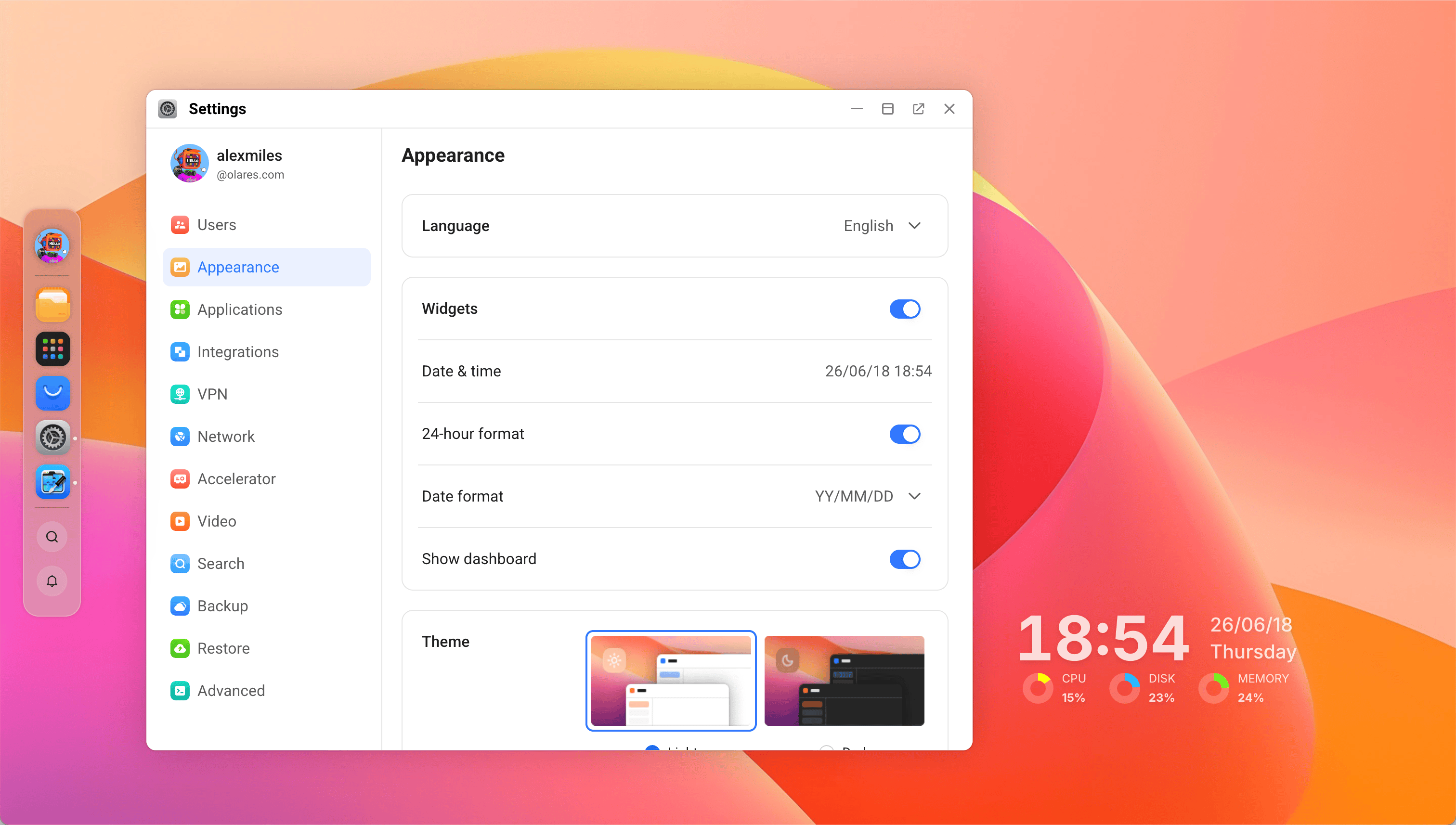
Desktop widgets
You can now add widgets to your desktop. The first set includes basics like date and time, plus a dashboard widget.
Feedback welcome
Is there any other widgets you’d like to see? Post it in the Feature Request category so others can vote.
