
Self-Hosted Password Manager vs Hosted Vault: What Should a Household Choose?

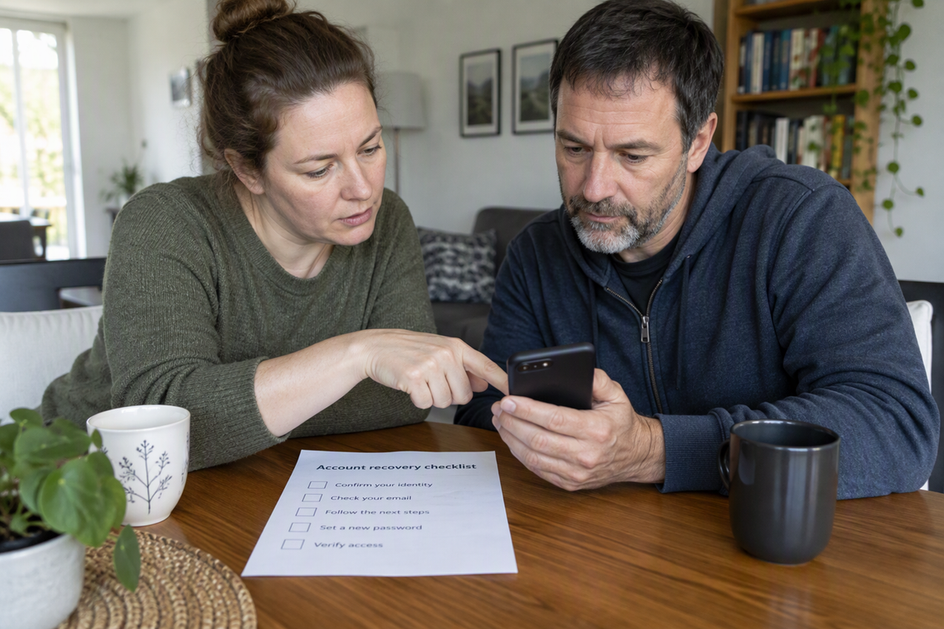
Choose a self-hosted password manager only if someone in your household will operate the service and maintain a tested recovery plan. A hosted vault moves server operation to a provider, but account recovery and decryption still depend on the product’s design and the recovery information you retain. Neither the provider nor a home administrator should be assumed able to recover a lost master password.
Neither choice is safer or more reliable just because of where the server sits. The real question is who your family will depend on during an outage, a lost master password, or a week when the “tech person” is away.
Which Password Manager Model Fits a Household?
The better fit is the model whose failure plan your household can carry out. Separate restoring the server from unlocking the encrypted vault. For each candidate, check what credentials, recovery keys, trusted devices, or preconfigured recovery options are required; an administrator role alone is not a universal recovery method.
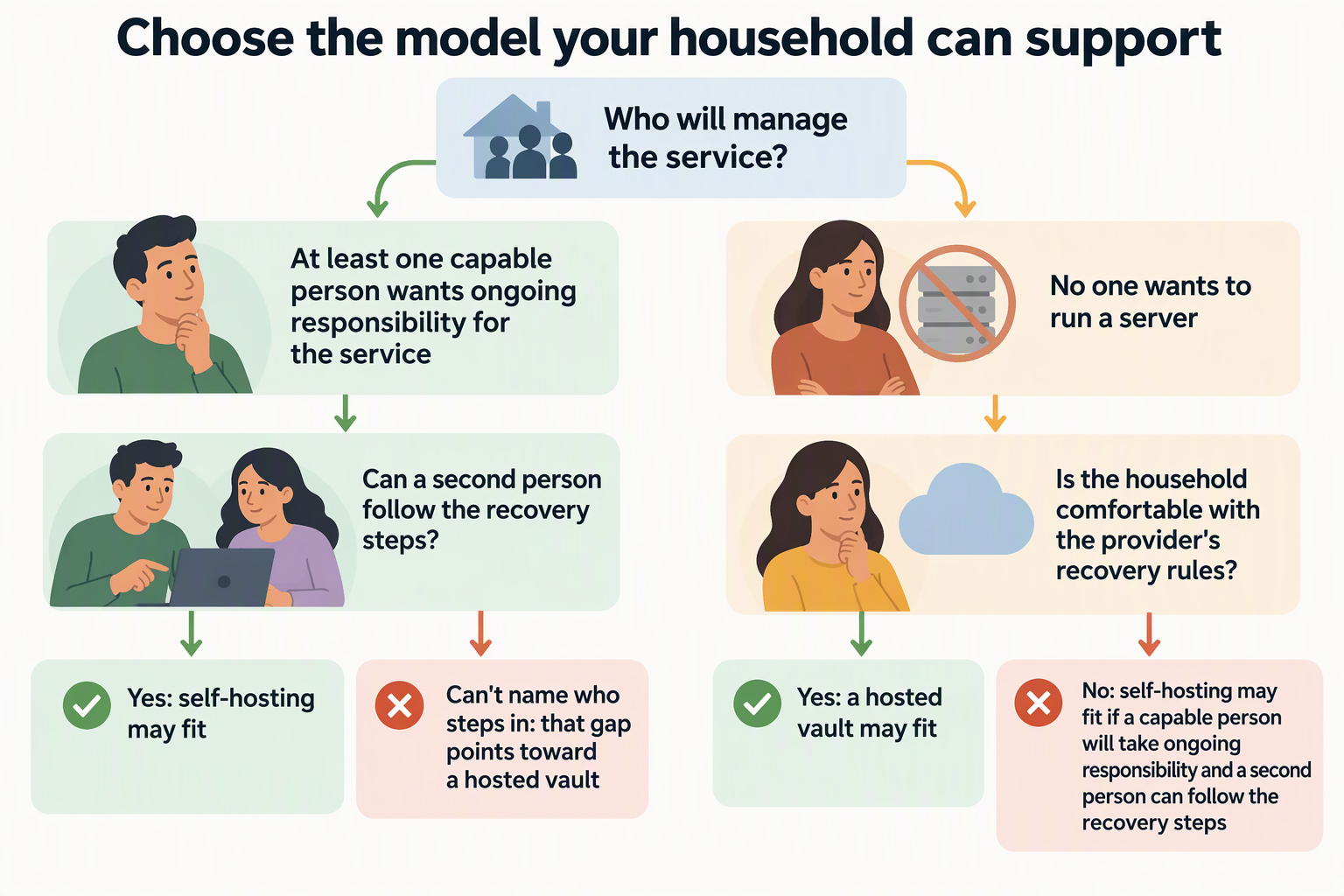
Self-hosting tends to fit a household with at least one capable person who wants ongoing responsibility for the service, plus a second person who knows the recovery steps. A hosted vault tends to fit a household seeking straightforward access across devices where no one wants to run a server, provided everyone is comfortable relying on a provider.
Your own facts settle the choice. Before you decide, write down three things. Who manages the service? Who steps in if that person can’t? Where does recovery information live? If you can’t fill in the second answer for a self-hosted setup, that gap points toward a hosted vault. If you can’t accept a provider’s recovery rules after reading them, that points toward self-hosting.
Who Manages Service Availability?
With self-hosting, your household runs the server, so availability depends on your hardware and on the person who looks after it. With a hosted vault, the provider runs the server, and its own service terms say what it commits to.
The labels alone don’t tell you how much work is involved. “Self-hosted” doesn’t spell out a fixed list of chores, and “hosted” doesn’t promise any particular uptime. To compare fairly, get the details for the specific options you’re considering.
For a self-hosted option, read its documentation for what the operator must handle to keep it reachable and recoverable. Then ask honestly whether your household’s operator will do that work month after month. For a hosted option, read the provider’s service terms and support pages for what it handles, how it reports outages, and how account recovery works.
Put the two answers side by side. If the self-hosted duties land on one person who is already stretched thin, the provider’s dependency may be the easier trade. If the provider’s terms leave you uneasy, taking on the work yourself may be worth it.
What Happens During an Outage or Administrator Absence?
Access during a bad week depends on recovery paths you set up ahead of time, not on the hosting model itself. Plan for two separate events: the service goes down, or the person who runs it is unavailable.
For Olares shared Vaults, the Super Admin is the default Vault team owner. Shared-vault creation and member permissions depend on that owner. If the owner is unavailable, members may be unable to change those settings; this does not mean existing authorized access automatically stops. Give members their own accounts and prepare any supported continuity arrangements before the owner leaves.
For a hosted vault, each member’s path back in depends on that provider’s account-recovery process. Read it before you sign up, not during a lockout.
Whichever model you pick, make sure a second trusted adult knows where recovery details are kept and has walked through the steps once.
Olares has separate guidance for recovering LarePass, Olares Desktop, or device access. That guide is not a promise of recovering every encrypted Vault. If no accessible LarePass client and no mnemonic backup remain, the documentation says the mnemonic cannot be recovered. Keep the recovery material and a tested route to it available before a lockout.
What Does Hosting Location Tell You?
Hosting location tells you who controls the server. It doesn’t, by itself, tell you how secure, private, or available your passwords will be.
The U.S. Cybersecurity and Infrastructure Security Agency (CISA) describes the trade-off plainly. According to CISA’s cloud-storage convenience guidance, cloud-based storage makes it easy to reach your password database from multiple devices. That matters for a household where parents and teens use phones, laptops, and tablets.
The same guidance makes a second, separate point. CISA’s server-control point is that cloud-based managers store your data on a server you do not control yourself. That is the core provider dependency. It describes control, not a verdict on the provider’s security or its outage record.
Self-hosting flips the control question but doesn’t answer the others. A server in your home is still only as available as its hardware and its caretaker. “Local” doesn’t mean offline, private, or secure unless your actual setup makes it so.
CISA also gives a check that applies to every option. CISA’s account-recovery advice is to understand how the master password and account recovery work in the manager you choose. Do this for each finalist. Then compare the answers with your household’s plan from the sections above.
FAQs
Can a household switch models later?
Yes, depending on the tools involved. In our Vault on Olares, for example, you can import exports from other password tools through the LarePass desktop app. Supported formats include .csv, .1pux, and .json files such as bitwarden_export.json. A supported file type does not guarantee that every custom export structure will import cleanly, so verify your entries after switching.
Does everyone in a shared household vault get access automatically?
Not always. In our Vault, members only see a new shared vault when the owner adds them and picks Editable or Read-only access. Removing one member is also different from deleting the vault. Deleting a shared vault permanently deletes its data. In any tool, check how sharing permissions work before you move family logins into one place.
What should we write down before choosing a self-hosted password manager?
Write down the name of the main administrator and a backup person. Note where recovery details are stored offline and what the steps are if the server stops responding. If those notes have blanks you can’t fill, that’s a sign a hosted vault may suit your household better for now.