
RSS Feed Overload: A Triage System for Sources and Reading

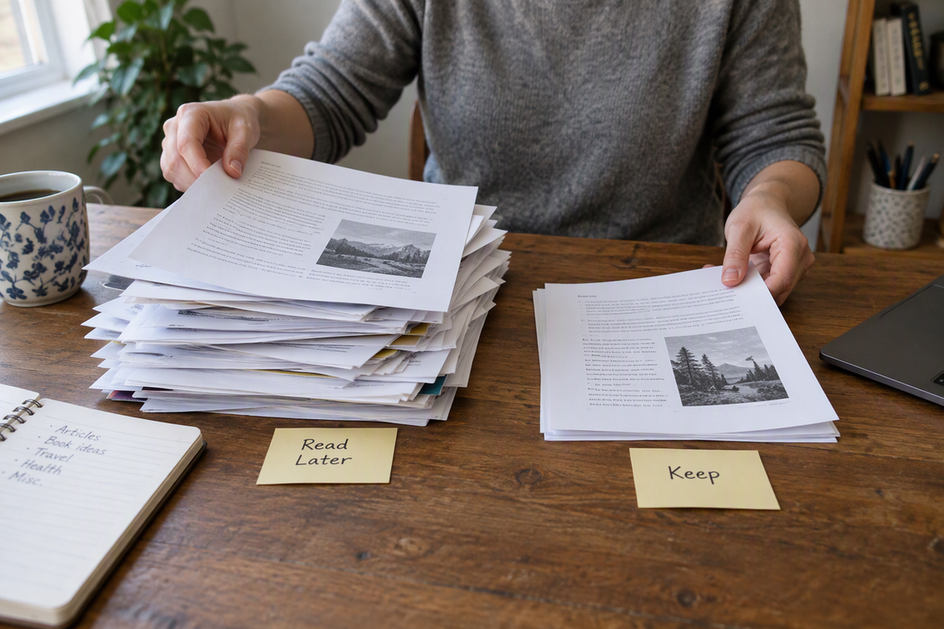
To handle too many RSS feeds and saved articles, stop treating them as one decision. Make three separate choices: is this source still worth following, what happens next to this article, and is this item worth keeping for later? Sort feeds first, then route each item, then archive only what you expect to need again.
The same item choices work for an old backlog and for whatever shows up tomorrow. This is a practical system to try and adjust, not a proven formula.
Separate Feed Decisions from Article Decisions
Overload usually comes from mixing up three questions that need different answers. Here they are in plain terms:
- Source: Does this feed still give me something distinct, again and again?
- Item: What should happen to this one article right now?
- Preservation: Will I need to find this again later?
Subscribing to a feed is not a promise to read every post it sends. You can keep a great source and skip most of its articles. You can also read an article without keeping it forever. Once you split these choices, a skipped post stops feeling like a failure, and your saved list stops pretending to be a library.
The order matters. Cleaning up sources first cuts down how many items reach you. Routing items next clears the pile. Archiving last keeps only the material you meant to keep.
Decide Which Feeds Still Earn Attention
Judge a feed by what it gives you over time, not by one good or bad post. Try this rule of thumb for each source on your list.
Keep a feed when it regularly offers material you can’t easily get elsewhere and you can name what you use it for. “This is where I learn about new tax rules for freelancers” is a clear use. “It seemed interesting once” is not.
Pause a feed when you’re unsure of its value or your attention is elsewhere. If your reader supports pausing, check whether it stops fetching or only hides entries. A folder you don’t open can reduce distraction, but it does not necessarily stop new items arriving or unread counts growing.
Remove a feed when it no longer fits your interests, repeats what other sources already cover, or keeps sending posts you never choose to read. That last test uses your own behavior: if you scroll past it every time, it has already been answered.
There’s no magic number of feeds to aim for. The right count is whatever you can honestly process with these rules.
Route Backlog Items and New Arrivals to a Next Step
Every article gets one of four next steps, whether it’s been sitting in your saved list for months or arrived this morning.
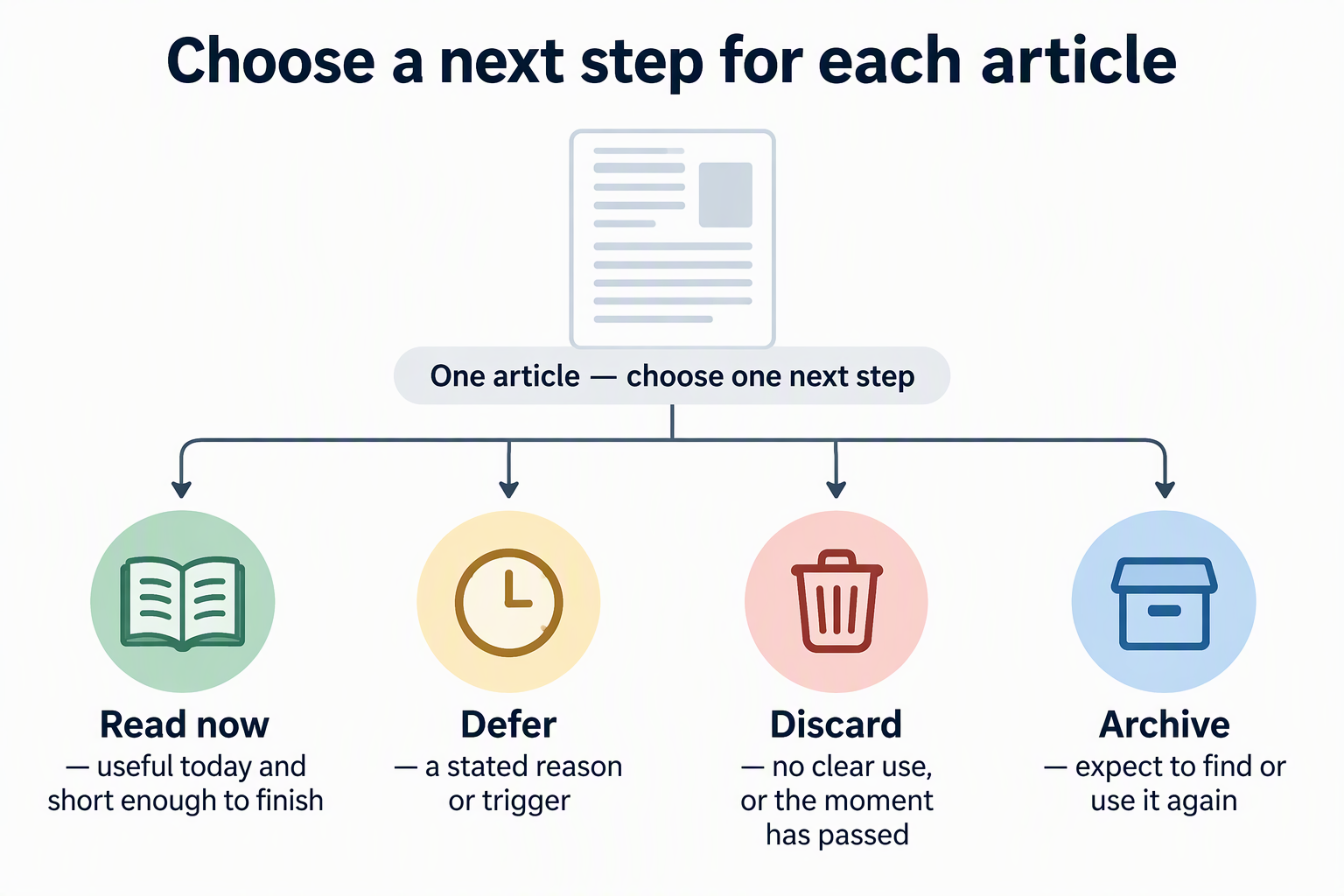
| Next step | When to choose it |
|---|---|
| Read now | It’s useful today and short enough to finish |
| Defer | You have a stated reason or a trigger, like “read before the March client call” |
| Discard | No clear use, or the moment has passed |
| Archive | You expect to find or use it again |
For an existing backlog, do one decision pass. You aren’t trying to read everything. You’re giving each item a next step. Many old saves will turn out to be discards, and that’s fine. The goal is a list where every item has a reason to be there.
For new arrivals, use the same four choices as your default when you first see an item. Coming from a feed you kept doesn’t earn an article a spot in your queue.
Be strict about defer. An item deferred with no reason or trigger has no next decision, so it quietly turns your queue into a second inbox. If you can’t name why you’re holding it or when you’ll look again, discard it or archive it.
Keep the Reading Queue Temporary and the Archive Searchable
Your reading queue is a waiting room, not storage. It holds items you plan to act on soon. Once you read or drop an item, it should leave the queue.
The archive is different. Promote an item to it only when you expect to find or use it again. When you save it, add enough context to remember why: a tag, a short note, or the project it belongs to. A bare link with no context is hard to find later and harder to trust.
Feed readers don’t all handle this split the same way, so check how yours works. In Wise, our reading and information app, Feeds are a discovery list, while the library holds content you deliberately save. Opening a feed item does not save it. You choose Save to library, and you can add Tags or a note to record why it matters. Unsaved feed entries may disappear when the source changes or when you unsubscribe, so save anything you want to keep before removing a feed. To capture articles from your browser into the same place, you can save web resources to Olares.
FAQs
Should I move my feeds to a new reader before or after triage?
After is usually easier, since you’ll only move feeds you’ve decided to keep. Note that an OPML file moves your subscription list, not always your reading history or saved articles. In Wise, for example, an OPML import brings in subscriptions only and pulls each source’s currently available posts.
What should I do with feeds that post too often?
Use the same keep, pause, or remove test, but look at what you actually read. If a high-volume feed still gives you distinct value, keep it and get comfortable discarding most of its posts without opening them.
Is it okay to discard an article I never read?
Yes. If it mattered, a good source will often cover the topic again. Discarding clears space for items you chose on purpose.
How do I make archived articles easier to find later?
Add context when you save, not later. A tag for the topic or project and a one-line note about why you kept it make searching much faster than scrolling through untitled links.