
How to Review AI-Generated Code Before Merging It

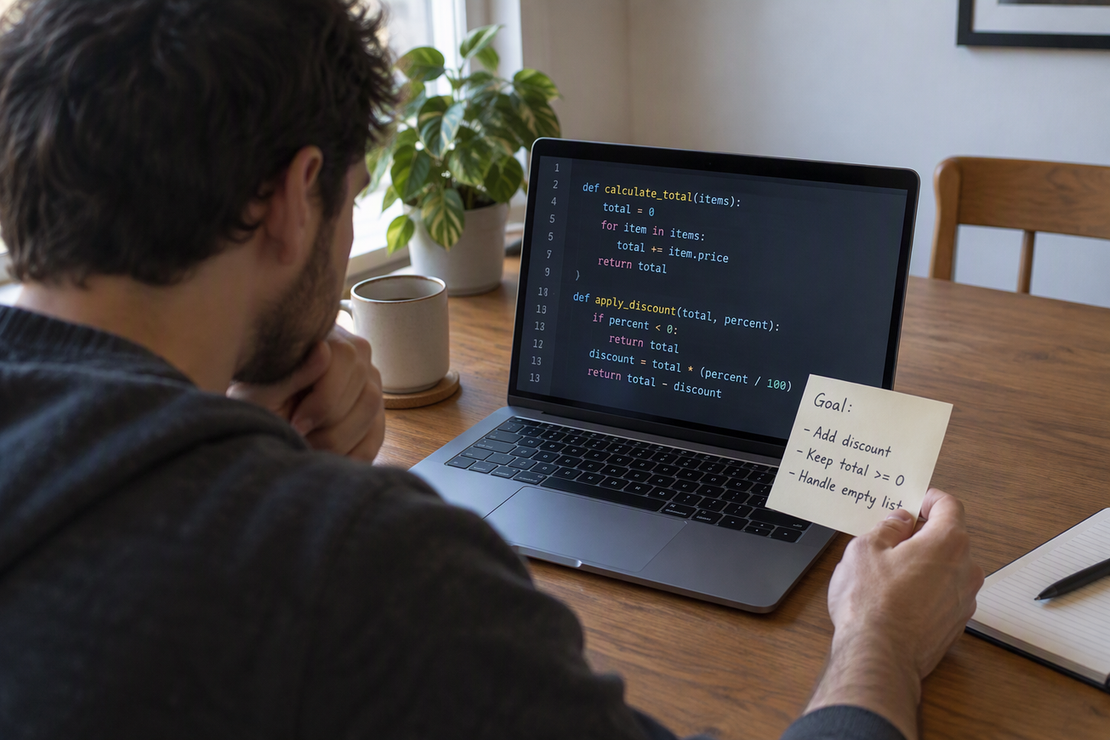
Review AI-generated code as a proposed patch, not as finished work. Before you merge it, check three things separately: whether the diff matches the change you asked for, whether checks that fit your project support the new behavior, and whether the patch changes who can access what or how data is stored. If any of those stays unclear, revise or hold the patch instead of merging it.
A solid AI code review keeps these three checks apart. Passing one does not settle the others.
Start With the Intended Change, Then Read the Diff
Write down what the patch is supposed to do before you open the diff. That stated goal, plus the way your project already works, is the yardstick for every line the tool produced.
Read the diff with that goal in mind. OWASP’s secure code review guide recommends checking changed components, existing security controls, and trust boundaries. Trace where external input enters the application and which new actions it can reach.
As you read, sort each material change into one of two groups. Expected edits clearly serve the requested behavior and follow your project’s patterns. Unexplained edits are changes you can’t tie to the goal, like a renamed function in an unrelated module, a new dependency, a loosened config value, or a deleted check. AI tools can touch more than you asked for, so the second group deserves real attention.
For example, suppose the request is to add a filename to a download response, but the patch also removes the check that the caller owns the file. A test for the new filename may pass while the download endpoint exposes other users’ files. Keep the ownership check and test the rejected request as well as the successful one.
If you can’t explain why a file or line changed, stop there and ask for clarification or a revision. Running tests on a patch you don’t understand only tells you how the unexplained code behaves under those tests. It doesn’t tell you whether that code belongs in the project.
Choose Checks That Match the Change
Pick checks based on what the patch changed and on how your project is already verified. There is no universal command list that fits every codebase.
NIST’s 2021 developer verification guidance includes automated tests, static analysis, and checks for hardcoded secrets. Choose the techniques relevant to this patch and your project. Run the existing checks that exercise the changed behavior; add coverage where a new requirement would otherwise go untested.
Read every result for what it actually covers. A passing test shows that the specific cases it exercises behaved as expected. It does not prove that every path the patch touched is correct. If the changed function has no test that calls it, a green test run says almost nothing about it.
Be careful when the AI tool wrote tests alongside the code. Generated tests can mirror the same wrong assumption as the code they check. Read what each test asserts and confirm it matches the intended behavior, not just the code’s current output. Also note what this article cannot do: no checks have been run on your repository here, so the results that count are the ones you produce and interpret in your own project.
Review Access and Data Effects Separately
Give access and stored data their own pass, even when the patch looks unrelated to them. Start by asking a direct question: does this change affect authorization, permissions, secret handling, or anything that writes, migrates, or deletes persistent data?
If the answer is yes, follow those paths through the code. OWASP’s secure code review guidance recommends that reviewers trace changed authorization paths and relevant data sinks. That means confirming authorization at each workflow step, checking sinks such as database queries and file writes, and reviewing transaction integrity and rollback behavior. In plain terms, ask who can now reach this action, where the data ends up, and what happens if the operation fails halfway.
For changed authorization logic, test both allowed and denied actions, including access to someone else’s records. A test that only signs in the intended owner misses a common failure case. Bring in a reviewer familiar with the security model when the change affects a sensitive boundary.
Unrelated passing tests do not settle any of this. A suite that never calls the changed permission check or data write can’t vouch for it.
Stop condition: if a patch changes access or persistent-data behavior and you can’t explain what changed, or the relevant review is incomplete, do not merge it. Hold it for clarification or further review.
When Is the Patch Ready to Merge?
Merge only when you can explain the change and the relevant checks support its intended behavior. Each earlier finding points to one of three outcomes:
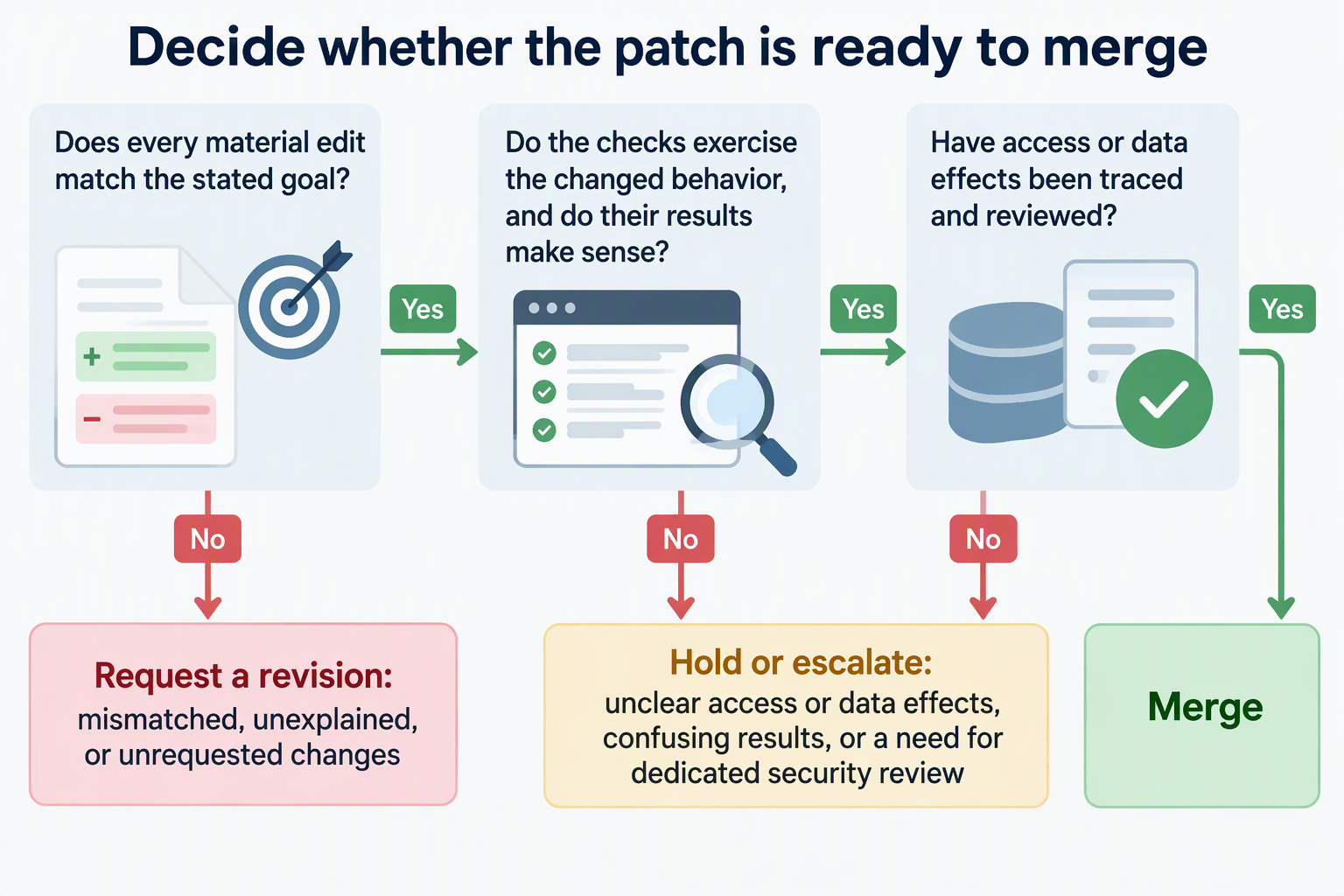
- Merge when every material edit ties back to the stated goal, the checks you ran exercise the changed behavior and their results make sense to you, and any access or data effects have been traced and reviewed.
- Request a revision when the diff doesn’t match the intended change, includes edits you can’t explain, or adds scope nobody asked for.
- Hold or escalate when important access or data behavior is still unclear, a check result doesn’t make sense, or the change needs a dedicated security review before anyone can judge it.
No test count or pass rate makes a patch safe to merge by itself. What decides it is whether you understand the change and have evidence that fits it.
FAQs
Does AI-generated code need a different review than code a person wrote?
The review targets are the same: the diff, relevant checks, and access or data effects. Treat an AI tool’s explanation as a claim to verify against the code and original request. If the patch is hard to follow, ask for a narrower change and review that.
What should I do if the AI-generated patch is too big to review well?
Ask for it to be split into smaller patches, each tied to one purpose. A smaller diff makes it easier to spot unexplained edits and to match checks to each change. If splitting isn’t possible, review the access and data paths first, since those carry the highest stakes, and hold the rest until it can be read with care.
Can static analysis or a security scanner replace manual review?
No. Static analysis and secret detection help identify patterns, but cannot establish that a patch matches the intended behavior. Use their findings alongside manual review and tests that exercise the changed paths.
Should I tell reviewers that a patch was generated by AI?
It helps when your team’s process asks for it, because reviewers can then pay extra attention to unexplained scope and generated tests. Labeling a patch doesn’t change what has to be checked, though. The same merge standard applies: understand the change, and confirm that the checks fit what it does.