
AI Server or NAS? Choosing Where Private Data Lives
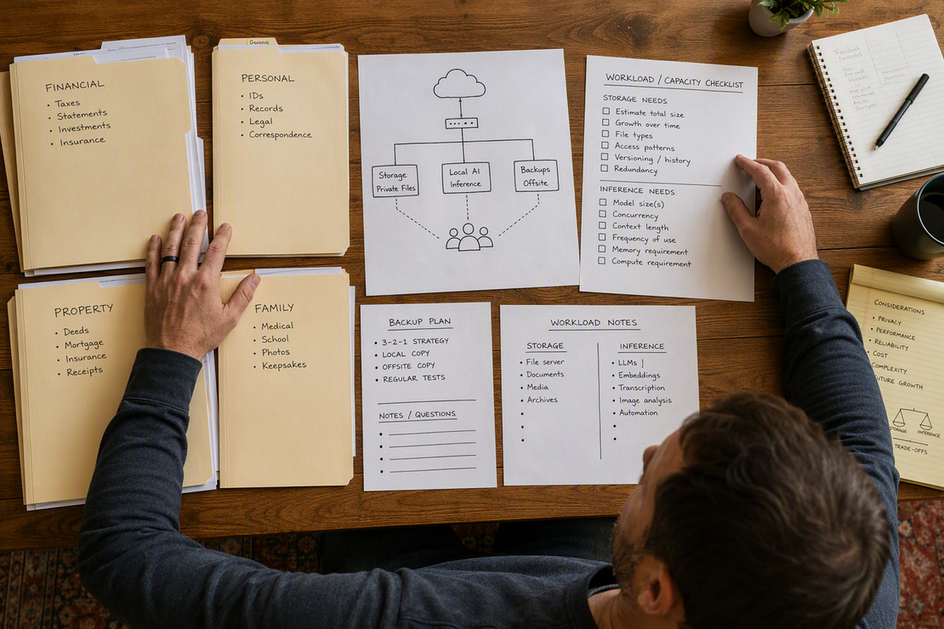
A NAS and an AI server solve different problems, and the AI server vs NAS question comes down to which one is your actual bottleneck. A network-attached storage device is built to hold and serve files to multiple devices; a dedicated AI server is built to run local models fast. If you mainly need to store private documents, back them up, and share them across a household or small office, a storage-first NAS covers that job. If sustained or interactive local inference is what’s slowing you down, a dedicated AI inference server is the better fit. A combined private AI appliance can do both from one box, but only when it passes both jobs at once and you accept a shared failure point. That question shapes every private AI storage decision that follows, more than the label on the box does.
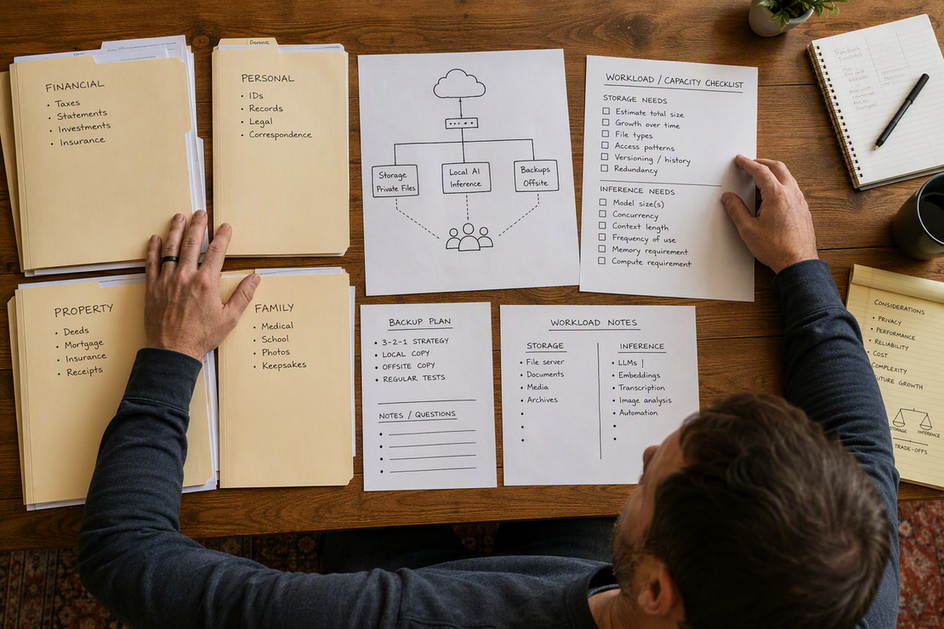 Person planning a private data setup with paper folders, a workload checklist, and a simple network diagram on a desk
AI Server vs. NAS: The Short Answer
These three roles are not interchangeable, and confusing them is the fastest way to overbuy or underbuy. Each one gets a distinct job description below before you compare them side by side.
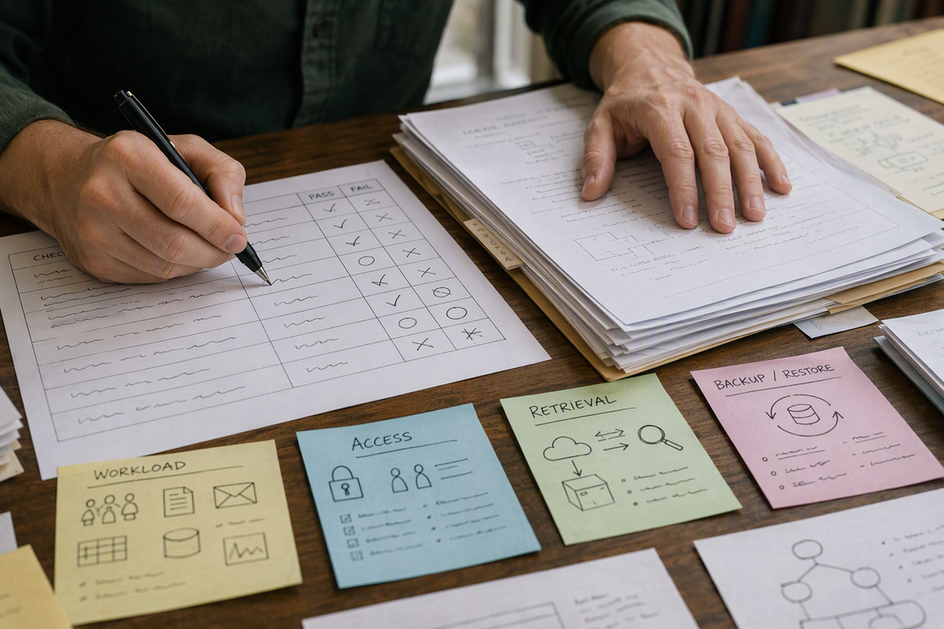 Hands checking document volume, model workload, permissions, and backup requirements on a comparison worksheet
Storage-First NAS
A storage-first NAS earns its keep when centralized files, drive capacity, access from multiple devices, and a repeatable backup routine matter more than compute power. Under NIST’s storage guidance, a NAS is fundamentally a network-accessible storage device that provides file-level access to client devices over standard network protocols rather than a compute platform. That makes it a strong candidate to hold the private documents a separate AI system later retrieves. What it doesn’t do automatically is run a local model well. Storage capacity and drive bays say nothing about whether the unit has the memory, accelerator support, or software stack a given model needs.
Dedicated AI Inference Server
A dedicated AI inference server earns its keep when interactive chat responses, larger models, or sustained workloads are the actual limit on what you can do locally. It prioritizes a supported GPU or NPU, enough accelerator memory, and a runtime built to serve models, rather than drive bays. It doesn’t need to hold every file itself. That describes a private AI server with network storage attached, and it works well once the retrieval path has been tested for permissions and document volume. The tradeoff is that raw storage growth on this kind of box is usually secondary to compute.
Combined Private AI Appliance
A combined private AI appliance puts document storage and model inference on one host because one-box simplicity and direct local data access matter more than scaling each role independently. This only works when the single system’s hardware and software satisfy both jobs at once: enough drive capacity and network throughput for files, plus the memory and accelerator support the model needs. Olares OS, for example, is built to run sandboxed AI agents directly on personal hardware, which is the kind of software layer this combined role requires. Choosing this route means storage and inference now share one maintenance window and one failure boundary.
Compare NAS and AI Server Requirements Before You Buy
Storage capacity and network access favor a NAS, while inference speed and local model support favor a dedicated server, and a combined appliance has to clear both bars at once. Even large-scale deployments keep these roles distinct: reference architectures for AI computing separate accelerator-equipped compute nodes from a dedicated data storage zone, which is the same split this table applies at a smaller scale.
Decision axis | Storage-first NAS | Dedicated AI inference server | Combined private AI appliance |
|---|---|---|---|
Primary emphasis |
|
|
|
Storage capacity & drive layout | Built for multiple large drives and expansion | Secondary; sized for model files and cache, not bulk documents | Must cover file capacity and model/index storage together |
GPU/NPU & memory | Rarely sufficient without direct verification | Prioritized: accelerator memory and bandwidth | Must meet inference needs without starving storage tasks |
Local model workload | Fits only if hardware and runtime are confirmed | Designed around the intended model and concurrency | Same fit check, plus resource sharing with file service |
Network access | Central file-serving role for many clients | May retrieve documents from separate storage | Serves files and inference from one network address |
Backups | Needs a separate, tested backup target | Needs backup for model files, config, and outputs | Needs a backup outside the appliance’s own failure domain |
Uptime | File access depends on this one system | Inference depends on this one system | Both roles go down together during an outage or maintenance |
Upgrade path | Can scale storage capacity independently | Can scale accelerators independently | Upgrades to either role affect the whole appliance |
Failure isolation | A storage failure doesn’t touch a separate AI host | A compute failure doesn’t touch separate storage | One failure domain covers both files and inference |
If your priority column is storage capacity, network access, and backups, a storage-first NAS wins outright. If it’s GPU/NPU needs and local model workload, a dedicated AI inference server wins. A combined appliance only makes sense when no column disqualifies it, and even then it accepts a shared uptime and failure boundary that neither split option carries.
Can a NAS Run Local AI Models?
Yes, but only when the exact model, memory, accelerator path, runtime, and permissions all check out; otherwise keep the NAS as storage and run inference somewhere else. Storage capacity is not evidence of inference capability, so treat each condition below as a pass/fail gate rather than a general guideline.
Hardware and Accelerator Fit
- Confirm the selected model’s memory requirement against the NAS’s available system memory and any onboard accelerator memory, not just its advertised RAM ceiling.
- Verify the NAS actually exposes a supported GPU or NPU to the inference runtime; don’t assume an installed accelerator can be passed through or used the way it would on a general-purpose server.
- Check model, cache, index, and output storage separately from the space allocated for documents, since these files can consume working storage quickly as the system grows.
Software, Permissions, and Data Path
- Confirm the inference runtime you want to run is actually supported on the NAS’s specific operating environment, not just on similar hardware.
- Verify the AI service can reach only the documents and indexes it’s meant to use, not the entire file share.
- Determine whether the model processes documents locally on the NAS or retrieves them over the network to another host, since that changes both performance and the failure path.
Test the Intended Workload
Before treating the NAS as your inference host, run the actual model against a representative set of your documents, at the concurrency you expect day to day, and confirm the retrieval path behaves as planned. If any required check above fails, a NAS for local LLM documents paired with a separate inference host remains the safer setup than forcing inference onto storage hardware that wasn’t built for it.
When Should Storage and AI Compute Be Separate?
Split them when continued file access, independent upgrade timing, or workload isolation is worth the extra network and administration work; keep them together when none of those conditions apply. The bottleneck rarely resolves itself, so base this decision on your actual usage pattern rather than convenience.
Separate Them for Independent Availability
Choose separate systems when people need to keep opening and editing files even while the AI host is down for maintenance or has failed outright. That requires treating the network path and authentication between the two systems as a deliberate dependency you test, not an assumption. When the AI server can be rebuilt without touching the document repository, the storage system keeps functioning as the source of truth on its own.
Separate Them for Independent Upgrades
A dedicated AI host lets you swap accelerators or change the inference runtime without redesigning the storage system underneath it. A storage-first NAS, in turn, can follow its own drive-capacity and layout schedule. This only pays for the added administration when upgrade independence is something you’ll actually use, such as adding a new accelerator generation or scaling storage well ahead of your compute needs.
Keep Them Together for Simplicity
Co-location reduces the number of components and keeps the data path short, since the model reads documents from local storage instead of crossing the network. The cost is that storage and inference now share hardware, software versions, thermal limits, and restart windows. Move forward with one box only after both workloads have been tested on it together and you can tolerate shared downtime when one part needs attention.
Backups and Failure Isolation: The One-Box Trade-Off
Combining storage and inference on one machine doesn’t remove the need for a backup that lives somewhere else; it makes that backup more important. The rule is the same whether you run one box or two: a backup has to be a secure copy stored separately from your primary systems, with restores tested rather than assumed.
Primary Storage Is Not a Backup
A backup is a distinct copy of your data, not another role bolted onto the same host. RAID arrays, snapshots, and local redundancy can improve uptime, but none of them are an independent recovery copy by themselves, because a failure in the appliance’s power, controller, or firmware can take all of them out together. Test a full or partial restore from your actual backup target before trusting the design with anything irreplaceable.
The One-Box Failure Domain
On a combined appliance, one hardware failure or maintenance event can take both file access and AI inference offline at the same time, since they share the same power, storage controller, and operating environment. Resource contention between the two roles, or a software update meant for one of them, can also affect the other. Don’t make a combined host the only home for irreplaceable private data unless a separate, tested backup exists outside that host’s failure domain.
The Split-System Recovery Boundary
When storage and compute are separate, the AI server can be wiped and rebuilt without threatening the document repository, since it was never the authority for those files. That doesn’t erase the backup job, though. Model files, vector indexes, configuration, credentials, and generated outputs still need their own backup plan sized to how hard each one would be to recreate. Confirm that the storage system stays reachable and usable for its normal clients while the AI host is offline for repair or an upgrade.
Choose the Right Architecture for Your Scenario
Match the architecture to whichever workload is actually your bottleneck, then verify the specific hardware and recovery path before you commit. The four scenarios below cover most households, offices, and small teams making this decision.
Storage-Heavy: Choose a NAS
Choose a storage-first NAS when shared files, capacity, and backups dominate your workload and AI use is occasional or runs in batches rather than live conversation. Next, inventory your file capacity, the number of client devices that need access, where the backup copy will live, and the exact AI workload you might add later, before spending money on compute you may not need yet.
Inference-Heavy: Choose a Dedicated AI Server
Choose dedicated AI compute when interactive response time, larger models, multiple concurrent users, or sustained inference is what’s actually slowing you down. Next, validate the server’s accelerator memory and bandwidth against your chosen model, confirm the runtime supports it, test document retrieval from wherever your files live, and confirm you have a rebuild path for the model state if that server fails.
Balanced Single-Box: Choose a Combined Appliance Carefully
Choose a combined appliance only when fewer components and direct local data access outweigh the value of upgrading storage and compute on separate schedules. Hardware built for exactly this role, like our Olares One appliance, targets this one-box use case. Next, test both workloads together under real load and confirm a separate backup exists before you store anything irreplaceable on it.
For users who want local AI, private files, and self-hosted services in one environment, a personal AI cloud such as Olares One is a more complete fit than treating the device as either a NAS or a conventional AI server. Olares One combines the hardware needed for local AI with Olares OS, an open-source personal cloud operating system designed to run AI models, agents, and self-hosted applications on hardware you control.
Availability-Sensitive: Split Storage and Compute
Choose separation when files need to stay available during AI maintenance, or when your storage and accelerator upgrades don’t follow the same schedule. Next, test the network mounts, permissions, and retrieval path while the AI host is deliberately taken offline, so you know file access actually survives that outage before you rely on it.
Whichever path fits, the sequence is the same: inventory your data and model needs, decide which failure boundary you can accept, validate the exact hardware, runtime, and permissions involved, then test a real backup restore before treating any of it as production-ready.